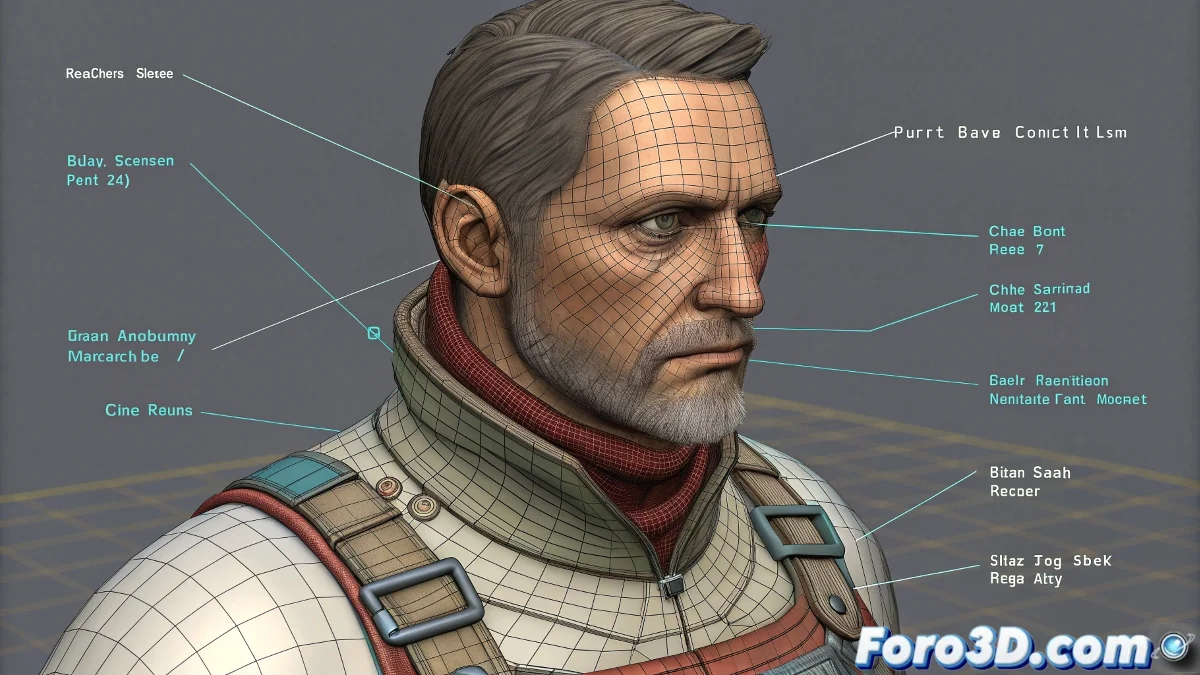
Brad Noble's Rig: An Advanced Control System
Brad Noble's rig is known for its sophisticated controller system, ideal for character animation. However, it is not designed to integrate directly with Physique, as this requires simpler bone hierarchies and structures that match the main mesh.
Limitations with Physique
Physique works best when the main bones are clearly hierarchized and directly linked to the mesh. In Brad Noble's rig:
- Complex hierarchies: They do not always match the structure that Physique expects.
- Auxiliary controllers: They generate confusion when assigning envelopes.
- Limited deformation: Even if assigned to the root bone, the envelopes are often inadequate.
Attempting to use Physique with this rig can produce imprecise deformations and a frustrating workflow.
Recommended Use with Skin
The Skin modifier is much more flexible and suitable for this rig, as it allows manually selecting the bones that actually deform the mesh.
- Link to deforming bones: Ignore controllers that do not affect the geometry.
- Vertex weighting: Adjust the influence of each bone for smooth transitions.
- Non-deforming auxiliaries: Exclude control bones that only serve as guides.
- Motion tests: Verify with basic animations the correct mesh response.
Differences from Standard Biped
This rig does not directly use Biped functions, as it has its own hierarchy and control system. To combine animations from both systems, it is recommended:
- Retargeting: Transfer animations from Biped to Brad Noble's rig.
- Export: Save animations as intermediate files (FBX, BVH).
- Manual adjustments: Adapt complex movements with additional keyframes.
Conclusion
Brad Noble's rig offers advanced control that surpasses Physique in flexibility. With Skin, you can ensure precise deformations and make the most of its potential in animation. Although it does not integrate with Biped, retargeting tools allow maintaining a professional and scalable workflow.