How to Update the Firmware of the Creality K1 Max Printer
Updating the internal software of your Creality K1 Max printer is a key operation to activate improvements and fix issues. This procedure, although simple, requires following precise steps to avoid setbacks. 🛠️
Obtain and Prepare the Necessary Elements
The first step is to download the latest firmware file from the official Creality website, verifying that it corresponds to the K1 Max model. You will need a USB drive that you must format beforehand with the FAT32 file system to ensure compatibility.
Essential Preparations:- Get the .bin file from Creality's official source.
- Ensure the USB drive is formatted in FAT32.
- Copy the file to the root of the pendrive, without putting it in folders.
The preparation phase is fundamental: an incorrect file or a poorly formatted USB will prevent the printer from detecting the update.
Execute the New Firmware Installation
With the USB drive ready, connect the pendrive to the corresponding port on the K1 Max while the machine is completely turned off. Do not turn it on yet. This order allows the system to recognize the storage medium on startup. 🔌
Update Sequence:- Turn on the printer and wait for the main interface to load.
- Navigate to the settings menu and select the system option.
- Press firmware update and choose the correct .bin file from the list.
- Confirm the selection to start the process automatically.
Complete the Process Safely
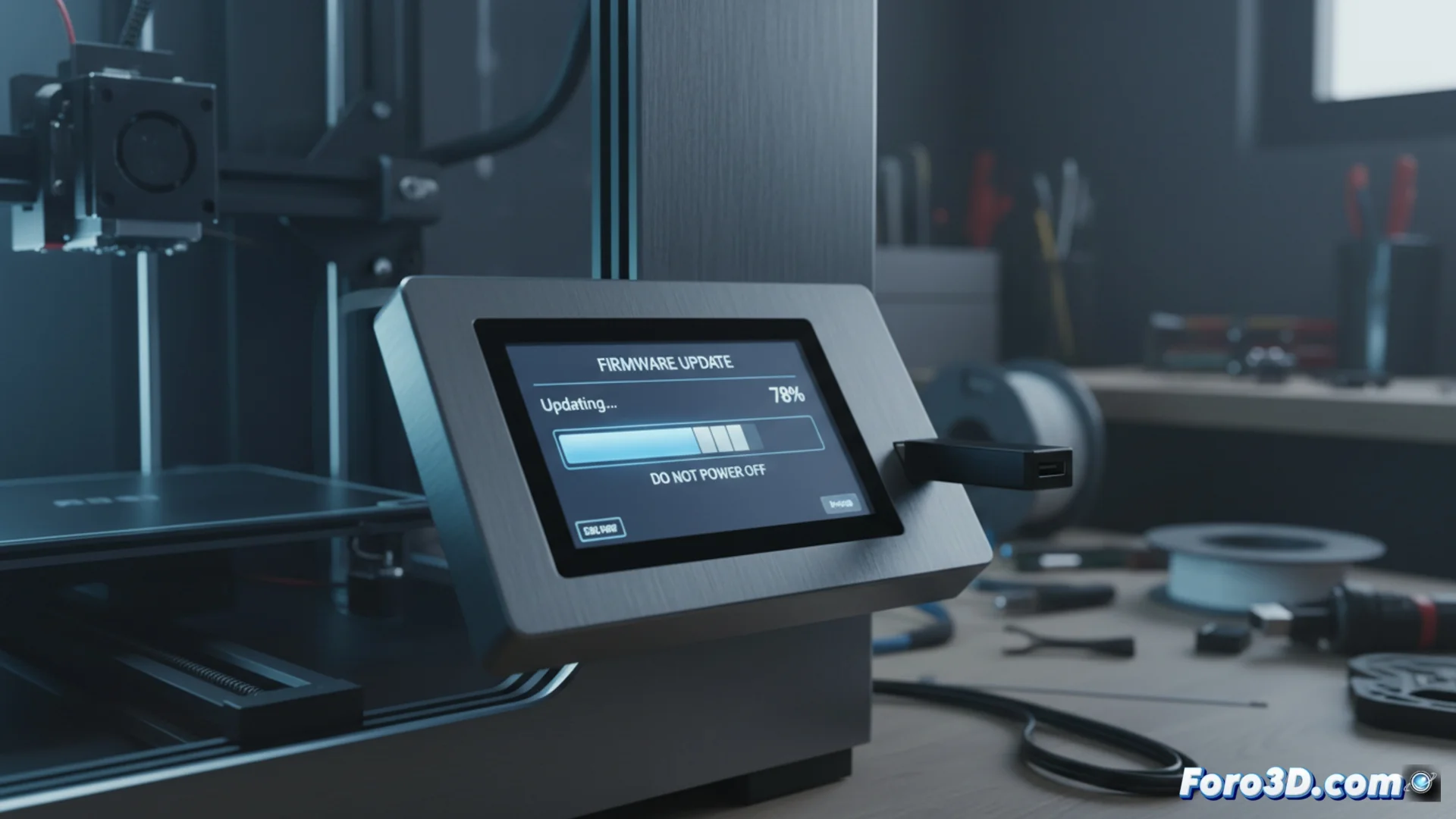
Once it starts, the screen will show the progress. It is vital not to interrupt the power supply or turn off the machine during these minutes. The printer will restart by itself when finished. This is the most delicate moment for the device, so it is recommended not to use it for anything else and simply monitor that everything ends correctly. ✅