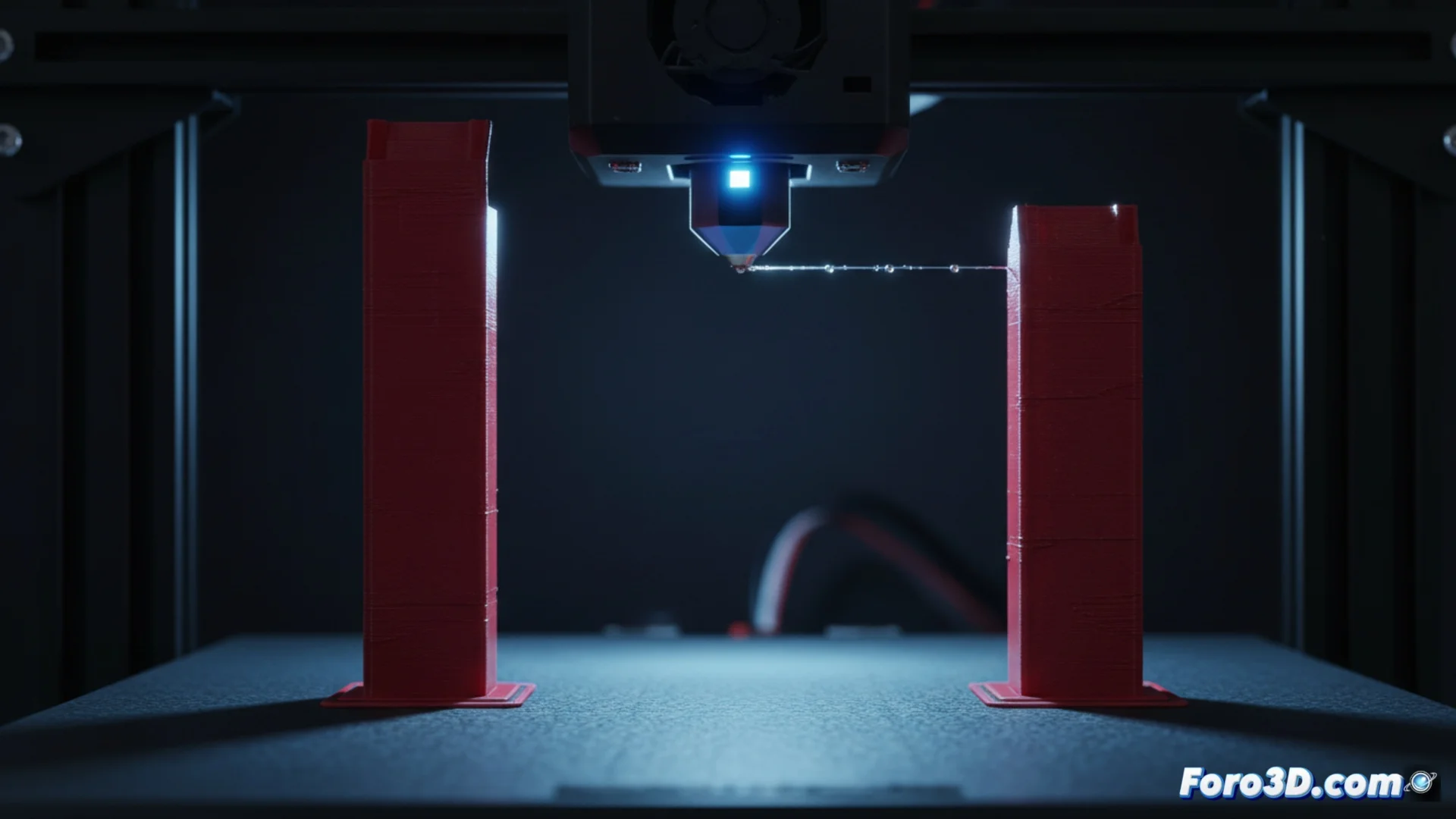
How to Solve the Filament Stringing Problem in 3D Printing
One of the most common defects in 3D printing is the appearance of thin plastic strings connecting parts of the piece where they shouldn't exist. This phenomenon, called stringing or oozing, occurs because the molten material leaks from the nozzle when the head moves from one place to another without depositing filament. To achieve clean and precise finishes, it is essential to correctly configure the slicing software. 🧵
Optimize Extruder Retraction
The main strategy to combat this defect focuses on modifying the retraction parameters. This process consists of the extruder pulling back a portion of filament to generate a partial vacuum in the melted area, preventing the plastic from dripping due to inertia or gravity. For it to be effective, both the retraction distance and the speed at which this movement is performed must be increased. A longer retraction creates a more powerful suction effect, while a higher speed reduces the time window in which the material can ooze. These adjustments are implemented in the G-code through commands like G10 (retract) and G11 (resume), or through negative values on the extruder's E axis.
Key parameters to modify:- Retraction length: Increase this value to achieve more effective suction in the hot chamber.
- Retraction speed: Set a high speed so that the retraction movement is quick and precise.
- Travel behavior: Ensure that retraction is activated in all non-extruding travel movements.
A well-adjusted retraction is the most effective barrier against unwanted plastic strings during head travels.
Complementary Adjustments in the Slicer
Although configuring retraction is the most important step, other factors in the print settings also help minimize stringing. A nozzle temperature that is too high makes the filament excessively fluid and prone to dripping; reducing it by a few degrees can make a big difference. Likewise, increasing the empty travel speed makes the head pass faster over gaps, leaving less time for the material to leak. Many slicing programs include advanced features like combing retraction (which avoids crossing outer contours) or z-hop (which slightly lifts the head when traveling), which prevent the nozzle from rubbing against the part and dragging strings.
Other settings to review:- Extrusion temperature: Try lowering the hotend temperature in 5°C increments.
- Travel speed: Set a high speed for non-extrusion movements.
- Slicer functions: Enable options like "Combing" or "Z Hop" when available.
When the Problem Persists
Sometimes, stringing continues despite fine-tuning all software settings. This is usually a clear indicator that the filament has absorbed moisture from the environment. Moist plastic vaporizes inside the hotend, creating bubbles and causing the material to flow irregularly and ooze easily. In these cases, the solution is to dry the filament using a dehydrator or a gentle and controlled heat source. It is a frustrating situation where, instead of building the model, the printer seems dedicated to weaving a plastic web around the part. 🔧