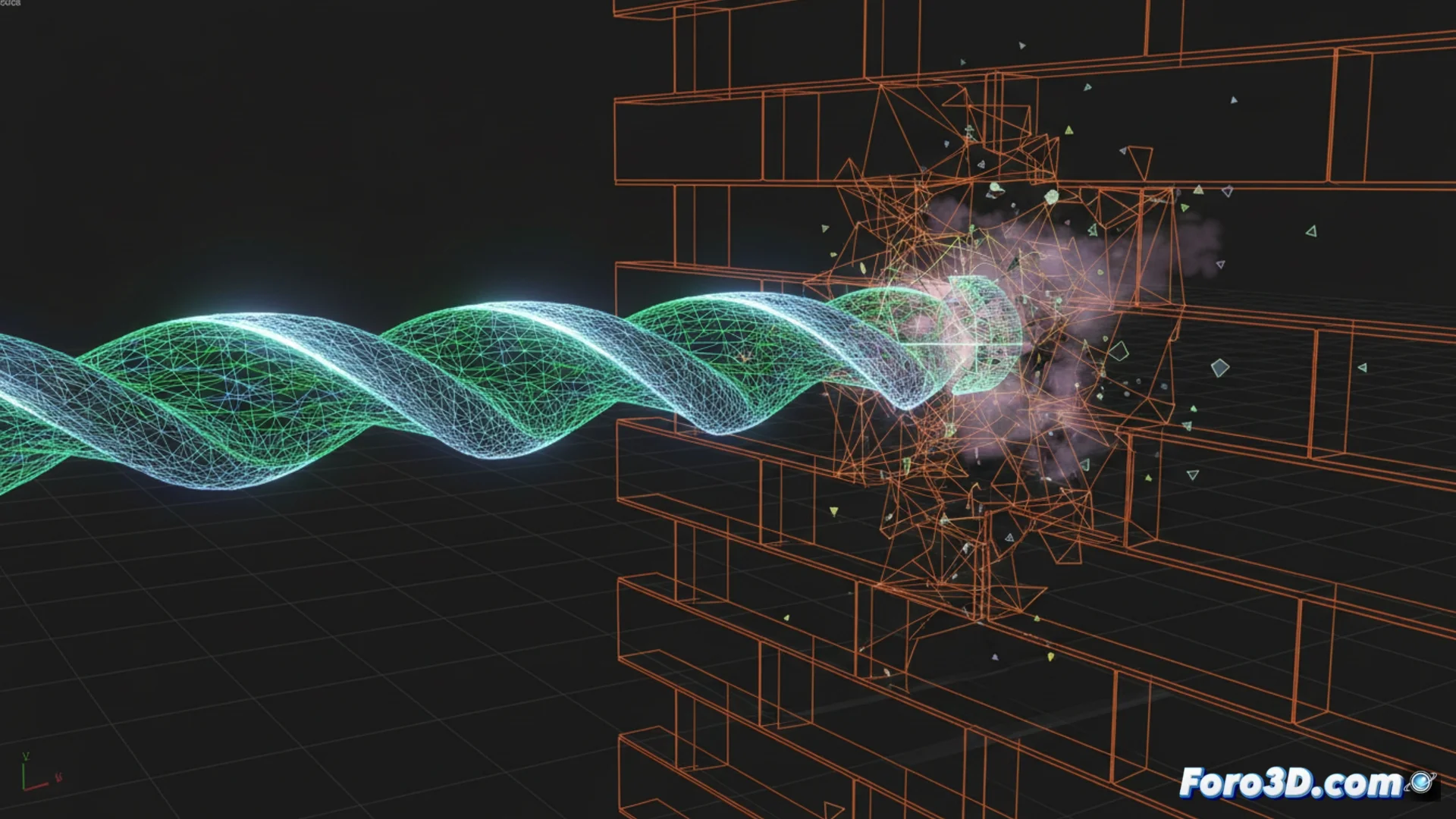
How to Simulate a Drill Drilling Through a Wall in 3ds Max
Creating the illusion of a drill going through a wall requires animating the interaction between two objects with precision. This process involves modeling the elements, setting up specific modifiers, and planning the keyframes to achieve a convincing result. 🛠️
Prepare the Base Models
The first step is to build the initial geometry. For the wall, a plane or a box with the Shell modifier applied gives it the necessary thickness. The drill bit must be modeled separately, ensuring its tip is well-defined. It is crucial that the area of the wall where contact will occur has sufficient subdivisions; you can achieve this with TurboSmooth or by manually cutting polygons. Place the drill in front of the wall at frame zero.
Key points when modeling:- Apply Shell to the wall to give it realistic volume.
- Model the bit with detail on the tip for a believable interaction.
- Increase subdivisions in the impact area so the boolean works well.
Real physics involves torque and vibration, but in 3D graphics, sometimes just making the hole appear is enough for the client to approve the animation.
Animate the Drilling with ProBoolean
The central technique uses the ProBoolean modifier. Select the wall, apply ProBoolean, and choose the Subtraction operation. Press Start Picking and select the bit geometry. Then, animate the movement of the drill so it penetrates the wall. Within the Animation tab of ProBoolean, check the Animate box and modulate the Edge Removal parameter. This controls the exact moment when the bit geometry is subtracted from the wall, generating the hole in a progressive and controlled manner. To increase realism, consider adding a particle system that simulates dust and small debris.
ProBoolean Workflow:- Use the Subtraction operation on the wall.
- Animate the bit's advance over time.
- Control hole generation with animated Edge Removal.
- Add particles for dust as the final layer of detail.
Alternative Approaches and Final Considerations
For a more controlled effect, some artists prefer to avoid animated booleans. An alternative method involves using a Compound Object of type ShapeMerge. Here, a circular spline is animated over the wall surface and then used to extrude the shape inward, creating the hole. This method offers precise control over the shape and edge of the hole. Remember that the ultimate goal is to communicate the action clearly; often, controlled simplicity surpasses a physically complex simulation. ✅