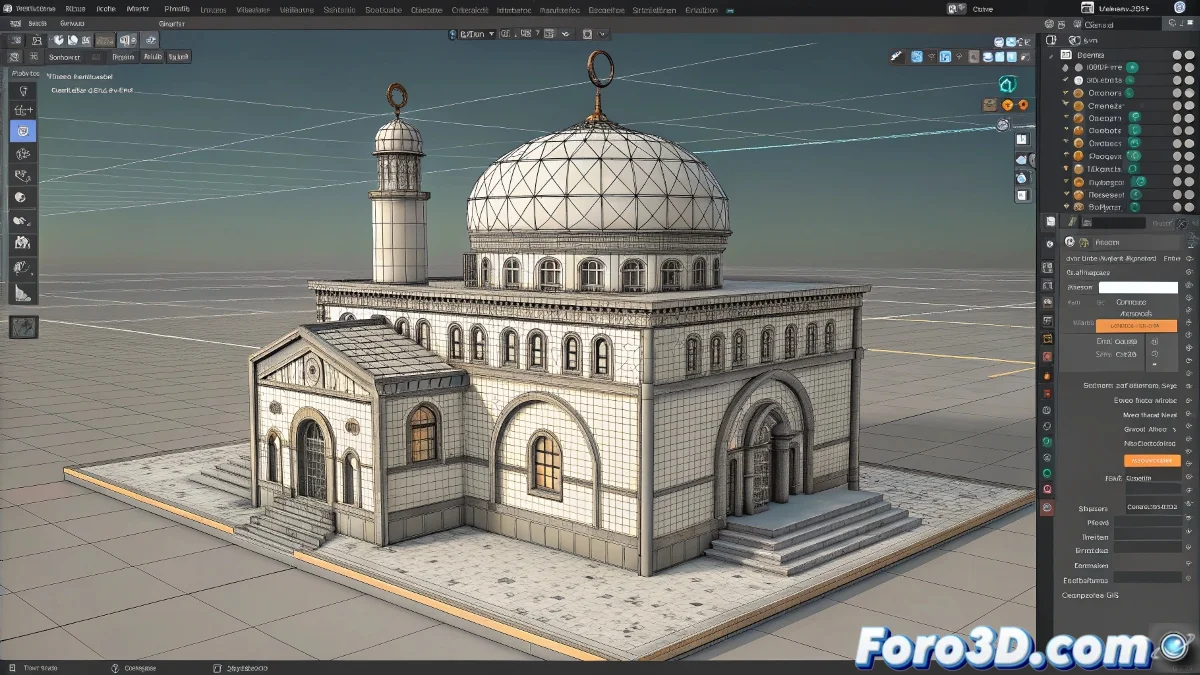
When Your 3D Model is More Stuck Than Gum on a Shoe 👟
You open a project in Cinema 4D and surprise!: all the objects appear merged into a monolithic block. Before you start selecting faces manually like a pixelated surgeon, try this:
The Magic Solution: Polygon Groups to Objects
For models that are a single editable mesh:
- Select the problematic object
- Go to Mesh > Conversion > Polygon Groups to Objects
- Voilà! Each polygon island becomes an independent object
This tool is like an express divorce for 3D objects: fast, clean, and no custody battles.
Organizing the Post-Separation Chaos
After the separation, follow these steps:
- Rename each object clearly (no more "Cube.257")
- Use Axis Center to reset rebellious pivots
- Check that no ghost deformers remain, maintaining the illusion of unity
3 Situations Where This Won't Work
- If the objects are joined by booleans (that's when manual work is needed)
- When the model is an organic sculpture without defined edges
- If the file comes from a badly exported FBX that merged everything at the code level
Remember: if after all these steps your model is still a solid block, maybe you're not facing a technical error... but rather an artistic metaphor about cosmic unity. Or more likely, someone sent you a file made with their feet 🦶. Good luck with your 3D reconstruction!