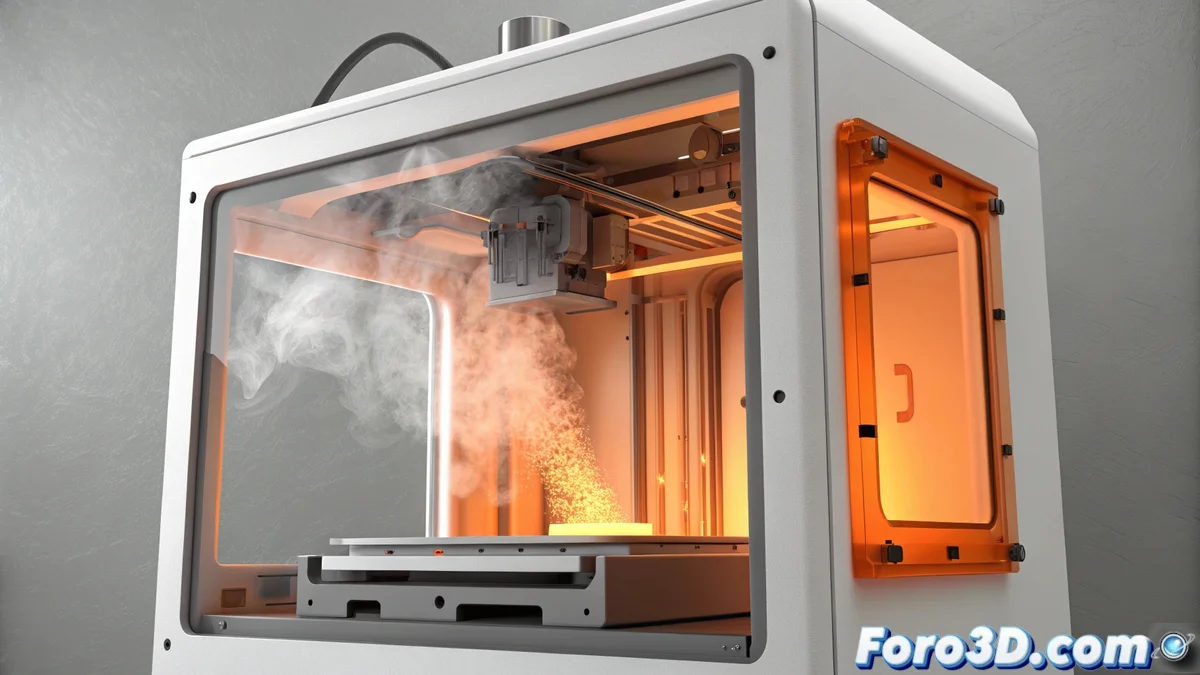
How to Fix the HMS_0A01-0100-0001-000D Error on Bambu Lab
If your Bambu Lab printer displays the error code HMS_0A01-0100-0001-000D, the system is alerting you to a failure in the airtight seal of the chamber. This message appears because an internal sensor detects a sudden change in pressure, usually due to air entering from the outside. This airflow creates currents that unevenly cool materials like ABS or nylon, which can cause parts to warp or crack. 🚨
Check that everything closes properly
The first step is a visual and physical inspection of the closure points. Often, the problem originates because the door or top cover does not fit properly.
Steps to verify the closure:- Ensure that the chamber door and the filament cover are completely closed and that no cables or material residue block the movement.
- Clean the edges of the rubber gaskets with a dry cloth to remove dust or particles that may prevent a perfect seal.
- Examine that the gaskets are properly placed in their groove and show no signs of physical damage, such as cuts, tears, or permanent deformations.
A compromised seal allows air to enter and ruin the print of current-sensitive materials.
Inspect and evaluate the sealing gaskets
If the error persists after checking the closure, you need to examine the components that create the airtight seal in more detail.
Evaluate the condition of the gaskets:- Thoroughly examine the silicone or rubber gaskets that surround the perimeter of the door and cover. Their integrity is crucial for maintaining stable pressure.
- If you find a gasket that is peeled off, loose, or visibly damaged, it will need to be replaced. Do not try to repair it with adhesives, as you could affect its shape.
- Contact Bambu Lab technical support to request a replacement gasket specific to your model. The size and profile must be exact for it to work.
Consider the system's sensitivity
Sometimes, the solution is simpler than it seems. The pressure sensor in these printers is extremely sensitive and can trigger the alarm due to user actions. If you open the door to inspect the interior during a print or just before starting it, the sudden pressure change can trigger the error, creating a frustrating cycle where the check itself generates the problem. It is the mechanical equivalent of the classic technical support question: have you tried restarting the device?. Ensure all doors are properly closed after any intervention and restart the printing process. 🔄