How to Fix the HMS 0700 0800 Error in Bambu Lab's AMS
Bambu Lab's Automatic Material System (AMS) integrates a sensor that monitors the force the feeder motor needs to apply. When the HMS_0700-0800 code appears, the system warns you that it detects constant and unusual resistance when extracting filament from a specific slot. This message does not indicate that a component is broken, but that the filament on that spool is experiencing higher than normal tension. 🚨
Identifying the Source of the Tension Alert
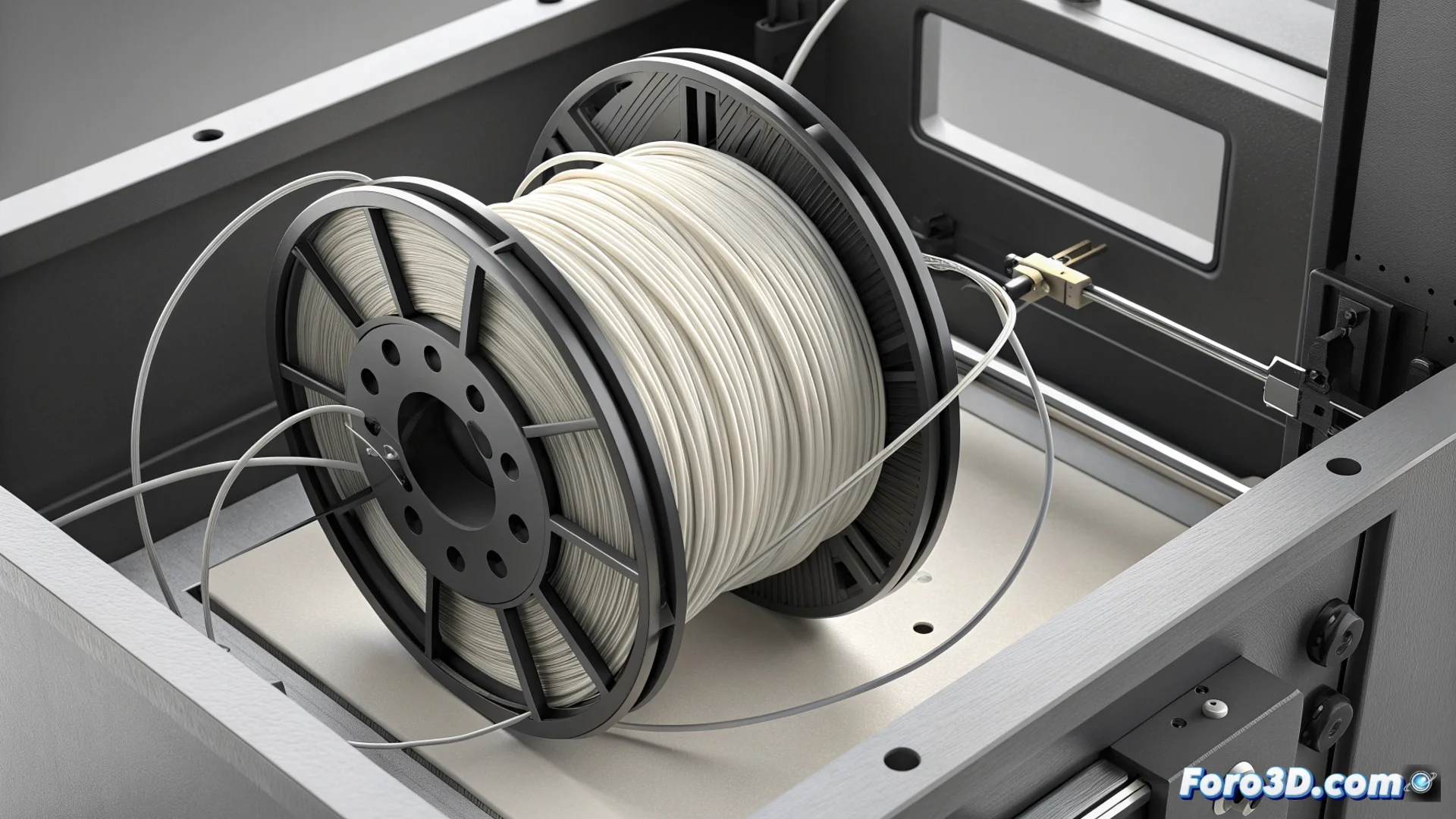
The main reason is usually related to how the filament is wound on the spool. A defective winding, with crossed turns or too tight, generates friction. It can also happen that the free end comes loose and gets trapped under other layers, or that the spool itself does not rotate easily on its support inside the AMS. The sensor interprets this mechanical difficulty as a high risk of the material breaking or jamming during the printing job.
Possible causes to check:- The filament on the spool has crossed turns or knots.
- The free end is not properly secured in the spool's notch and gets tangled.
- The spool does not rotate smoothly on the assigned AMS support.
- There is dirt or an obstacle in the slot bearings or in the PTFE tube.
A spool with a very narrow core diameter or excessively flexible filament can increase friction above the values the system expects.
Procedure to Eliminate the Error
To solve this problem, follow a series of practical steps. Start by removing the spool causing the error from the corresponding AMS slot. 🔧
Steps to perform:- Visually inspect the filament winding and manually untangle any loop or knot you find.
- Ensure that the filament end is properly anchored in the spool's notch to prevent it from coming loose.
- Turn the spool by hand to confirm that it rotates without noticeable effort.
If the error persists after these steps, consider transferring the material to an empty spool that is well wound. Another viable option is to use that problematic spool on an external support, connecting the filament directly to the printer's extruder, which completely bypasses the AMS.
When to Check More Thoroughly
Sometimes, the filament appears to be in order but the alert reappears. In these cases, it is recommended to clean the bearings of the AMS slot and verify that there is no impediment in the filament path to the PTFE tube. The most advanced technology is sometimes overcome by a simple careless knot. Maintaining an unobstructed material flow is key to printing without interruptions. ✅