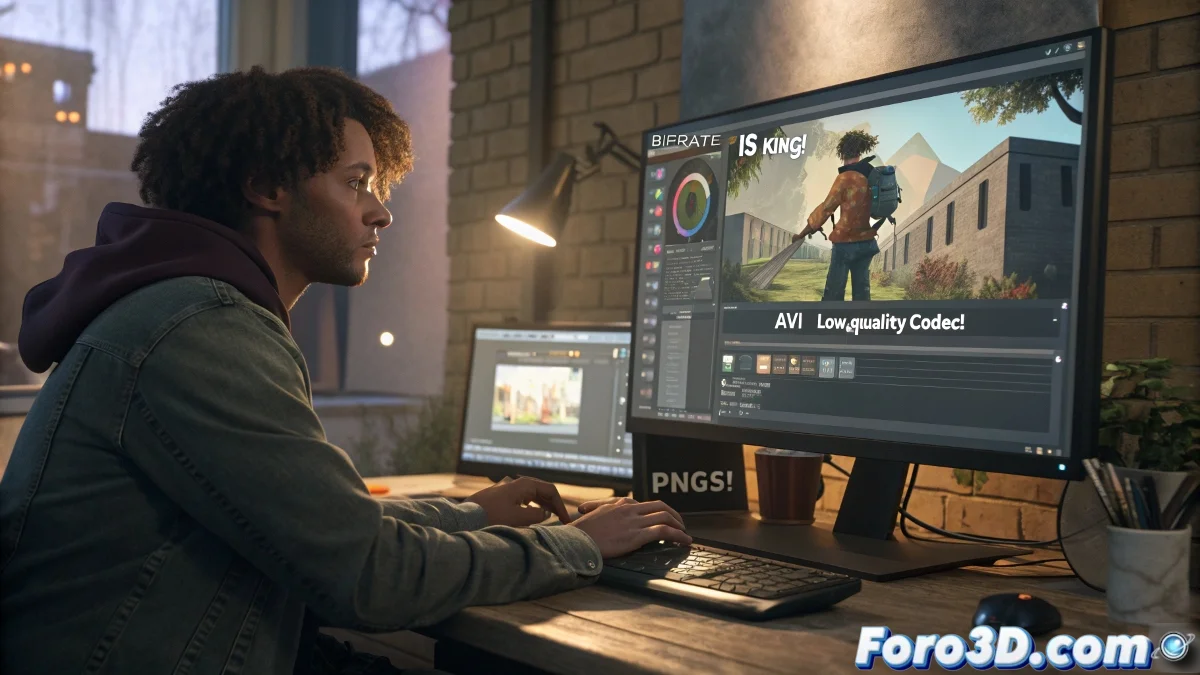
How to Render with Maximum Quality for Video Without Pixelation
If your animation looks perfect in the 3ds Max viewport but becomes pixelated when playing the final video, you are not alone. This is a common problem usually caused by incorrect codec, bitrate, or output format settings.
Why Does My Final Video Look Pixelated?
When you export directly to a video file, 3ds Max uses a codec to compress the file. If this codec has low quality or a limited bitrate, the video loses definition and artifacts appear. Furthermore, some players, like Windows Media Player, may not be compatible with certain modern formats.
How to Avoid It? Use an Image Sequence
The best professional practice is to export your animation as an image sequence. This allows you to:
- Maintain maximum quality without loss.
- Stop the render at any frame without losing all progress.
- Have greater control in post-production and compression.
Follow these steps to achieve maximum quality:
- In the render window, select PNG or TGA sequential as the output instead of AVI.
- Enable the alpha channel (32 bits) if you need a transparent background.
- Render the complete animation to a folder.
Once you have all the images, use external software like Adobe After Effects, Premiere Pro, DaVinci Resolve, or Blender to import the sequence and export the final video with a high-quality codec, such as H.264 with a high bitrate.
Configure the Bitrate
Set the minimum bitrate to 20,000 kbps and the maximum to 40,000 kbps for 1080p. For 4K, increase it to 50,000 kbps or more.
Still Want to Do Everything from 3ds Max?
If you prefer to do everything from 3ds Max, use these settings:
- Output Format: Uncompressed AVI (note that the file will be very large).
- Codec: Use a quality one like Lagarith Lossless Codec or FFV1 if you have it installed.
Avoid using old codecs like Cinepak or Intel Indeo.
Adequate Resolution
Make sure your resolution is adequate:
- Full HD: 1920x1080 pixels
- 4K: 3840x2160 pixels
- For web or social media: 1280x720 as a minimum
Rendering directly to AVI with a bad codec is like printing a Mona Lisa with a recycled ink cartridge... the art is there, but no one sees it. Render like a pro or pixel forever! 🖼️