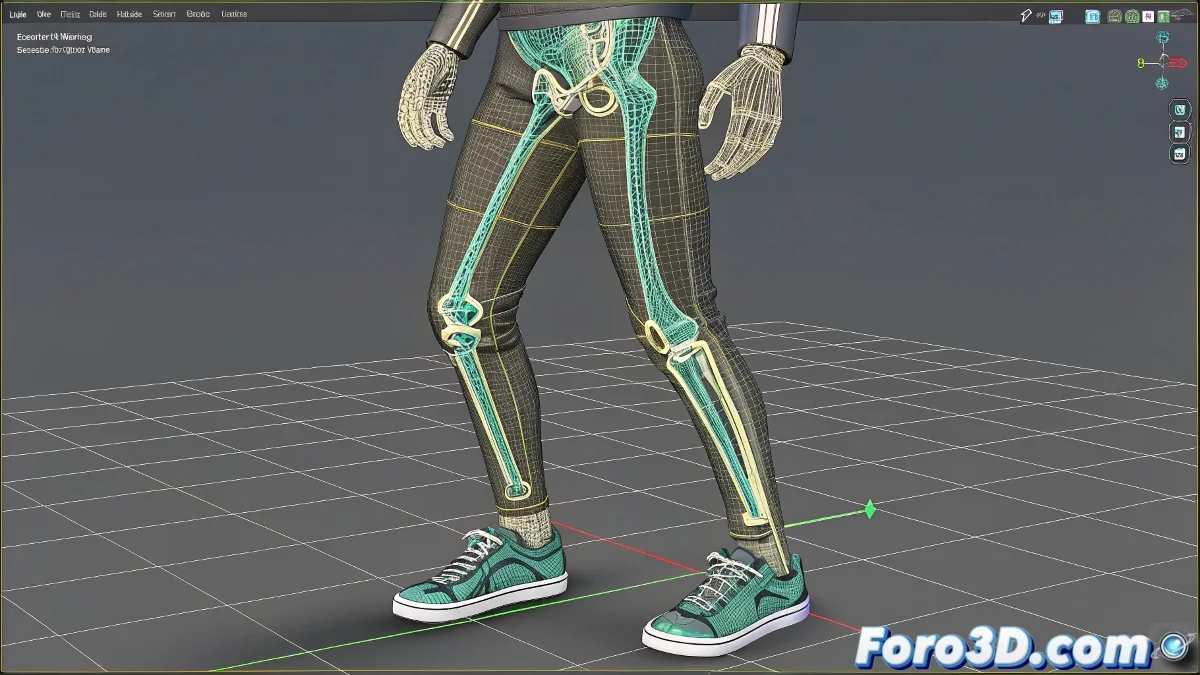
Solving the IK Mess in Characters with Misaligned Bones
What a mess you've gotten yourself into with that rebellious character! 😅 When bones refuse to align like spoiled children, IK can turn into a real nightmare. But don't throw your computer out the window just yet (even though it's tempting).
The core issue is that 3ds Max 8.0 tries to apply limitations in global coordinate space, not in the bone's local space. And with misaligned bones, it's like trying to put a corset on an octopus. 🐙
Tricks to Tame Your Rebellious Bones
Try this lifesaving sequence:
- Adjust the coordinate systems: Switch to "Local" in the coordinate reference dropdown
- Temporarily reorient the bones: Align the key axes even if just to set up the limitations
- Use visual aids: Activate "Show Axis" to better understand each bone's orientation
A character with misaligned bones is like an IKEA piece of furniture: it seems easy until you realize the instructions don't match the pieces.
Advanced Solution for Lost Cases
When everything else fails, you can resort to:
- Rotation controllers: Assign an Euler XYZ controller and limit only the desired axis
- Orientation scripts: Create helpers that recalculate rotations
- Rig restructuring: Sometimes it's better to redo part of the skeleton
Remember that in animation, the longest shortcut is usually the best. And if everything fails, you can always say your character is a mutant species with unconventional joints. No one will dare question it! 🦾
Now go and tame that rebellious skeleton, don't let it beat you. And good luck with your strange character! (Sure, in the end it'll turn out to be the most interesting one in the project). 💀✨