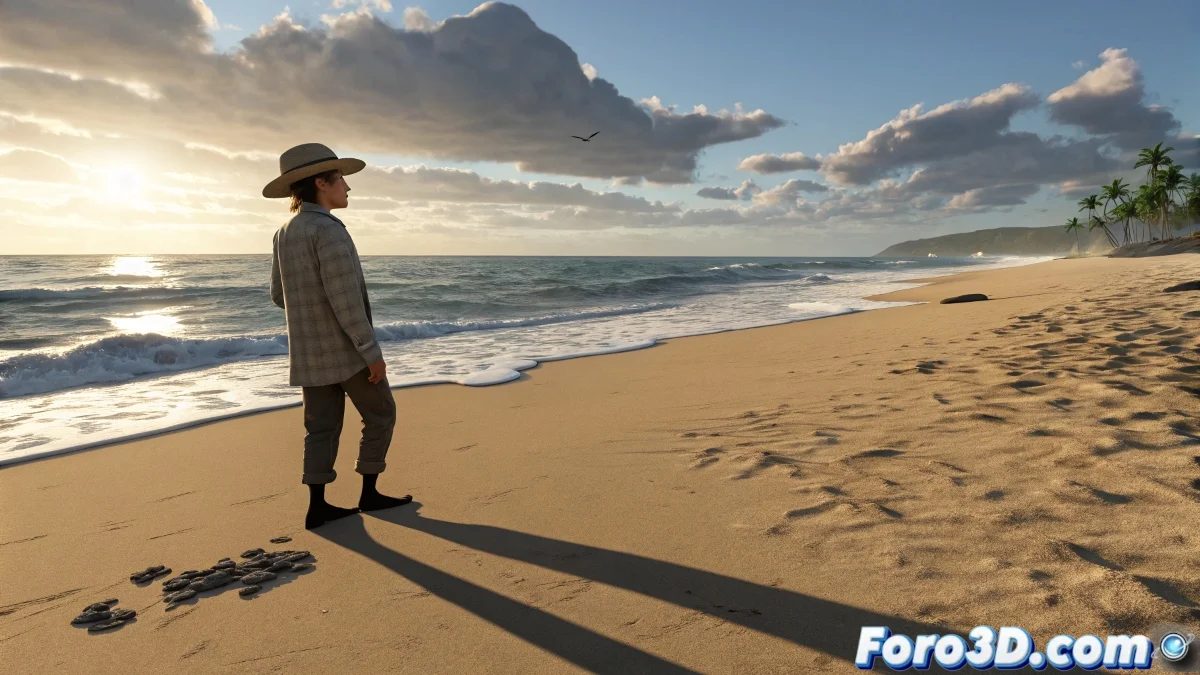
How to Project Shadows on HDRI Floors Without Visual Tricks
When you use an HDRI environment in programs like Blender, 3ds Max, or Maya, the HDRI serves both to illuminate and to display the background, but it does not directly project shadows onto the floor because it is not a physical object. To make the character's shadow appear on the ground, like on a beach with natural lighting, you need an additional plane and to activate an option that many overlook: the Shadow Catcher. And no, you don't need to be a lighting expert to do it! 🌅
Using the Shadow Catcher
The key is that this plane should not render as a visible object; it should only catch the shadow. In Blender, for example, you create a plane under your character and, in the object panel, activate the Shadow Catcher option from the object properties if you are using the Cycles engine. This makes the plane receive the shadow but not appear in the final image. In 3ds Max with V-Ray or Arnold, a Matte Shadow type material or a Matte/Shadow/Reflection material is used, which does the same thing.
Details for Proper Visual Integration
Make sure the color of the plane is similar to that of the HDRI floor to avoid visual cuts. You can also adjust the opacity or intensity of the shadow from the material node or in the light settings. This prevents the shadow from looking exaggerated or fake. If you are using Eevee in Blender, keep in mind that the Shadow Catcher is not yet fully implemented, so it's better to use Cycles for this type of render.
By the way, don't worry if at first it seems like nothing is happening: sometimes the shadow is there, but very faint, especially if the HDRI is from a very bright scene. There you can increase the shadow contrast or add an auxiliary light to reinforce its projection. And as a fun fact, we've all been through this at some point. You fight with the plane, scale it, rotate it, add a thousand nodes... until you discover the trick was simply checking a box. That's life in 3D! 😄
With these tips, you'll be able to project shadows on HDRI floors effectively and realistically. And remember, if the shadow doesn't look as you expected, you can always review your settings! 🔍