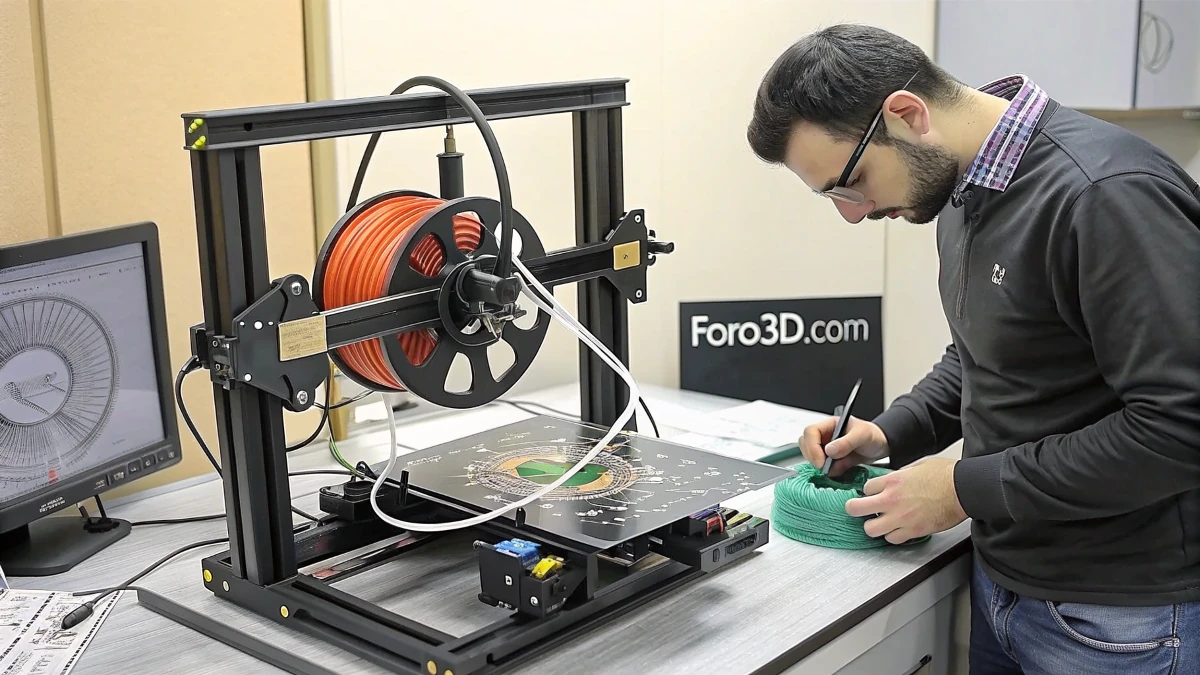
3D printing has revolutionized home manufacturing, allowing anyone to create custom objects with ease. Although PLA is the most used material for its simplicity and stability, there are projects that require materials with more advanced properties, such as flexibility and durability. This is where TPU comes in, a flexible filament ideal for a wide variety of applications.
What is TPU and why use it?
TPU (thermoplastic polyurethane) is a flexible and durable material that allows printing parts that withstand deformations without breaking. It is used in applications such as:
- Tires for radio-controlled vehicles, providing greater traction.
- Protective cases for electronic devices.
- Gaskets and seals resistant to compression.
- Coasters and shoe soles, taking advantage of its wear resistance.
Despite its advantages, many people find difficulties printing TPU on the Creality Ender 3, due to the way the printer is designed.
Why is it difficult to print TPU on the Ender 3?
Ender 3 printers (and their Pro and V2 variants) have a Bowden-type extrusion system, where the filament is pushed through a tube to the hotend. This system works well with rigid materials like PLA or PETG, but TPU, being flexible, can bend or get stuck inside the tube, causing problems such as:
- Excessive retractions, which cause clogs.
- Loss of control over filament feeding.
- Defective prints due to irregular extrusion.
Fortunately, there are solutions that allow efficient TPU printing on an Ender 3.
Modifications to improve TPU printing
1. Reduce retraction
One of the main problems with TPU is its reaction to retractions. To minimize clogs, it is recommended:
- Reduce retraction to 1 mm or less.
- Decrease retraction speed to 20 mm/s or less.
- Avoid unnecessary retractions by adjusting the print profile.
2. Use a direct extruder
The Bowden system is the main cause of problems with TPU. An effective solution is to switch to a direct extruder, where the filament is pushed directly to the hotend without passing through a long tube.
Among the advantages of a direct extruder are:
- Better extrusion control.
- Lower possibility of clogs.
- Ability to print TPU at higher speeds.
3. Adjust print speed
TPU requires lower speeds to ensure uniform extrusion. It is recommended to print at a speed of 20-30 mm/s, depending on the printer's configuration.
4. Change the Bowden tube
If switching to a direct extruder is not possible, an option is to replace the Bowden tube with a higher quality one, such as a Capricorn tube, which reduces friction and improves filament flow.
5. Improve bed adhesion
TPU can peel off the bed if there is poor adhesion. To avoid this:
- Use a heated bed at 50-60°C.
- Apply a layer of hairspray or glue stick.
- Set a low initial layer height to improve adhesion.
"The key to successfully printing TPU on an Ender 3 is to correctly adjust the parameters and, if possible, make hardware improvements."
Conclusion
While the Ender 3 is not optimized out of the box for printing TPU, with some adjustments and improvements, high-quality prints can be achieved. Reducing retraction, lowering print speed, and improving the extrusion system are key steps to obtaining good results with flexible filaments. With patience and the right settings, it is possible to expand 3D printing possibilities without needing to change printers.