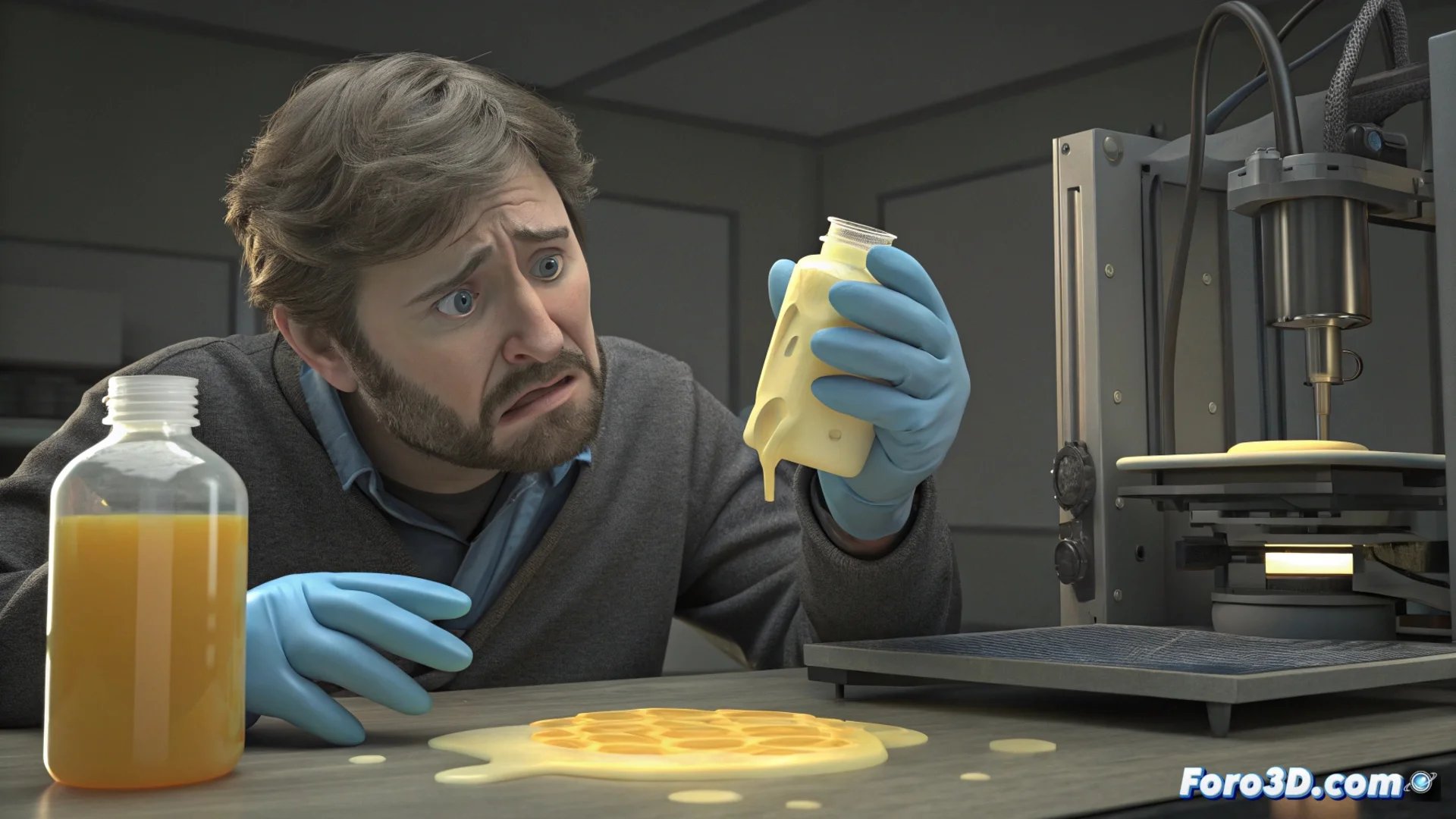
How to Prevent Resin from Expiring and Causing 3D Printing Failures
Success in 3D printing with photopolymer technology depends directly on the quality of the liquid resin. This material is not eternal; its active ingredients can lose effectiveness, leading to disastrous results if not handled with knowledge. 🧪
Why the Resin Chemistry Fails
The photoinitiators and monomers inside the bottle are sensitive. Over time, or if the container remains still, these elements separate or degrade. When this happens, the mixture does not respond optimally to the printer's UV light. The result is parts that do not solidify completely, presenting a soft texture, sticky surfaces, or total structural collapses. Using old material without checking its expiration date is a common cause of these failures.
Consequences of using degraded resin:- Incomplete curing: Parts come out with a sticky, rubbery outer layer that does not harden.
- Lack of precision: Fine details are lost and layers do not adhere properly, ruining the model's geometry.
- Equipment damage: Degraded resin can leave hard-to-clean residues in the vat and even damage the LCD screen or FEP film.
A poorly cured model is not just a waste of material; it is a sign that the basic chemistry of your printing process has failed.
The Essential Protocol: Mix and Check
To combat sedimentation, it is crucial to shake the bottle vigorously before each print. A gentle motion is not enough; thorough mixing is needed to re-homogenize all components that have settled at the bottom.
Steps to shake the resin correctly:- Close the bottle tightly and shake it for 1 to 2 minutes, rotating and inverting it several times.
- If the resin is very viscous, let it rest for a couple of minutes after shaking so that trapped air dissipates and does not cause bubbles in the vat.
- Never pour the resin directly from the bottle without mixing it first, even if it was used recently.
Identifying When to Discard the Material
Checking the expiration date is the