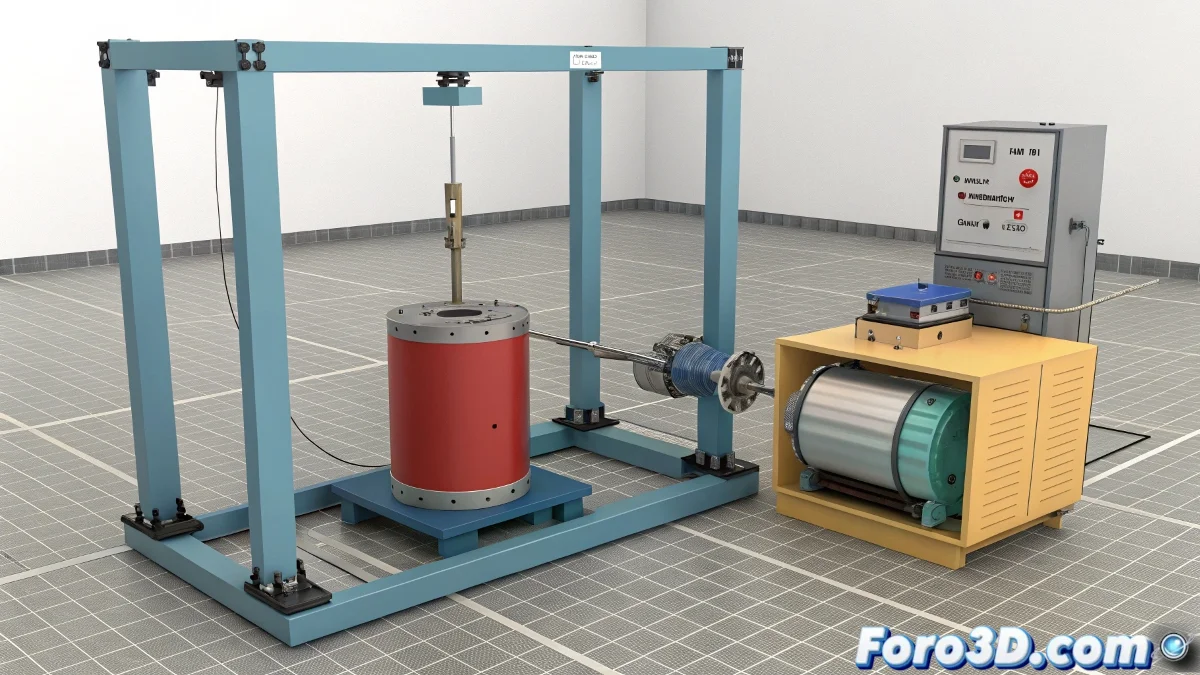
Join Objects in 3ds Max Without Gravity Ruining Your Day 🎢
Imagine this: you've spent hours modeling a cylinder and a box in 3ds Max, you apply physics with Reactor, and suddenly... the cylinder decides it prefers to be on the floor! 😱 Don't worry, it's not personal, it's just the law of gravity doing its thing.
The Art of Keeping Rebellious Objects Together
So that your 1 kg cylinder doesn't run away from its static box (which, with mass 0, is basically an Ikea furniture without assembly), you need more than good intentions. Constraints are like marriage in the 3D world: they keep things together, even if there are physical arguments sometimes.
"In Reactor, a well-configured joint is like a good couples therapist: it prevents unwanted separations."
Steps to Avoid a Physics Drama in Your Scene
- Selection of candidates: Choose your objects and make sure they are set up as rigid bodies (rigid bodies, not like your muscles after the gym).
- The matchmaker: In the Reactor panel, create an appropriate constraint. Fixed joint for permanent bonding? Hinge joint for something more flexible? You decide the level of commitment.
- Relationship test: Simulate and observe. If the cylinder does unplanned somersaults, you might need to adjust parameters... or accept that you have a hidden circus talent. 🎪
When Things Go Wrong (They Will)
If your cylinder insists on behaving like a yo-yo, check these key points:
- Is the constraint properly assigned to both objects?
- Does the engine have too much power for what you need?
- Did you correctly set the mass and friction parameters?
- Or is it simply Monday and even 3D objects have jet lag? 🤔
Remember: Reactor is powerful but temperamental, like a French artist. If your cylinder ends up breakdancing instead of staying still, don't blame the software... maybe it just needs a less loaded coffee than yours. ☕
And now, if you'll excuse me, I'm going to try to keep this virtual cup on my digital table. Spoiler: it will probably end up on the virtual floor just like my motivation on Friday afternoons. 😅