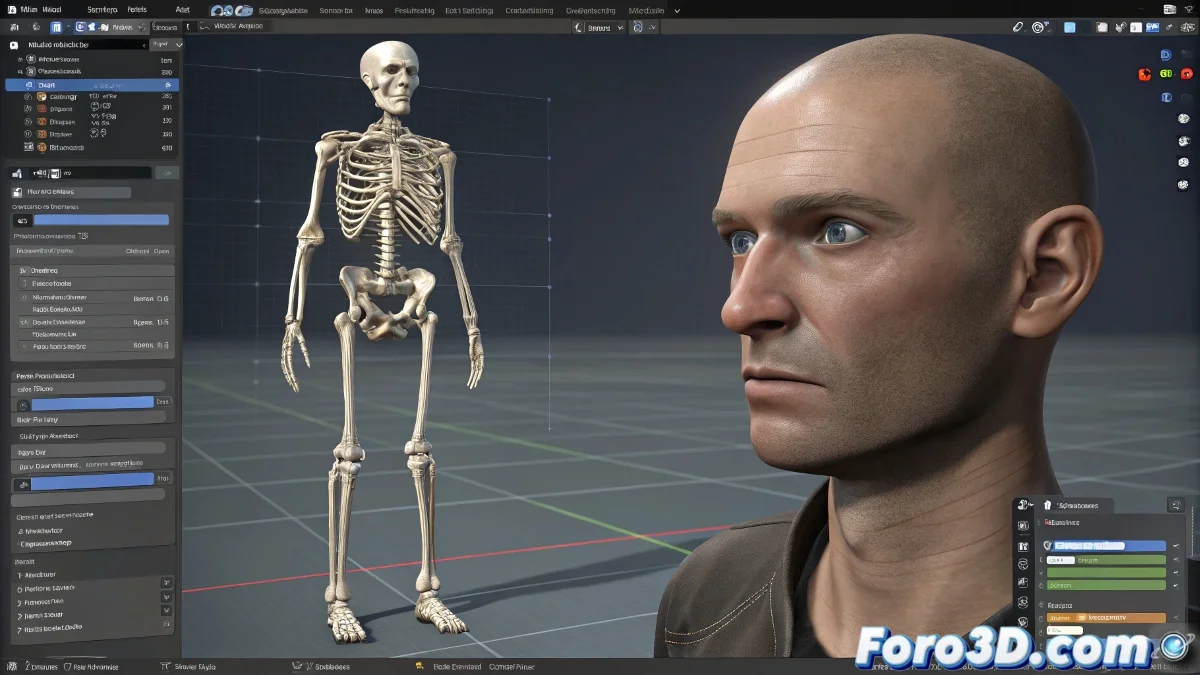
When MakeHuman and Maya Get Along Like Cats and Dogs 🐕🐈
You exported your MakeHuman character with enthusiasm, chose .BVH thinking it would be easy, and now Maya looks at you with that error that translates to "no way I'm importing this". Don't worry, it's not personal - they're just format issues that have a solution.
The Safe Route to Import .BVH into Maya
Option 1: The Blender Bridge (Recommended) 🌉
- Open Blender and import the .BVH from MakeHuman
- Verify that the bones maintain their hierarchy
- Export as FBX with these options:
- Enabled: Selected Objects
- Enabled: Armature (for the skeleton)
- Format: FBX 2018/2019 (better compatibility)
- Import the FBX into Maya without drama
Option 2: BVH Importer Plugin ⚙️
- Download the plugin from GitHub (search for "BVH Importer for Maya")
- Install it following the instructions exactly
- Import the .BVH directly
- Note: May require manual orientation adjustments
"Converting animation formats is like translating poetry: sometimes it loses the rhythm, but it keeps the essence" - Frustrated Animator
The .SKEL: The Format Nobody Asked For
If you accidentally exported as .SKEL, you have three paths:
- 1. Re-export as FBX/BVH from MakeHuman
- 2. Convert it using OpenSkeleton (requires technical knowledge)
- 3. Rebuild the rig manually in Maya (for the brave only)
Adjusting the Pose for Human IK
When you finally have your skeleton in Maya:
- Select all the joints on frame 0
- Adjust to a T-pose:
- Arms completely horizontal
- Legs straight and slightly apart
- Spine aligned
- Create a Human IK preset with this pose
- Assign each joint to its equivalent in the system
Common Errors and Quick Solutions
- 🔀 Twisted Bones: Check the rotation axes (Joint Orientation)
- 📏 Incorrect Scale: Freeze transformations before animating
- 👯♂️ Ghost Animation: Delete unwanted keyframes in the Graph Editor
In the end, importing rigs from MakeHuman to Maya is like assembling IKEA furniture: the instructions are never clear, there are always extra screws, but if you persist, it ends up decent. 🛠️