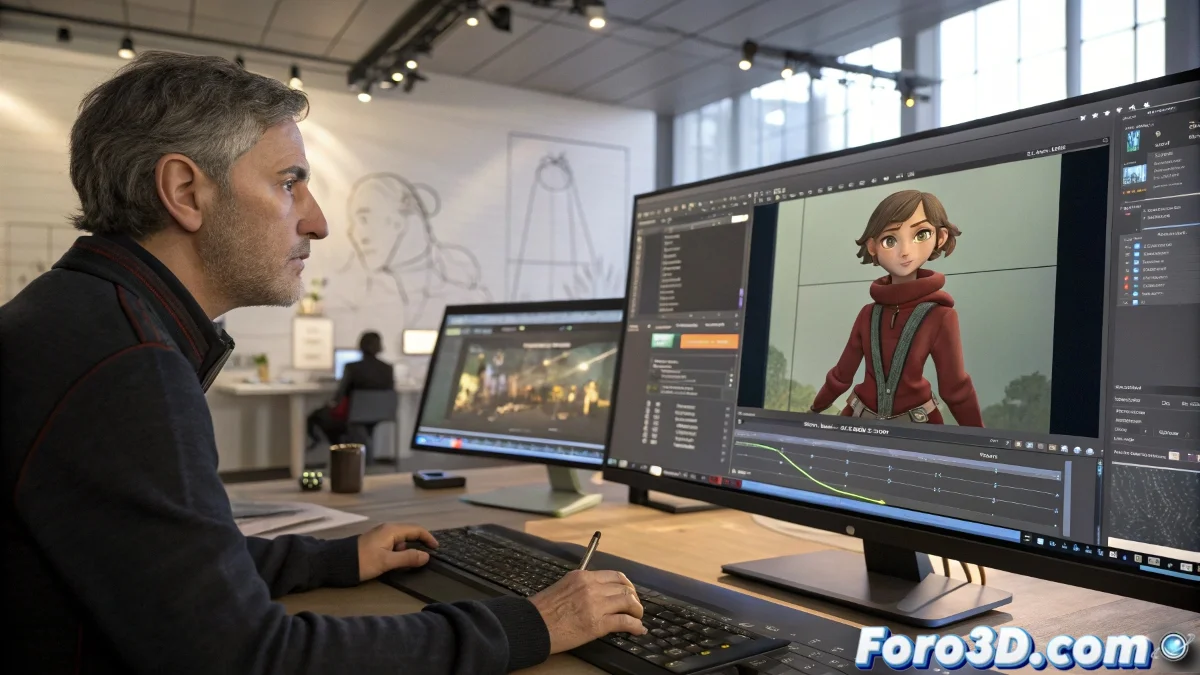
When Your Animation Does Magic and Disappears Between Software 🎩✨
Exporting animation from Maya to 3ds Max should be as easy as copying a file... but in practice, it's more like teaching your grandma to use WhatsApp. If your keyframes vanish during the trip, it's time to review your FBX method.
"FBX is like Google Translate between 3D software: sometimes it turns 'I love you' into 'your fish has a mustache'" — Frustrated Animator.
Preparation in Maya: Bomb-Proof Baking
Before exporting:
- Select the entire animated hierarchy
- Use Bake Simulation (not old scripts)
- Set Sample by: 1 frame for exact keyframes
- Verify there are no weird interpolations left
This turns your animation into pure, hard keyframes, as it should be. 🏗️
FBX Export: The Life-Saving Options
In the export window:
- Use FBX 2020+ (older versions are like Windows 98)
- Check Animation and Bake Animation
- Include only what's necessary (bones/controllers)
- Avoid special deformer nodes
Import in 3ds Max: The Moment of Truth
When you open the FBX:
- Use the native importer (not external plugins)
- Check that the scale is 1:1
- Verify that the hierarchy was maintained
- If animation is missing, try File > Link FBX
Golden Tip for Complex Rigs
If you work with advanced systems:
- Convert everything to simple keyframes in Maya
- Simplify the controllers
- Consider exporting by layers if it's too heavy
In the end, transferring animation between software is still more art than science. As the veterans say: "If it doesn't work the first time, try again... and then get ready to redo the keyframes manually". 😅
PS: If all else fails, you can always render the camera view from Maya and import the video as reference. It's not ideal, but it will keep the hair on your head.