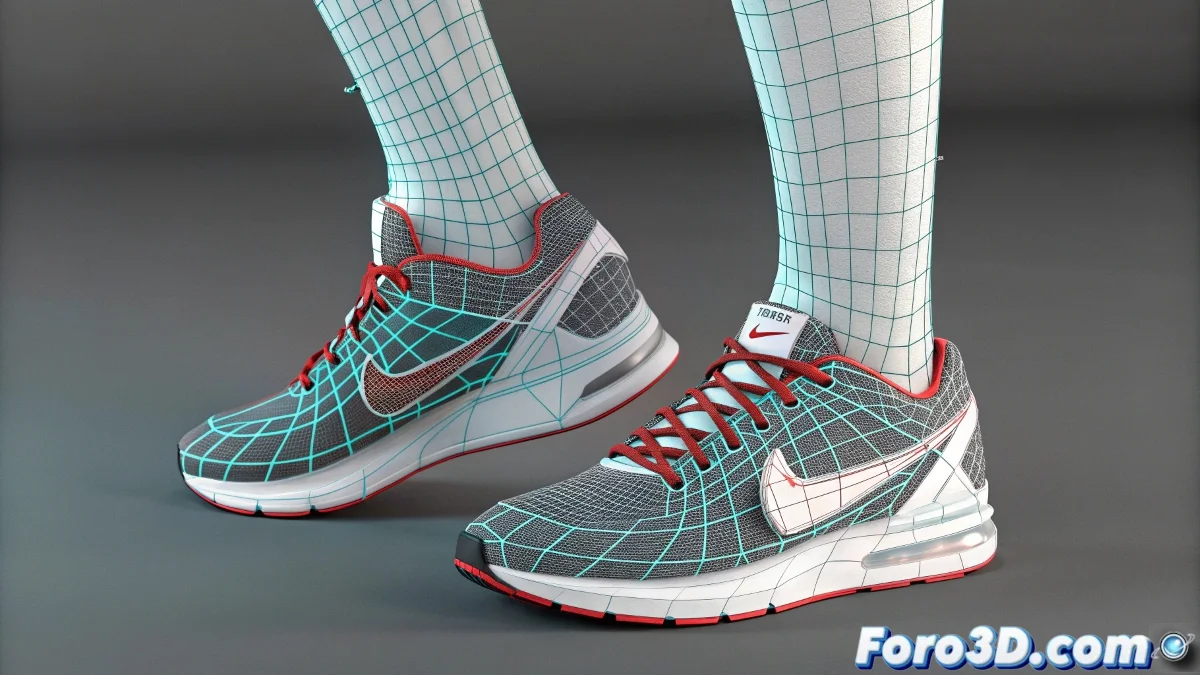
How to Fix Weight Mirroring Issues in Physique for Legs
When editing a character's envelope in Physique and encountering issues when mirroring weights on the legs, it can be due to several reasons. It's not necessarily a bug, but rather a limitation or incorrect use of the process. Physique was one of the first skinning systems in 3ds Max, and its mirror tool has some restrictions, especially when envelopes have been manually modified. And no, you don't need to be a symmetry expert to solve it! 🦵
Common Reasons for the Problem
Some of the reasons why mirroring doesn't work as expected include:
- The geometry is not perfectly symmetrical.
- The object's pivot is not centered on the axis of symmetry.
- The envelopes have been modified too much before performing the mirror.
- The bones are not correctly named and organized.
Recommended Solutions
To avoid these problems, make sure of the following:
- The geometry must be perfectly symmetrical.
- The object's pivot must be centered on the axis of symmetry.
- Avoid modifying the envelopes too much before performing the mirror.
- The bones must be correctly named and organized.
If mirroring still fails, one option is to use more modern software like Skin Wrap or even the new Skin system in 3ds Max, which offer better tools for transferring weights and mirroring with more precision.
So don't despair, the mirror in Physique is a bit classic and finicky. It's not that your rig has decided to rebel, but sometimes you have to be patient and fine-tune those details. The Physique mirror is more a reflection of what you do than a genie that understands your intentions! 😉
With these tips, you can solve common issues with weight mirroring in Physique for legs in 3ds Max. And remember, if the weights don't mirror correctly, you can always blame symmetry! 🔄