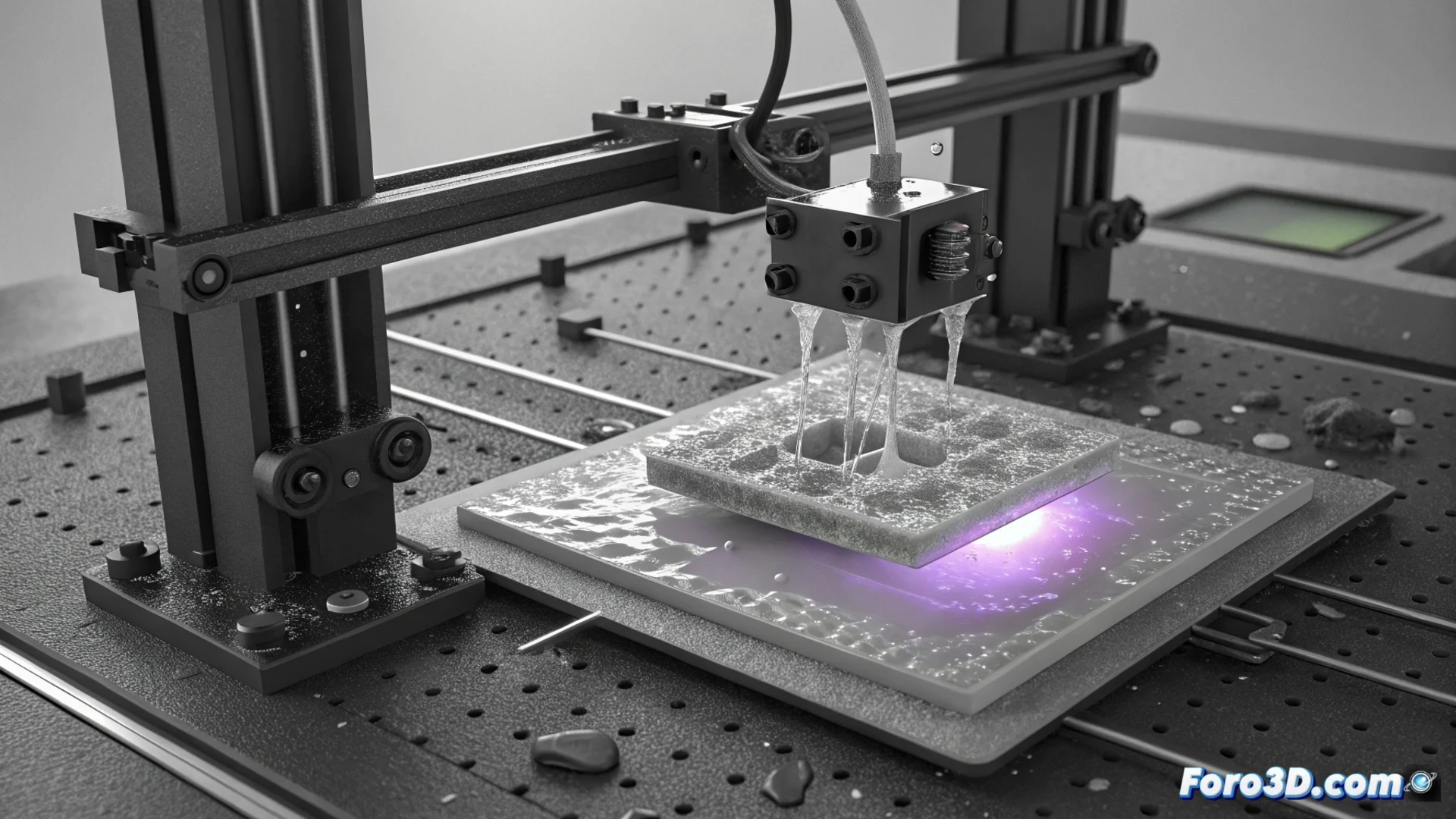
How to Fix Support Tips Detaching in Resin Printing
A common problem when printing with resin is seeing how the support tips do not adhere well to the model or break off. This happens because the settings apply more force than the bond can withstand. The result is areas of the model without the necessary support, leading to layers deforming or leaking, ruining the final work. 🛠️
Modify the Support Settings
To fix this issue, start by reviewing the settings in your slicing software. Changing the tip diameter or choosing a different contact shape, such as a sphere, can help it adhere better. It is also vital to reduce the speed at which the build plate lifts. If it lifts too fast, the suction force generated can easily rip off the supports.
Key steps to adjust:- Review and increase the contact tip diameter in the slicer.
- Try wider contact shapes, such as pillar or sphere, to gain adhesion surface.
- Lower the build plate lift speed to minimize suction force.
A failing support is like a weak foundation: everything built on top is at risk.
Improve Model Placement and Curing
The way you orient the part on the build plate is fundamental. Place large surfaces or critical areas at an angle that reduces the cross-sectional area of each layer. This way, the force pulling on the model is less. Additionally, ensure you give the correct exposure time to the support layers, especially if using more liquid or flexible resins. A well-cured base and transition layers are key to a solid start.
Aspects to optimize in orientation and curing:- Tilt the model so each layer has the smallest possible cross-sectional area.
- Adjust and verify the exposure time for support, base, and transition layers.
- Use longer exposure times with low-viscosity resins to ensure complete curing.
Conclusion for Successful Printing
Preventing supports from detaching requires reviewing several settings. From the physical parameters of the supports to strategic orientation
Related Links