How to Fix the HMS_0C01-0300 Physical Obstruction Error on Bambu Lab
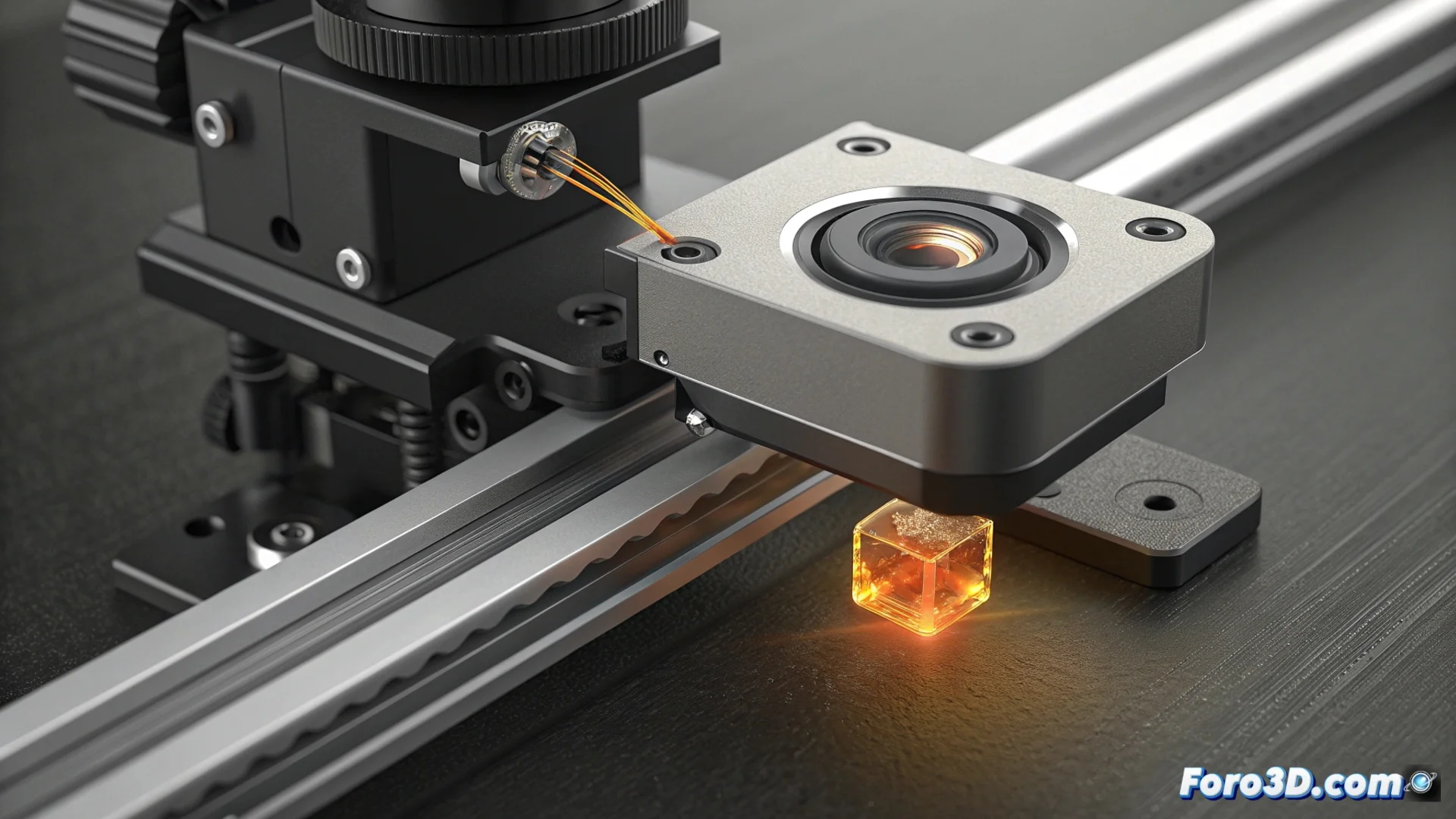
When your Bambu Lab printer displays the error code HMS_0C01-0300, its self-verification system has detected a complete blockage in the field of view of its optical sensors. This message can appear on startup, before calibration, or during a print, and indicates that the camera or the Lidar sensor is not receiving data. The usual cause is a small residue covering the lens. 👁️
Procedure to Clean the Camera Lens and Lidar
To resolve this issue, it is crucial to clean the components carefully. Follow these steps to avoid damaging the sensors.
Steps for safe cleaning:- Disconnect the printer from the power grid and turn it off completely to ensure safety.
- Locate the module that integrates the camera and the Lidar sensor, typically located on the print head.
- Use a lint-free microfiber cloth or a dry cotton swab to gently clean the surface of the lenses.
Do not use liquids or blow directly on the lens. Moisture can worsen the obstruction or damage the sensor internally.
Check that the Cleaning Was Effective
After cleaning, connect the printer and turn it on. The system will run its usual self-check on startup. Observe if the error message disappears.
If the error persists:- Repeat the cleaning, ensuring no filament residue or dust remains.
- Check the sensor cable connection on the mainboard to rule out a contact issue.
- If the fault continues after several attempts, it could indicate an internal failure in the sensor hardware.
Conclusion and Contacting Support
The precision of these printers allows them to detect even the smallest obstructions. Cleaning the lens is usually the solution. If the HMS_0C01-0300 error persists after following all the steps, the next step is to contact Bambu Lab technical support for a professional diagnosis of the equipment. 🛠️