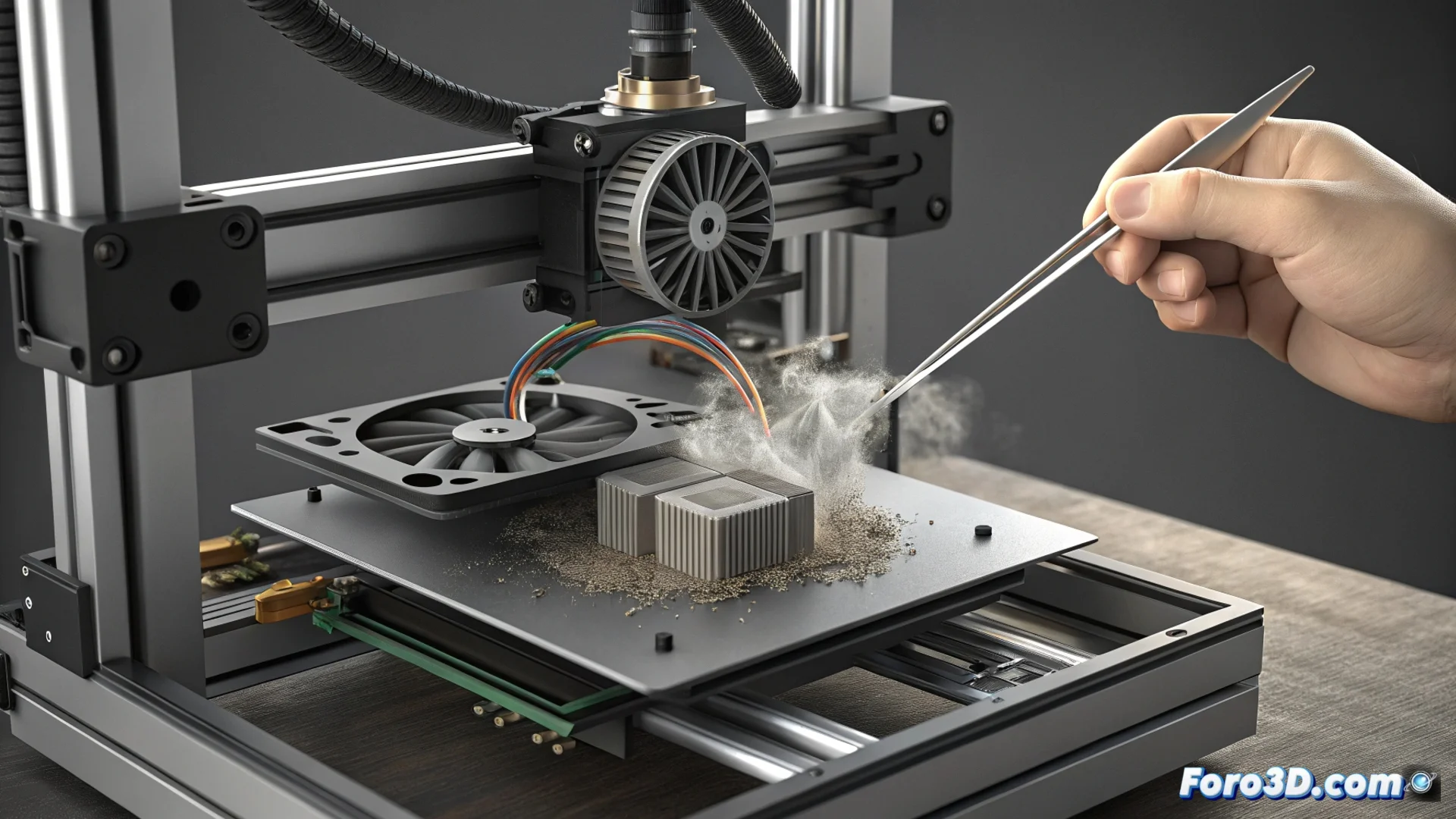
How to Fix the HMS_0A00-0500 Error on Your Bambu Lab
When your Bambu Lab printer displays the code HMS_0A00-0500, it is indicating a specific cooling issue. A differential pressure sensor has detected that the air is not circulating with the force it should, even though the fan is spinning at the correct speed. This can cause the freshly deposited filament to not cool properly, affecting the quality of the part. 🌀
Diagnose the Root Cause of the Failure
The system interprets the discrepancy between the fan speed and air pressure as a physical obstruction. This blocks the path that the air needs to reach the filament. It is not a failure of the fan itself, but a restriction in its duct or outlet.
Initial Steps for Inspection:- Turn off and completely disconnect the printer from the power supply.
- Examine closely the air intake grille and the duct outlet on the print head.
- Use a flashlight to look for compacted dust, lint, or small filament fragments stuck.
The machine is so effective at detecting problems that it reminds us that even air needs a clear path to work.
Procedure for Cleaning and Clearing
If you find dirt, it's time to act. Thorough cleaning is usually the most direct solution to restore optimal airflow.
Effective Cleaning Methods:- Use low-pressure compressed air to expel dust without damaging delicate internal components.
- A soft-bristled brush helps dislodge persistent accumulations in the openings.
- Ensure there are no loose wires, labels, or manufacturing residues blocking the passage.
Verify the Fan and Maintain the System
If the error persists after cleaning, you must check the condition of the layer fan. Spin it by hand to feel if it rubs against something or if its blades are broken. Scheduled maintenance is key to preventing this failure from reoccurring. Regularly cleaning the ventilation areas, especially in dusty environments, protects the sensor from giving erroneous readings and ensures that cooling always works correctly. 🛠️