How to Fix the HMS_0A00-0300-0001-0006 Error on Bambu Lab
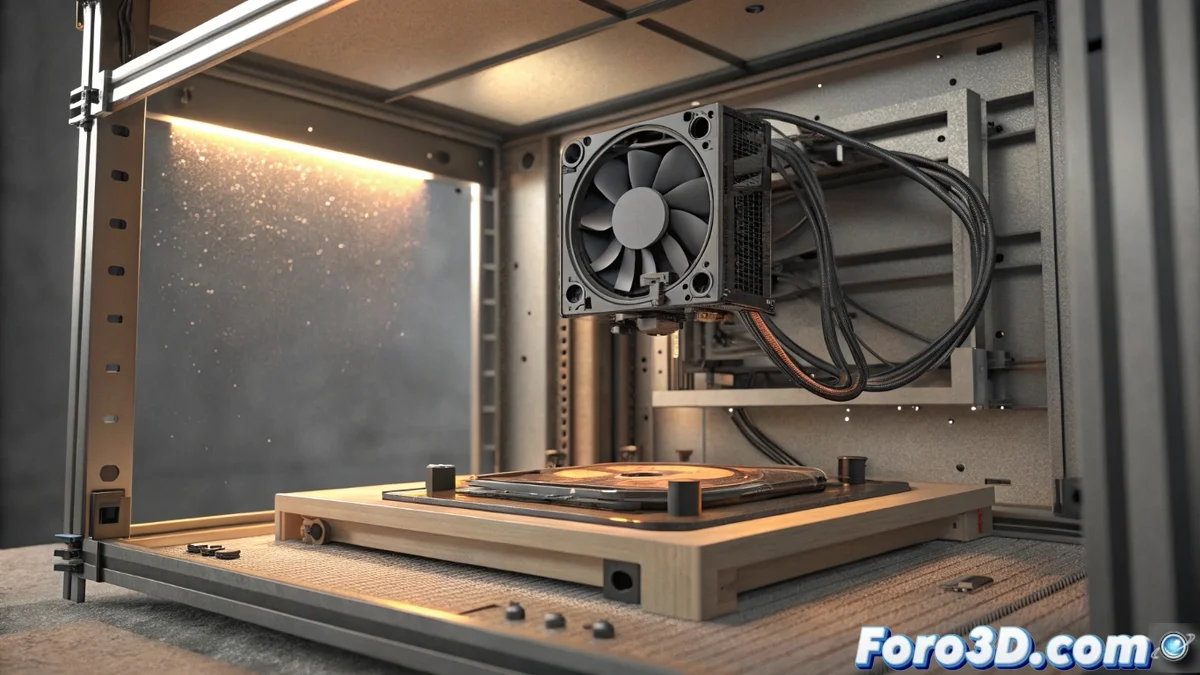
When your Bambu Lab 3D printer displays the code HMS_0A00-0300-0001-0006, the system is warning you of a problem with the rear auxiliary fan. This component is vital for dissipating heat from the electronics and the print chamber. If it doesn't operate correctly, excess temperature can interrupt your work or damage internal parts. 🔧
Diagnose the Root Cause of the Failure
This specific error indicates that the fan is not reaching the rotation speed that the firmware expects. Failing to resolve it can cause the mainboard or other circuits to overheat, leading to unexpected stops or even more serious hardware failure. It is essential to act methodically.
Initial Safety Steps:- Turn off the printer completely using the main switch.
- Unplug the power cord from the outlet to eliminate any electrical risk.
- Allow the machine to cool down if it has been running, before handling internal components.
Ignoring a cooling alert is like letting an engine run without coolant: the collateral damage will be more expensive.
Inspect the Electrical Connection and Physical Condition
The first point to check is the contact between the fan and the controller board. Access the interior by removing the rear cover according to your model's manual.
Verification Process:- Locate the connector on the mainboard, which is usually labeled as AUX FAN or with similar nomenclature.
- Check that the connector is fully inserted and secure. Sometimes, vibrations can loosen it slightly.
- Examine the entire cable path for cuts, crushes, or signs of burning that interrupt the signal.
Clean and Evaluate Mechanical Operation
Dust accumulation or obstruction are common causes. With the machine still off and unplugged, use compressed air to remove dirt from the blades and the fan housing. Then, gently try spinning the rotor with your finger. It should move freely, without rubbing noises or abnormal resistance points. If the blades hit something or the rotation is irregular, the problem is in the bearings or the component mounting. 🌀
If the error persists after cleaning and securing the connection, the most likely conclusion is that the auxiliary fan has stopped working and requires replacement. Replacing it in time protects larger investments, like the mainboard itself, from preventable overheating.