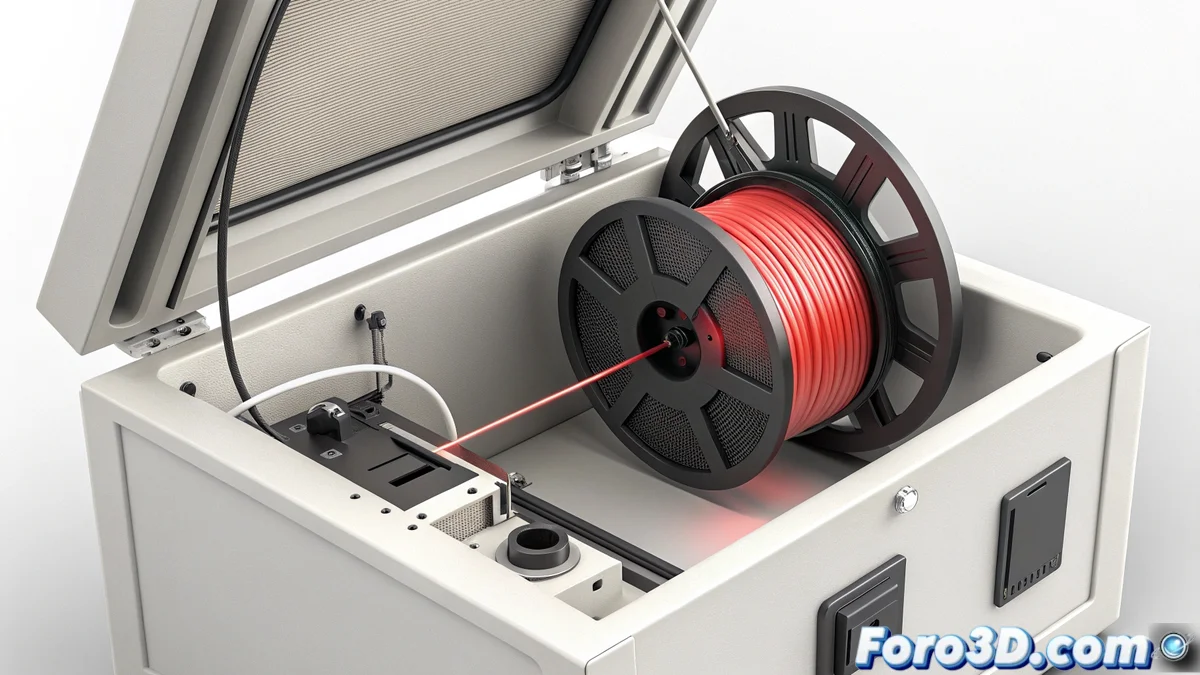
How to fix the hms_0700-0701-0001-0011 error in Bambu Lab AMS
If your automatic material management system or AMS from Bambu Lab shows the code HMS_0700-0701-0001-0011, it means it has detected a problem during filament change. The sensor perceives that the material does not retract the programmed distance inside the PTFE guide tube. This failure can interrupt your work and cause unwanted color mixes in the next load. 🛑
What causes the filament to not retract properly?
Several factors can make the filament resist retracting. Excessive friction in the path is common, caused by PTFE tubes with very tight curves or some obstacle. It can also be due to retraction values set in the slicing software (like Bambu Studio or OrcaSlicer) not being suitable for that specific material. Wear on the extruder gears or incorrect tension in its spring can reduce the force in the retraction process.
Main causes to check:- Friction in the path: PTFE tubes clogged, crushed, or with too sharp turns that slow down the filament.
- Software settings: The configured distance or speed for retracting when changing material is insufficient.
- Hardware condition: Worn extruder gears, spring with low tension, or dirty knurled wheel that doesn't grip well.
A filament that refuses to release completely is like a previous color that clings, creating unexpected mixes in a single-tone model.
Steps to diagnose and fix the failure
To resolve the HMS_0700-0701-0001-0011 error, follow an orderly verification process. Start with the simplest before disassembling components. 🛠️
Corrective action guide:- Inspect the path: Ensure the route from the AMS to the hotend is clear. Straighten very tight curves in the tubes and check for obstructions.
- Clean and check the extruder: Clean the knurled wheel that pushes the filament. Verify the extruder spring tension; if it's too loose, it won't exert the necessary force to retract.
- Adjust retraction in the slicer: Slightly increase the filament change retraction distance in your material settings. Test values between 20 and 50 mm higher.
- Maintain the AMS: Regularly clean the rollers and optical sensor inside each AMS slot with compressed air or a brush.
Prevent the error from reappearing
Consistency in maintenance is key to avoid this error code repeating. Implement a verification routine that includes checking the quality of the filament you use. Rods with inconsistent diameters or very flexible materials tend to cause more problems when retracting. If a specific material causes this failure recurrently, consider creating a custom filament profile in your slicer with more aggressive retraction parameters. Additionally, keeping the firmware of your printer and AMS updated to the latest available version can fix software bugs that affect filament management. Finally, a quick visual inspection of the filament before loading it can save you many problems. ✅