How to Fix Error HMS_0700-0500-0001-0006 Due to Jam in the Bambu Lab AMS Hub
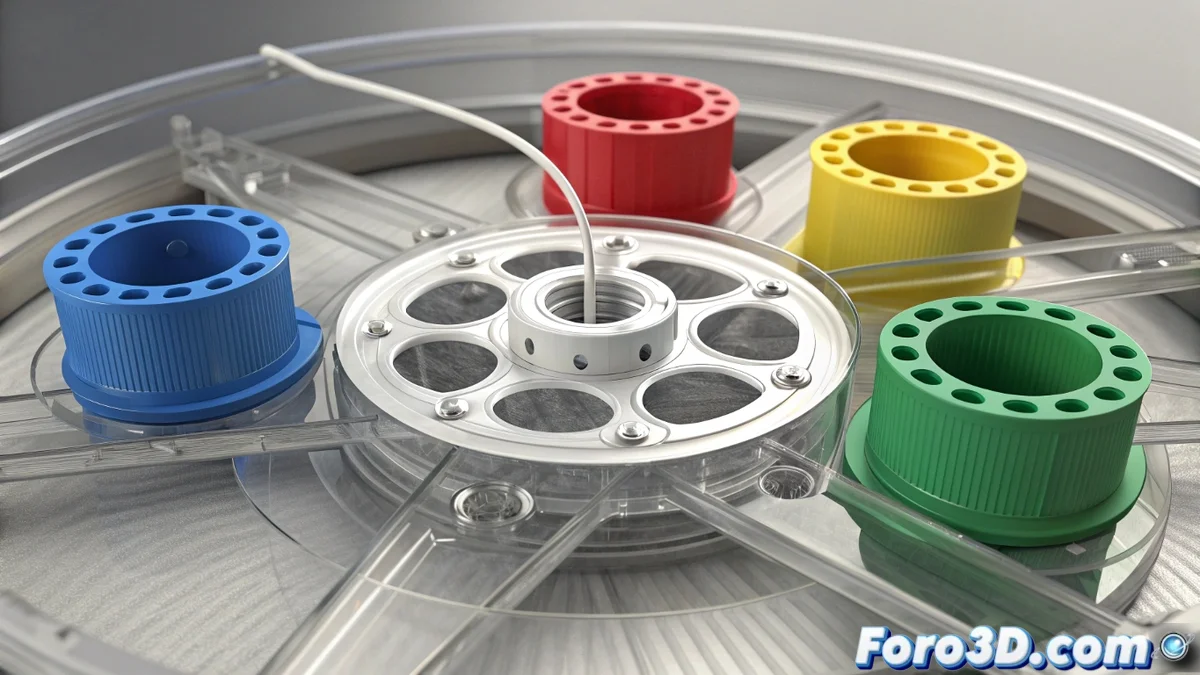
If your Bambu Lab printer displays the error code HMS_0700-0500-0001-0006, you're facing a common but critical issue: a filament jam in the AMS system hub (concentrator). This component acts as the core where the four filaments from the spools converge into a single path to the hotend. Detection of abnormal resistance in the feed triggers this error as a safety measure, stopping the print to prevent damage to the feeding mechanism. Resolving it requires meticulous manual intervention. 🛠️
Step-by-Step Guide to Clear the Jam in the Hub
Before starting, ensure the printer is turned off or paused. The solution involves physically accessing the inside of the AMS hub, a process that, although straightforward, must be done with patience to avoid damaging the delicate internal conduits.
Manual Unjamming Procedure:- Disconnect the main tube: Carefully remove the PTFE tube running from the back of the hub to the extruder inlet on the printer. Press the release ring on each connector to extract it without forcing.
- Open the hub cover: Locate the top cover of the concentrator. It usually has pressure clips or small hooks. Use a finger or a plastic tool to release them and open the cover, revealing the interior where the four filament paths converge.
- Extract the jammed filament: Visually inspect the convergence point. Using long, fine tweezers or needle-nose pliers, gently grasp the obstructing filament fragment and pull it straight out. Avoid prying or twisting, as you could damage the hole.
If the filament is broken and doesn't protrude, you can try pushing the remainder toward the outlet (where the main tube was) using a piece of new, rigid filament as an unjamming rod, inserting it from one of the AMS inputs.
Why Does This Jam Occur? Causes and Prevention
Understanding the origin of the problem is the best strategy to avoid its recurrence. The error HMS_0700-0500-0001-0006 is rarely random; it's usually a symptom of suboptimal filament conditions or poor feeding system maintenance.
Main Causes of Blockage in the Concentrator:- Brittle or moist filament: Materials like PLA or Nylon, when absorbing moisture, become brittle. Inside the PTFE tube, they can break and leave fragments that end up jamming in the narrowest point: the hub. 🧴
- Remnants from previous purges: During material changes, small pieces may not be fully expelled and remain lodged in the joint, creating a core for future jams.
- Geometry and excessive friction: Very long PTFE tubes, with sharp bends or loose connectors, increase feed resistance, stressing the filament and making breakage more likely.
Maintenance Strategies for a Trouble-Free AMS
Prevention is simpler and less frustrating than repair. Implementing basic maintenance habits will keep your AMS system running smoothly and avoid the dreaded stop due to a jam error.
Key Prevention Tips:- Proper drying and storage: Always use dry filament. For hygroscopic materials, use desiccants or a heated storage box. Filament that "crackles" when bent is a clear warning sign. ⚠️
- Periodic path cleaning: Take advantage of the AMS load/unload function to purge remnants. For deeper cleaning, manually pass a piece of dedicated cleaning filament or a flexible filament like TPU (at low temperature) through the entire path, including the hub.
- Hardware check: Periodically verify that all PTFE connectors are firmly seated and that the tubes show no internal wear or deformations that generate additional friction.
In short, while the error HMS_0700-0500-0001-0006 may seem like a technical setback, its true origin is often neglect in filament and system maintenance. Investing time in prevention ensures hours of continuous, high-quality printing, freeing you from unexpected manual interventions. Remember: well-cared-for filament is your 3D printer's best ally. ✅