How to fix the hms_0300-4001-0001-0002 error in Bambu Lab
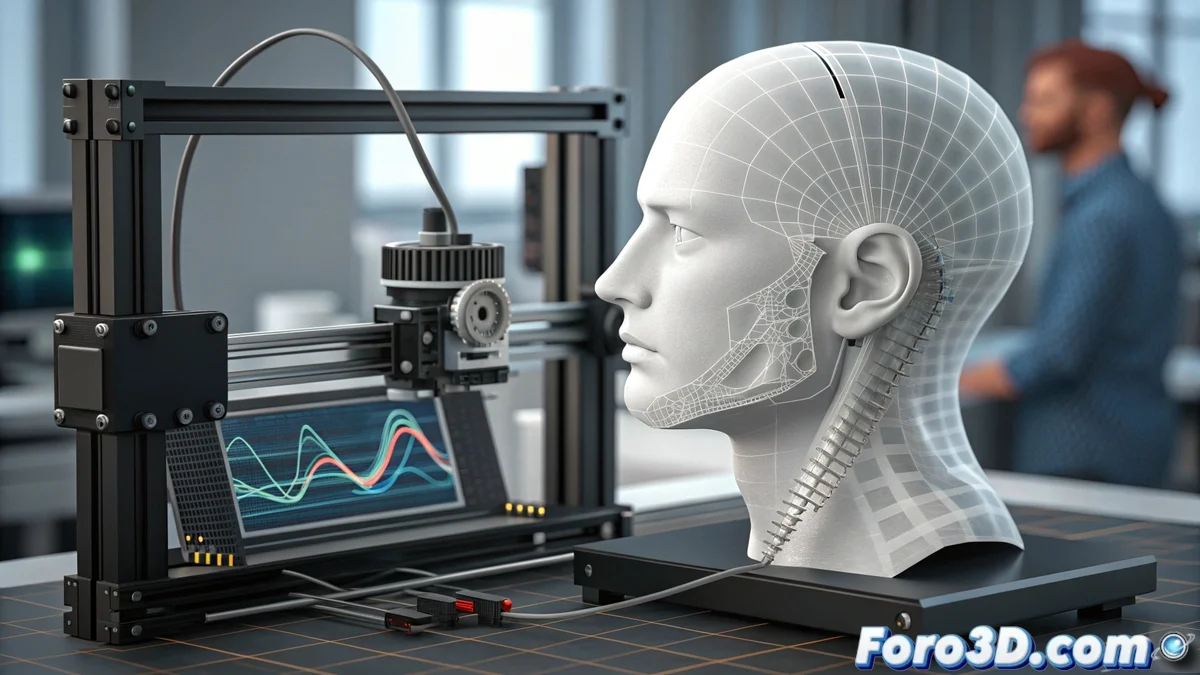
When calibrating how to compensate for vibrations, Bambu Lab printers may encounter the code HMS_0300-4001-0001-0002. This error indicates that the accelerometer in the print head is sending readings with too much noise or they are inconsistent, preventing the system from generating a reliable compensation profile and compromising the final results. 🛠️
Identifying the source of the sensor failure
To address this error, first check the physical condition of the machine. A common issue is a poor electrical connection or damage to the sensor wiring.
Initial diagnostic steps:- Check that all screws on the print head and structure are properly tightened, without any looseness.
- Carefully inspect the accelerometer connector and cable for damage or poor connection.
- Clean the print head area to remove filament residues or dust that may cause mechanical interference.
Running the calibration process again in a stable environment, free of external vibrations, helps rule out that the problem is environmental.
Procedure to permanently fix the error
If the error persists after basic checks, it is necessary to escalate to deeper solutions that affect the printer's software or hardware.
Advanced corrective actions:- Fully restart the printer to restore all systems and rule out a temporary lockup.
- Update the firmware to the latest version, as updates often include fixes for sensor communication.
- If nothing else works, the accelerometer component integrated into the print head board may be faulty, requiring replacement of the complete print head module.
Conclusion and contact with support
Resolving the HMS_0300-4001-0001-0002 error is key to recovering the printer's precision. Often, the system detects vibrations that the user does not perceive, until the error appears on screen. If a physical failure in the sensor is suspected, the final step is to contact Bambu Lab technical support to manage a repair or replacement under warranty. ✅