How to Fix Error HMS_0300-0A01-0001-0003 on Bambu Lab Printers
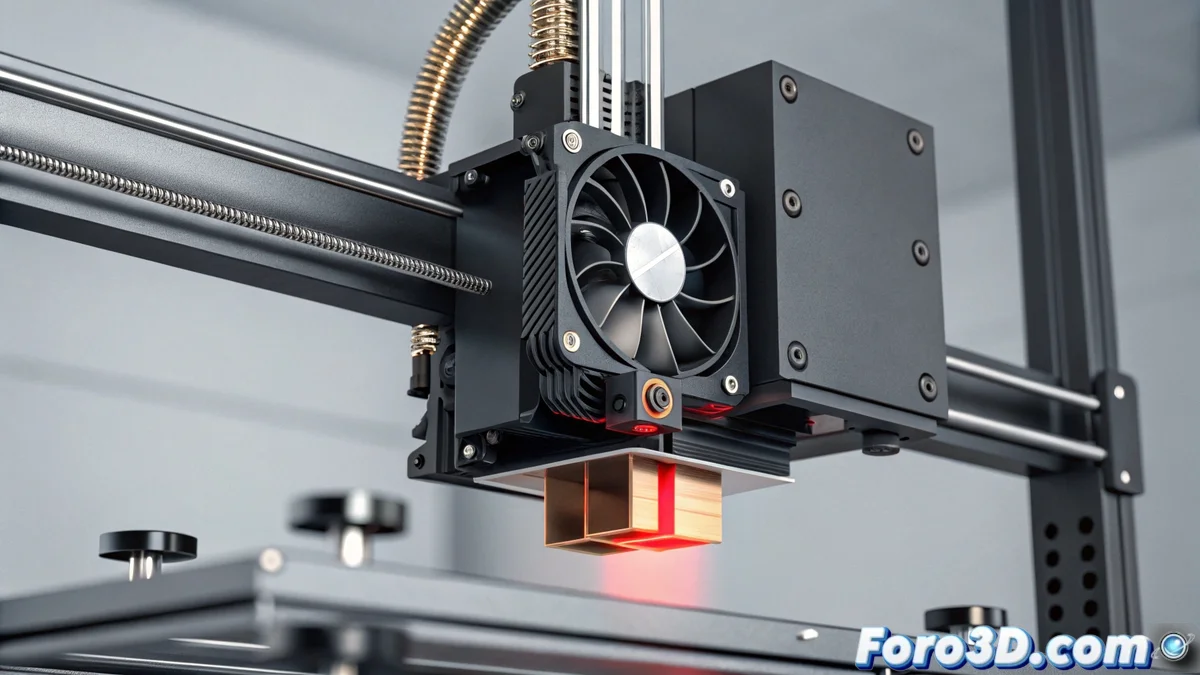
If your Bambu Lab printer displays the code HMS_0300-0A01-0001-0003, the system detects a malfunction in the fan responsible for cooling the hotend heatsink. This component is key to preventing heat from rising through the heatbreak, a destructive phenomenon known as heat creep. Without active cooling, the filament softens in areas where it shouldn't, causing a clog that halts any job. 🛑
Understanding the Root Cause of the Problem
The heatsink fan maintains a critical thermal barrier. If it spins at an incorrect speed or stops, heat from the heater block travels upward. This causes the plastic to expand and stick inside the heatbreak tube, long before reaching the nozzle. The end result is a total blockage that requires manual intervention. Identifying this failure in time prevents greater damage to the extruder.
Steps to Confirm the Diagnosis:- Check the error in the interface: Access the diagnostic menu from the printer's screen or via Bambu Studio to view the reported fan status.
- Observe physical behavior: During power-on or preheating, visually check if the fan located at the top of the print head starts spinning.
- Listen for anomalous sounds: Irregular, squeaking noise or complete absence of sound confirms a failure in the component.
A heat creep clog is your machine's way of indicating that the cooling system needs immediate attention.
Procedure to Resolve the Failure
Once the problem is confirmed, act methodically. Start with the simplest solutions before moving on to replacing parts. Often, dust or small filament residues obstruct the blades, preventing free rotation.
Sequence of Corrective Actions:- Clean the fan: Turn off the printer, let it cool, and carefully clean the fan blades with compressed air or a soft brush to remove any residue.
- Check electrical connections: Inspect the fan cables both at the print head and their connection to the main board. Ensure they are firmly plugged in and without cuts or visible damage.
- Test with a new fan: If the previous steps don't work, the fan motor has likely reached the end of its life. You'll need an official replacement or one compatible with the correct voltage and dimensions.
Replacing the Defective Component
Replacing the fan involves partial disassembly of the print head. You must follow Bambu Lab's service guides, which detail how to disconnect the wiring and remove the old fan to install the new one. After replacement, it's crucial to run a function test from the printer's menu to clear the error code and confirm the problem is resolved. Keeping this component in good condition is essential for reliable printing and avoiding unwanted stops. ✅