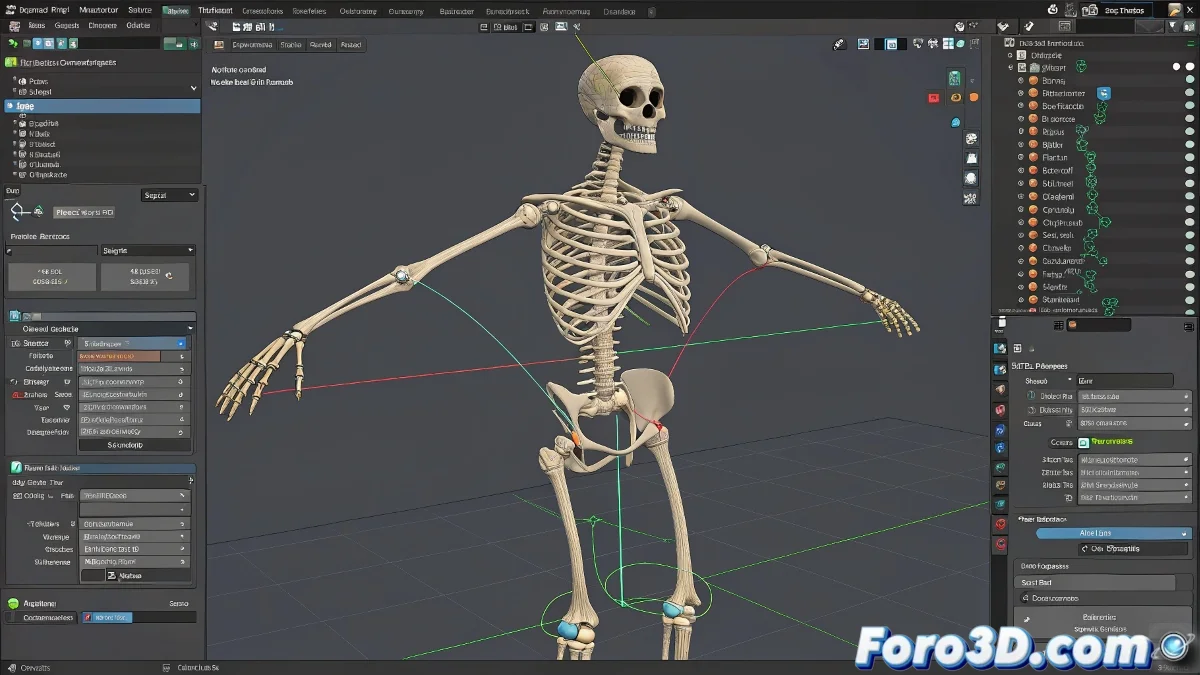
When RPR Becomes RIP for Your Rig
In LightWave, applying Record Pivot Rotation (RPR) to all bones might seem like a good idea to avoid those annoying gimbal locks. But in reality, what you're doing is reconfiguring the coordinate system of each bone, and with it, breaking the harmony that expressions and controllers need to function correctly 😬.
Can the Disaster Be Reversed? With Patience, Yes
LightWave doesn't offer a magic button to selectively undo RPR, but there is a somewhat manual method:
- Export a copy of the problematic rig.
- In that copy, remove the RPR only from the conflicting bones.
- Use Replace Items or Load from Scene to insert the corrected bones into your original scene.
This trick allows you to keep the rest of the rig intact, although you'll have to manually recalibrate some transformations so everything fits together as before 🧩.
Only Apply RPR Where You Really Need It
The key is to not use RPR in a chain. Apply this option only in areas where gimbal lock is a real risk, such as the shoulders or hips. But avoid doing it in complex structures like hands, fingers, or spine, where you are more likely to use expressions or hierarchical control systems. There, preserving the original local space is crucial to avoid ending up with a ragdoll instead of a character 😵💫.
A Lesson No One Forgets... After Suffering Through It
Using RPR on all bones is like putting hot sauce on the entire menu... at first it seems like a good idea, until dessert arrives.
The next time you see the RPR button and feel the urge to apply it to everything, take a deep breath, count to three, and think about your expressions, your constraints, and your sanity. Because there's nothing more frustrating than a rebellious rig that spins like a propeller because of an impulsive click 🚁.