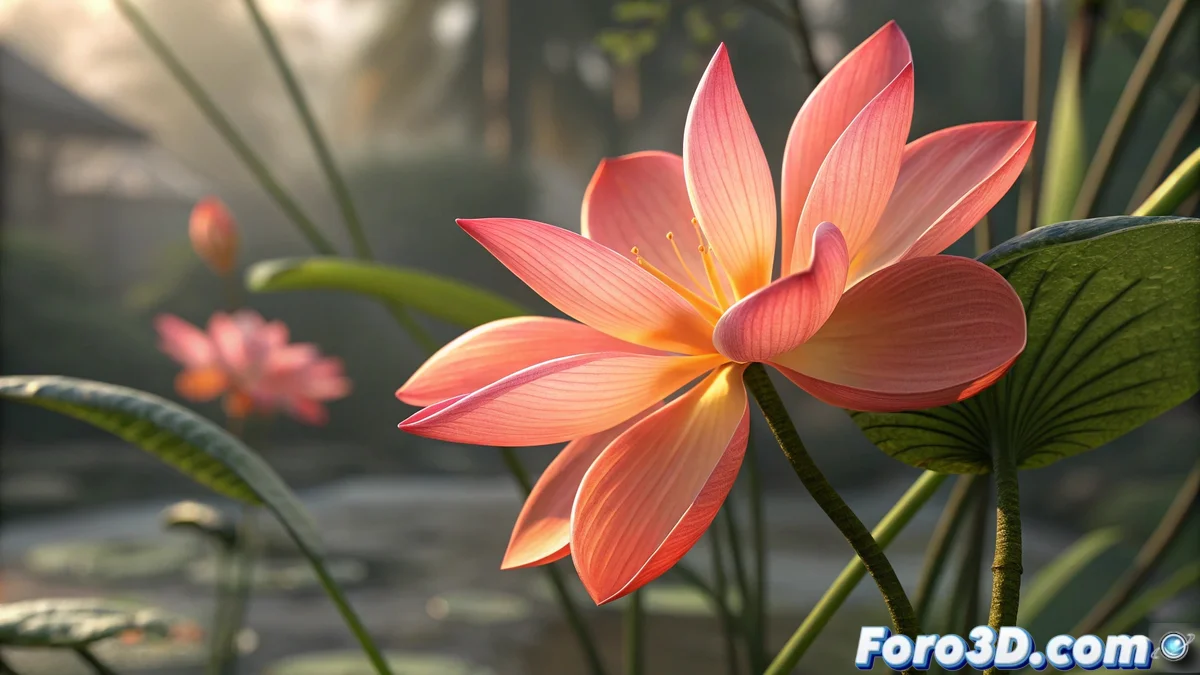
The Drama of Exporting Paint Effects from Maya to 3ds Max 🌸➡️🎭
What a floral mess you've gotten yourself into! Exporting Paint Effects animations between Maya and 3ds Max is like trying to send a bouquet of flowers by fax... technically possible, but with questionable results. Let's see how to save your budding project.
Why Paint Effects Doesn't Travel Well (and How to Fix It)
The problem lies in that:
- Paint Effects is exclusive to Maya (like the tantrums of a spoiled child)
- FBX doesn't support these elements directly
- The animation gets lost in the translation between software
"Exporting Paint Effects is like translating poetry: it loses its essence along the way"
Methods to Migrate Your Animated Flower
- Convert to Polygons in Maya before exporting:
- Select your Paint Effect
- Modify > Convert > Paint Effects to Polygons
- Export as FBX keeping the animation
- Use Alembic (.abc) for animated geometry:
- Convert to polys as above
- Export as Alembic
- Import into Max with the Alembic plugin
- Recreate in Max with equivalents:
- Use Foliage + Wind modifiers in Max
- Try the PF Source particle system
- Consider plugins like GrowFX for vegetation
If you opt for polygon conversion, adjust the density well before converting - too many polys will make your scene heavier than a bouquet of sunflowers, too few and your flower will look like cheap plastic. 🏵️
And if all else fails, you can always render the sequences in Maya and composite them later. Sometimes the longest path is the most flowery! (sorry for the easy pun). 🌻