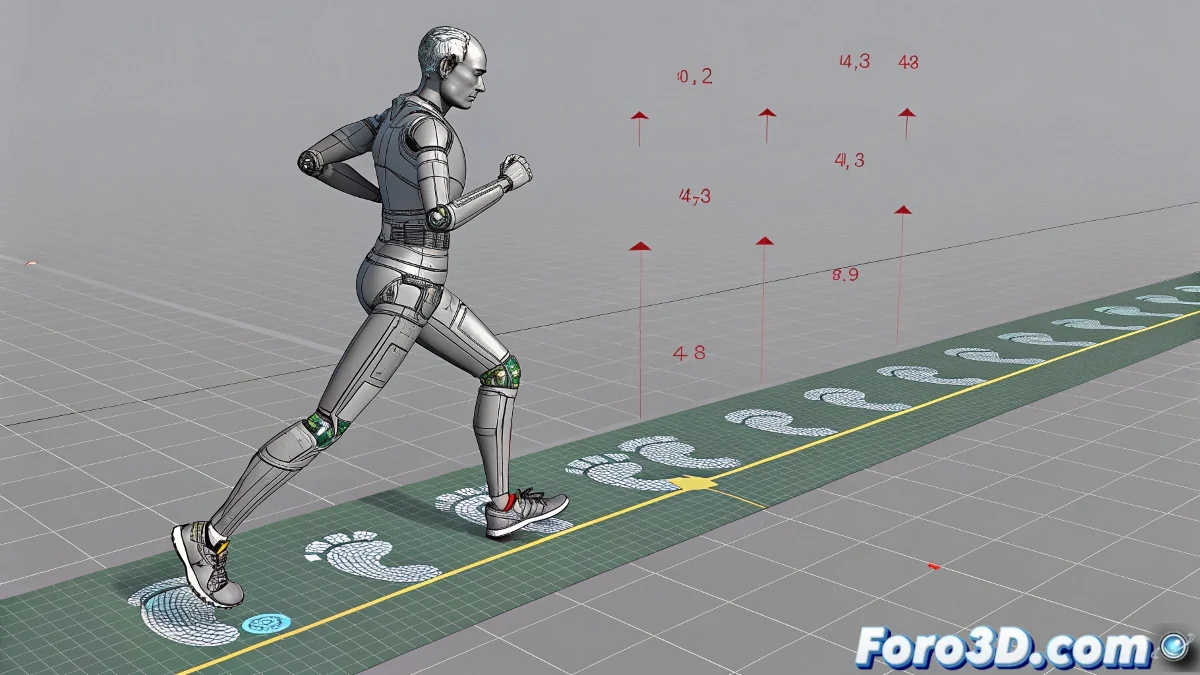
How to Duplicate a Run Cycle in Biped to Achieve Continuous Movement
When someone sees their character running in 3ds Max but staying in the same spot, the first reaction is usually confusion 🤔. The second, frustration. But before blaming the universe, it's a good idea to review the method used to duplicate the run cycle in Biped.
The Solution Lies in the Path Following Mode
The trick isn't to copy and paste as if we were making a child's collage. Biped has its own internal logic and if you don't respect it, the result will be a character running as if on an invisible treadmill 🏃♂️.
Essential Steps for a Continuous Run
- Open the Motion panel and activate Footstep Mode. This is where the magic begins.
- If you animated manually, use Convert to Footsteps to transform that animation into steps that Biped can understand.
- Then, use Create Multiple Footsteps to duplicate the cycle as many times as needed. The more steps, the farther the character will run 🚀.
- Don't forget to activate Follow Path, otherwise your character might start questioning the meaning of its existence by running in circles.
Small Adjustments That Make a Difference
Once you have the multiple steps generated, take a moment to review the Footstep Timing. Adjusting it will help make the run rhythm consistent and prevent it from looking like an out-of-control puppet.
Expert Tip: If you see the character still running in place, you probably forgot to activate Follow Path. Or maybe your character dreams of being a luxury hamster... no one said animation was easy 😅.
Conclusion with a Touch of Humor
With these steps, your character will go from being a static runner to a true digital athlete. And remember: if something goes wrong, you can always blame the software... or pretend it was all part of the artistic plan 🎨.