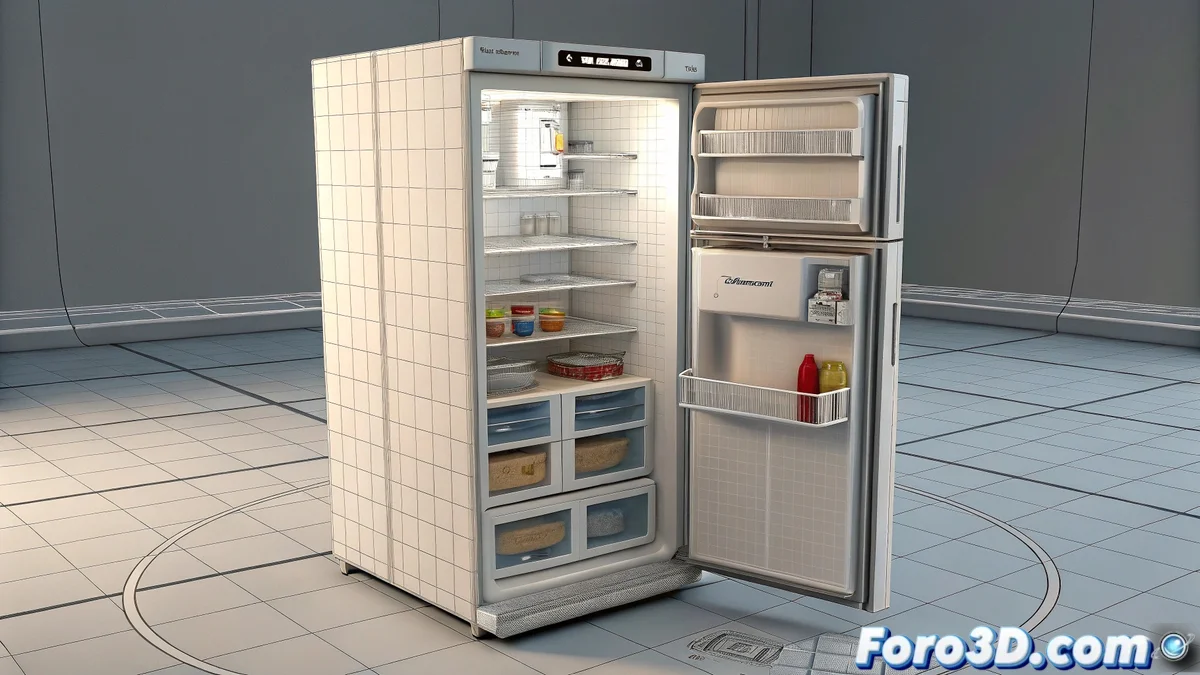
Master Parametric Properties in 3ds Max Like a Jedi 🪄
Ah, the dream of every modeler! Creating smart objects that animate themselves just by moving a slider. In 3ds Max, this is achieved with Custom Parameters and a bit of rigging magic. Let's get to the point:
Steps to Create Parametric Objects
- Prepare your model: Ensure all moving parts are correctly pivoted
- Create parameters: Go to Animation > Parameter Editor
- Assign controls: Use Wire Parameters to connect transformations
- Test and adjust: Like a good digital mechanic 🛠️
"A well-parametrized object is like a good butler: it does what you want with just a gesture"
Advanced Techniques
- Script Controller: For complex behaviors
- Reactor: For basic physical simulations
- Custom Attributes: Add your own controls
- Presets: Save frequent configurations
For refrigerators and doors, the LookAt Constraint combined with Slider Controls works wonders. And if you want to take this to the extreme, explore the CAT (Character Animation Toolkit) which, although designed for characters, is incredible for complex objects.
Remember: perfect parametrization requires patience. But once set up, you'll be able to animate entire scenes in minutes while having coffee. ☕ And may the force (and well-configured parameters) be with you... especially in the bathroom.