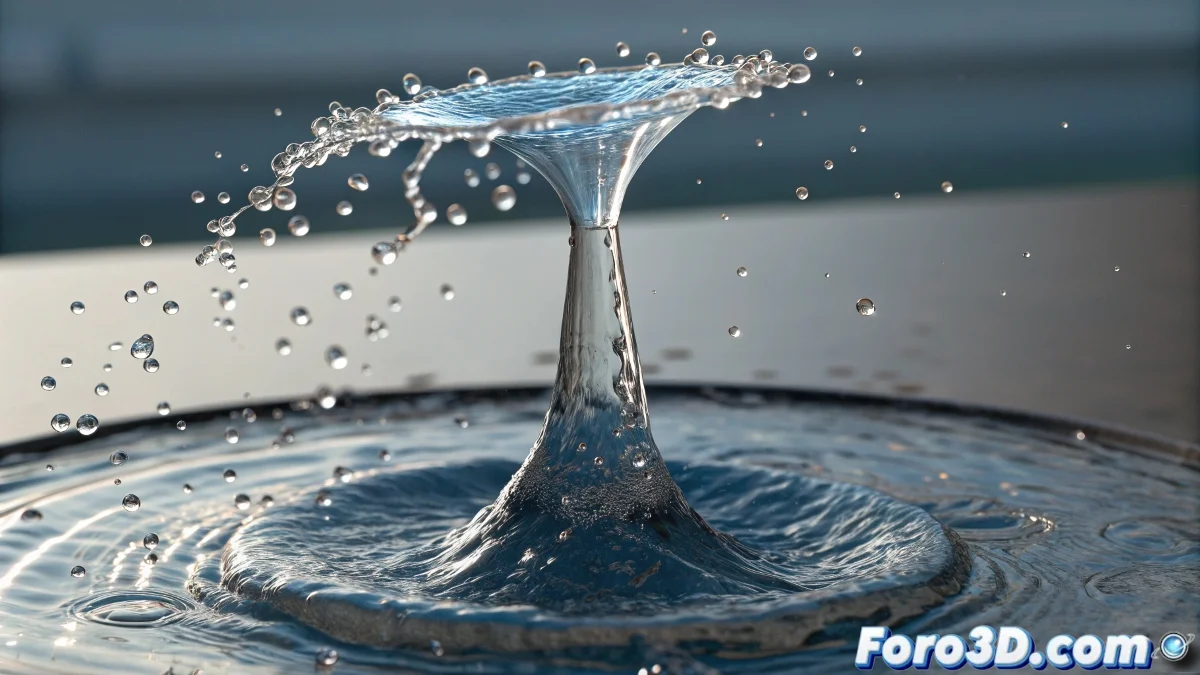
The Art of Frozen Water in 3D
Creating a water jet for a fountain as a beginner can seem overwhelming, but the advantage of working with a static image is that you don't need to master complex dynamics simulations. The trick is to fool the eye with smart materials and geometry.
For a still image, you can completely avoid particle and fluid systems that often complicate life for newcomers to the 3D world. Instead, we will focus on creating the perfect illusion of moving water.
In the world of still images, water doesn't need to move, it just needs to convince the viewer that it could
Basic Geometry for the Water Jet
The first step is to create the shape of the jet using simple modeling tools. Think of the water as a solid but transparent shape that follows an elegant trajectory.
- Use spline lines: create the jet's trajectory with smooth curves
- Apply a sweep modifier: generate tubular geometry along the spline
- Vary the thickness: make the jet thinner at the ends for realism
- Add scattered droplets: create small spheres around the main jet
V-Ray Material for Convincing Water
The secret to realism lies in the material. The water needs transparency, reflections, and precise refractions for the brain to accept that it's seeing liquid and not glass or plastic.
Setting up a V-Ray material for water requires balancing several parameters. Too much transparency looks like air, too little looks like jelly 😅
- Refraction at maximum: set IOR to 1.33 for pure water
- Almost white color: use very light tones with a slight blue or green tint
- Bright reflections: enable fresnel reflections for realism
- Total transparency: adjust refraction to pure white color
Lighting and Environment for Realism
Water without proper lighting loses all its magic. You need light sources that highlight the reflections and transparencies that have made V-Ray so famous.
A common beginner mistake is using flat lighting. Water needs contrasts and bright spots to look wet and in motion.
- Use HDRI for natural environment reflections
- Add directional lights that create highlights
- Include surrounding objects that reflect in the water
- Test different camera angles
After following these steps, you'll have a water jet that looks like it's coming out of the fountain... and you've probably learned that in 3D, sometimes it's better to fake it than to simulate it 🌊