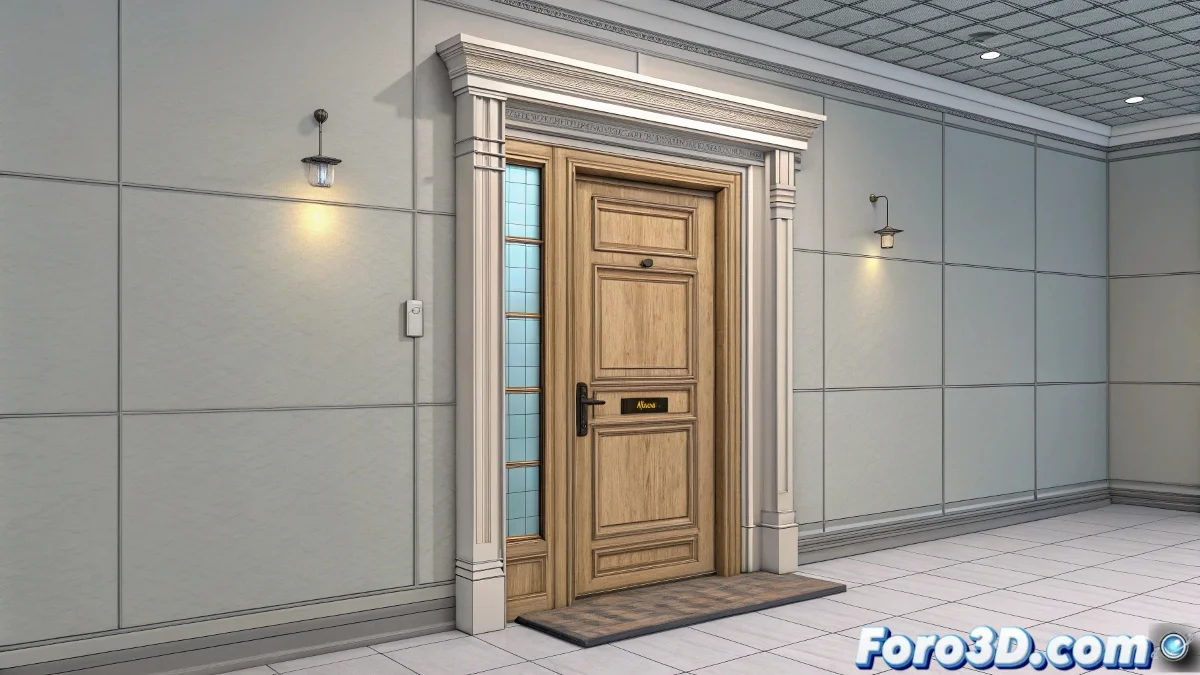
When Your 3D Door Prefers to Spin Like a Ballet Star 🩰
In the fascinating world of 3D animation, few things are more frustrating than a door that rotates around its center as if it were on a talent show. Luckily, with a couple of adjustments to the pivot point, we can restore sanity to our digital models.
The Art of Placing Virtual Hinges
The secret to a well-behaved door lies in its pivot. In 3ds Max, the process is as simple as:
- Select the object and open the Hierarchy panel
- Activate Affect Pivot Only to enter pivot editing mode
- Move the pivot to the exact spot where the real hinges would go
- Deactivate the option and enjoy logical rotation
"A well-placed pivot is like a good psychologist: it helps everything revolve around what really matters."
Plan B for Rebellious Animations
If you've already animated half the project and discover your door spins like a helicopter, all is not lost. The solution is to use a Dummy or Point Helper:
- Create a helper and place it where the hinges should be
- Link the door to the helper (parent-child, like in functional families)
- Animate the helper instead of the door directly
- Watch as your door now opens normally, without aspirations to become a propeller 🚁
When Virtual Physics Rebel
If after all that your object still spins as if possessed, check these points:
- Is the pivot really where it should be?
- Have you correctly applied the hierarchy between objects?
- Have you checked that there are no rebellious keyframes on the timeline?
Remember that in the 3D world, as in real life, doors should open and close, not perform circus-worthy pirouettes. If your creation insists on behaving like a ballerina, perhaps it's time to consider an alternative career for it in show business. 🎪
And now, if you'll excuse me, I'm going to try to get this virtual door to stop spinning as if it were on a roller coaster. Mental note: maybe I should have started by reading the manual. 🤦