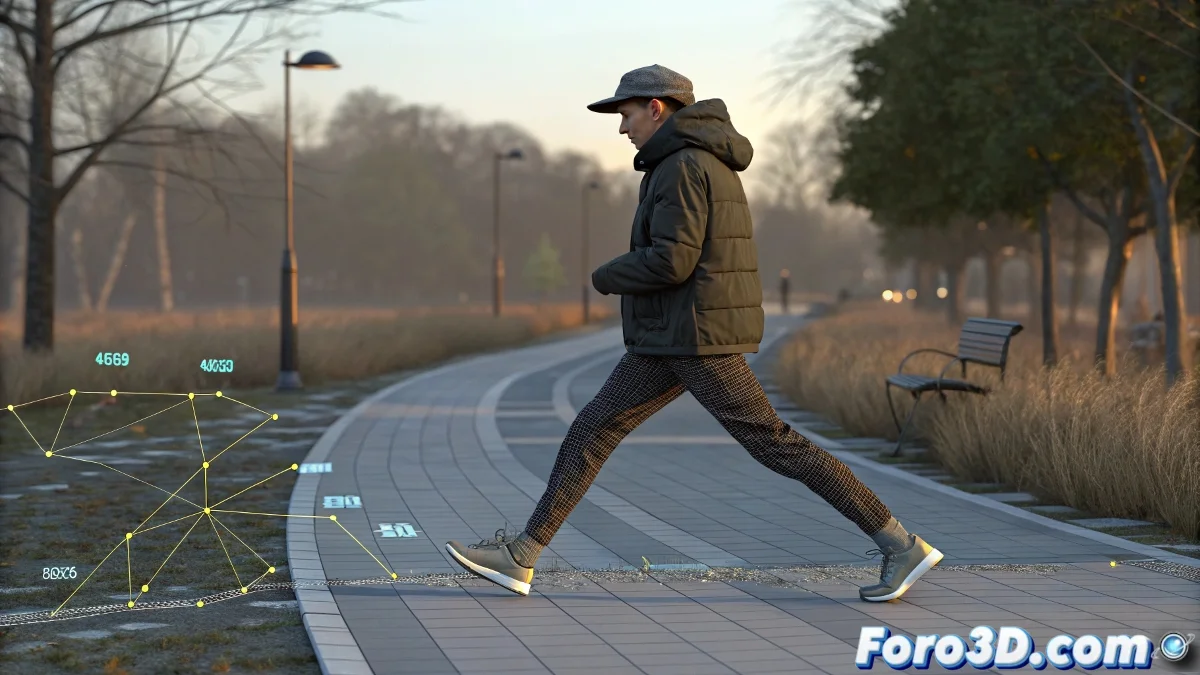
Footstep and Manual Animation in Biped
When working with Biped in 3ds Max, the Footstep system and manual animation do not work in parallel. Footstep generates and controls keyframes, so applying it over existing animation will overwrite the previous work.
How to Do It Without Losing Your Work
The correct workflow is to generate the footsteps first and then use Convert Footsteps to Keys. Once converted, the animation no longer depends on Footstep but on keyframes, allowing you to add or modify manually without risk.
The Practical Solution
- Generate the automatic walk cycle with Footsteps.
- Convert the animation to keys.
- Add manual animation on Biped layers.
- If you need multiple walk cycles, work with Motion Mixer to blend independent clips.
A Detail to Keep in Mind
Footstep is designed as a rapid preview tool, not as a hybrid system. For production projects, it's best to use it only as a base, convert it to keys, and then work with traditional animation or via Motion Mixer.