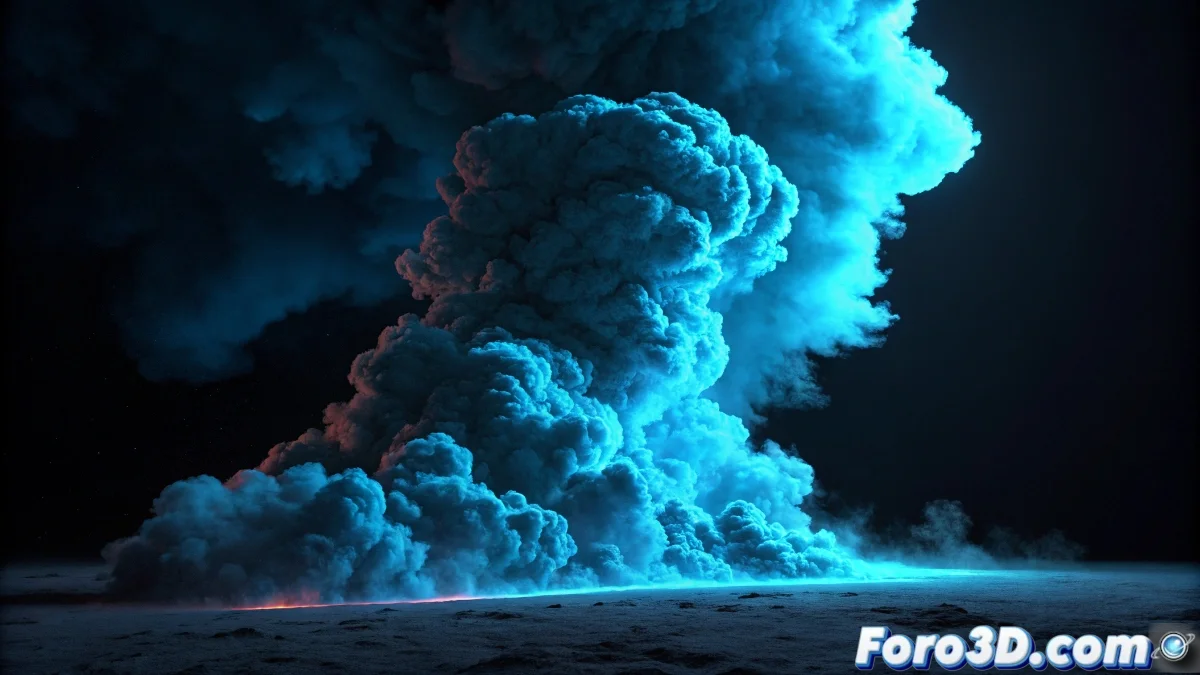
When the smoke decides to always be gray
The challenge of changing the smoke color in Blender 2.5 is one of those problems that seems simple until you realize that smoke systems and volumetric materials have their own particular logic. The frustration is understandable when you've achieved a realistic simulation but the smoke refuses to abandon its traditional grayscale palette. You've reached the point where the physics works but the visual magic resists.
The fact that you already have a realistic simulation is an excellent starting point. Now you need to understand that the smoke color in Blender is not controlled like traditional materials, but through a specific volumetric shaders system that interacts with density and lighting in a particular way.
Basic smoke material setup
To begin, select the smoke domain and go to the Material Properties panel. Create a new material and change the surface type to Volume instead of Surface. This is crucial - normal materials don't work with smoke. In the Volume tab, select Volume Scatter or Volume Absorption depending on the effect you're looking for.
The key parameters are Density to control opacity, Scattering for how light is scattered, and Color for the base tone. For colored smoke, start with Density 1.0-5.0 and adjust the color directly in the color panel. High scattering (0.5-1.0) gives denser and brighter smokes.
- Material type: Volume, not Surface
- Volume Scatter for dense and visible smoke
- Density between 1.0 and 10.0 depending on intensity
- Direct color in volume properties
Well-colored smoke is like good makeup: the color is noticeable but it doesn't lose its ethereal nature
Node system for advanced control
For real control over the color, activate the Node Editor. In the node system, connect a Volume Scatter or Volume Absorption node to the material output. Use a ColorRamp node connected to the Color socket to create gradients and tonal variations within the smoke.
For more realistic smokes, connect a Noise Texture node to the ColorRamp. This creates natural color variations that mimic real smoke turbulence. Adjust the noise scale (5.0-15.0) to control the size of the color variations.
- Node Editor activated for advanced control
- Volume Scatter/Absorption connected to output
- ColorRamp for gradients and variation
- Noise Texture for natural patterns
Techniques for specific colors
For blue or cool smoke, use Volume Scatter with bluish colors (RGB: 0.2, 0.4, 0.8) and low scattering (0.3-0.5). Add a bit of Volume Absorption with very dark blue color for depth. This creates that cool and translucent smoke effect.
For red or warm smoke like fire, combine Volume Scatter with orange tones (RGB: 0.8, 0.3, 0.1) and Volume Absorption with deep reds (RGB: 0.6, 0.1, 0.05). Use higher scattering (0.7-1.0) for greater opacity and brightness.
- Blue: Low scattering, blue-cyan tones
- Red: High scattering, red-orange tones
- Green: Medium scattering, green-yellow tones
- Purple: Combination of scattering and absorption
Integration with the simulation
The color can vary according to the simulation density. Connect the Density socket of the smoke domain to the material's Density socket using an Attribute node with the name "density". This ensures that the color respects the real density of your simulation.
For effects like smoke that changes color over time, animate the ColorRamp parameters or use a ColorRamp node with animated positions. You can make the smoke start with one color and evolve to another as the simulation progresses.
- Attribute node with "density" to respect simulation
- Animated ColorRamp for temporal changes
- Mapping node for texture control
- Math nodes for complex operations
Lighting and rendering for vibrant colors
Lighting is crucial for the smoke colors to look good. Use strong lights from behind or sides to enhance the volume. Area or Point type lights work better than Directional for smoke.
In the render options, increase Volume Samples to 64-128 for better quality. In Cycles, activate Volume Sampling and adjust the steps according to your scene's complexity. For faster renders during tests, reduce the samples but increase them for the final render.
- Side and back lights for enhancement
- High Volume Samples for quality (64-128)
- Transparent Background activated if necessary
- Color Management adjusted for precise colors
Mastering these techniques will allow you to create from magical colored smokes to realistic atmospheric effects that truly impress. Because in Blender, even the grayest smoke can learn to dress in colors when it knows the right nodes 😏
Quick setup to get started
Basic nodes for colored smoke:
Material Output ← Volume Scatter
Volume Scatter Color ← ColorRamp
ColorRamp Input ← Noise Texture
Noise Texture Scale: 10.0
Density: 3.0
Scattering: 0.7