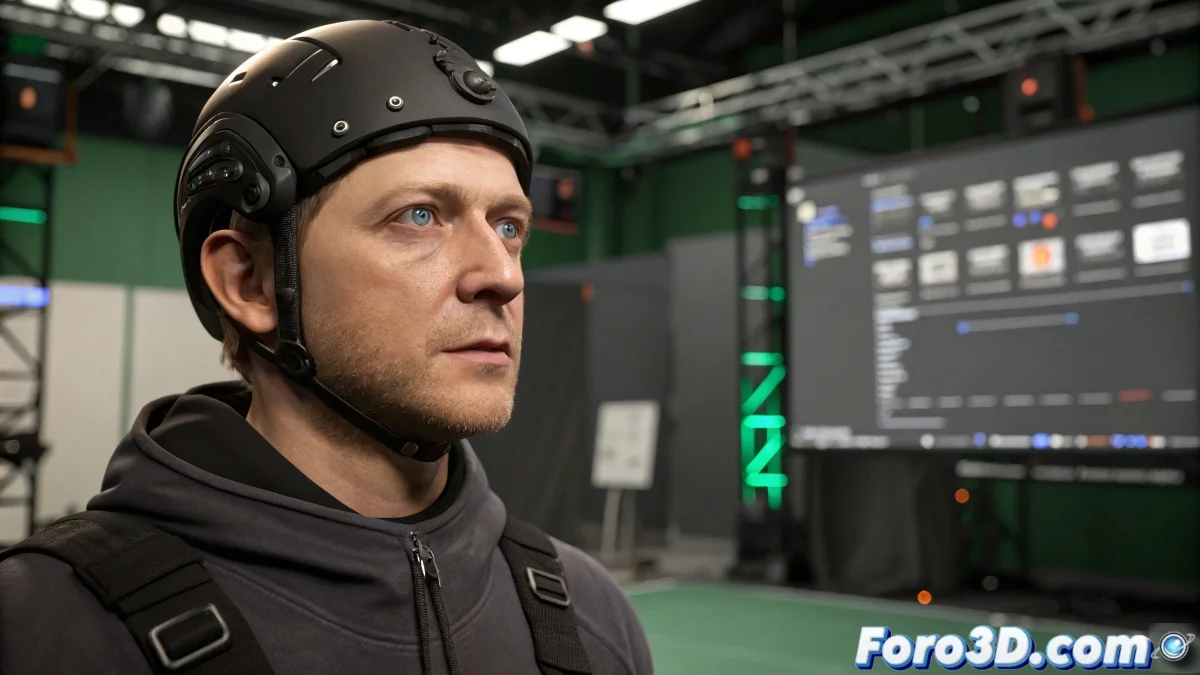
Master the Art of Automatic Blinking in Motion Builder
Tired of your characters staring like psychopaths without blinking? 😳 In Motion Builder, there's a simple trick to automate this very human movement without resorting to complex scripts.
The Asset Browser hides the solution under the Character Controls section. There you will find the magic node:
- Blink Generator: Add this component to your rig for automatic blinking
- Randomize Parameters: Control frequency and intensity for greater naturalness
- Eye-Lid Controls: Fine-tune the mechanics of the blink
For the perfectionists, it can be combined with morph targets that simulate the smooth movement of the eyelids. Because a good blink should be like good internet service: present but not annoying. 😉
A character that doesn't blink is like a vampire at the beach: something clearly doesn't add up.
From Animation to Action in Real-Time
Converting predefined animations into real-time movements is easier than it seems:
- Import your animation into the Story Editor
- Convert the take into an action clip
- Drag it to the Character Controls to blend with live inputs
The trick is to adjust the blend parameters so the transition is smooth. Try different blending modes until you find the sweet spot where the predefined animation and live control kiss in perfect harmony. 💃
Remember that these systems work best when the rig is well configured. A poorly prepared character responds to animations like a teenager to their parents' orders: clumsily and reluctantly. 😅
Now go and make those characters blink as if they had a life of their own (but don't overdo it, or they'll look like they have a nervous tic). Let's get animating! ✨