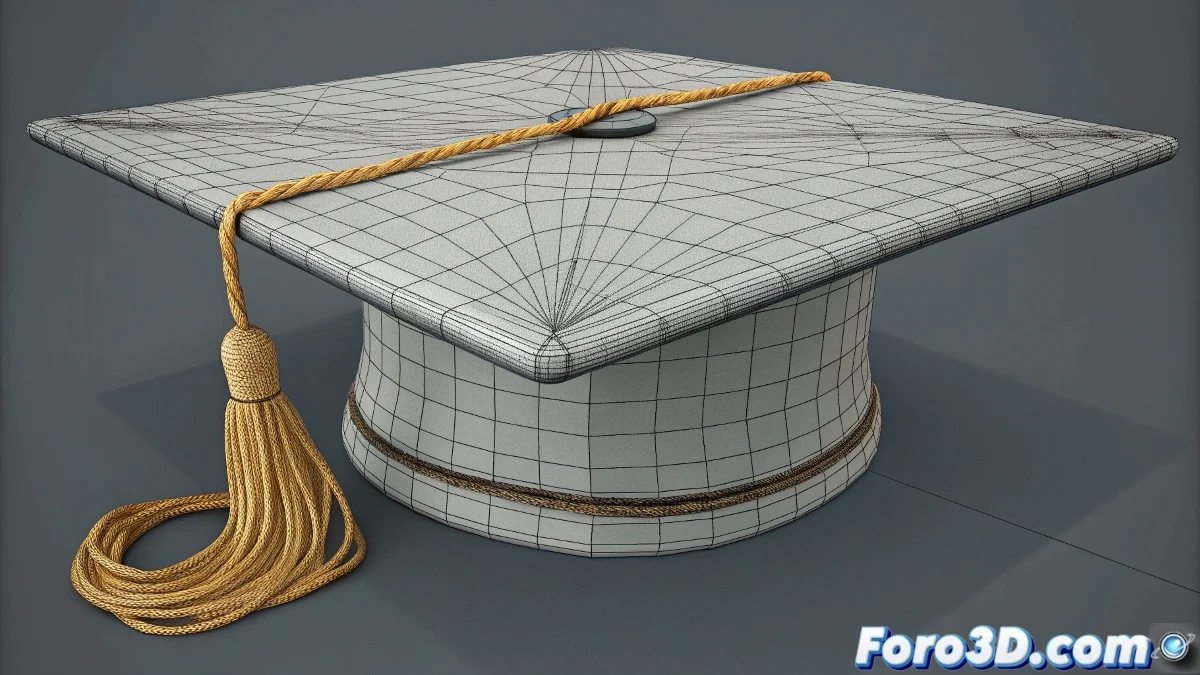
When Your Ropes Decide to Live Their Best Life... Far Away from the Hat 🎩➡️🏃
Animating ropes with the Cloth modifier should be simple, until you discover they have more free will than a cat on bath day. Here we show you how to tame them so they stay where they should.
🔒 Step 1: Strategically Pin Points
- Select the base vertices of each rope
- Create a Vertex Group
- In the Cloth modifier's Object Properties:
- Check Pinned Points 🧷
- Assign your vertex group
- "These won't move even if the hat flies away"
🎛️ Step 2: Key Adjustments to Avoid Chaos
- Bendiness: 0.3-0.7 (for natural stiffness)
- Friction: 0.2-0.5 (prevents weird sliding)
- Distance Bias: Increase if they pass through each other
- Self Collision: ✔️ Always enabled
"A well-simulated rope is like a good employee: flexible but knows where it needs to be"
🔄 Step 3: Combine with Other Modifiers
For best results:
- Add TurboSmooth after Cloth ✨
- Iterations: 1 (no more to preserve simulation)
- Try Skin Wrap to make them follow helper bones
- Use Morpher to correct specific poses
💥 Common Problems and Express Solutions
- 🧶 "They tangle like grandma's yarn": Increase Self Collision Margin
- 🏃 "They run away as if the hat owed them money": Verify Pinned Points
- 🤪 "They contort like snakes": Reduce Bendiness and increase Stiffness
Remember: Virtual ropes aren't tied with real knots... even though it sometimes seems like it. With these adjustments, you'll achieve ropes worthy of the best digital hatmaker for that hat. Happy simulating! 🎩✨