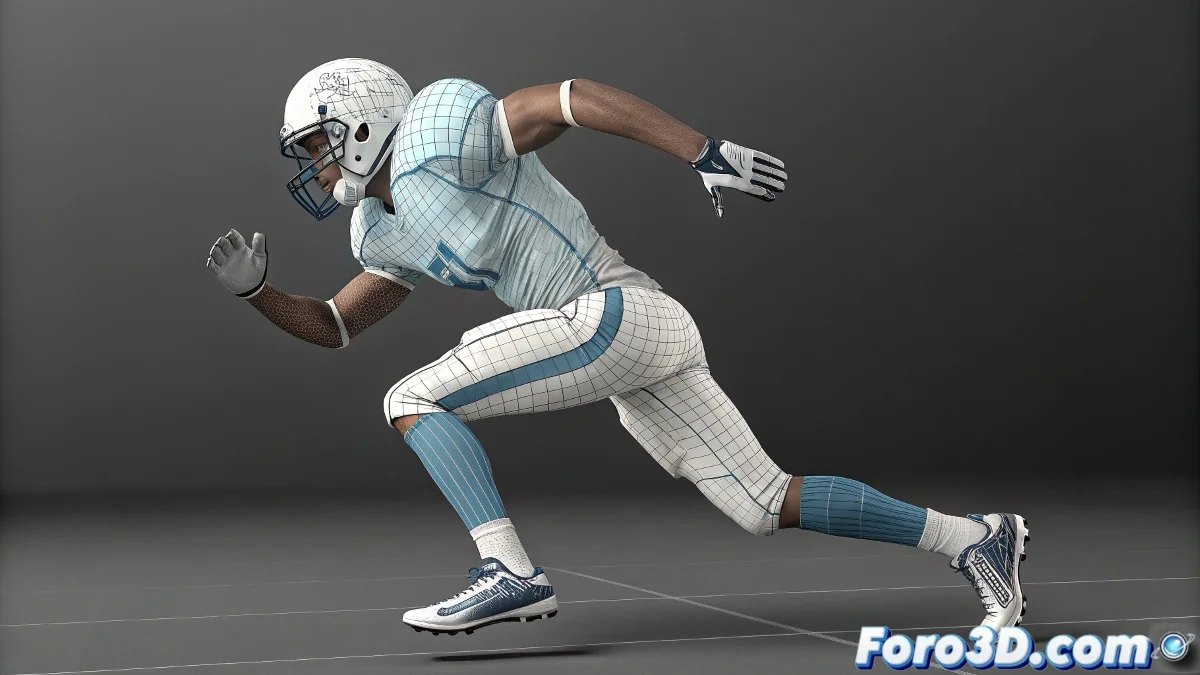
When Your Character Insists on Strolling Around the Scene 🚶♂️🌍
You animated a perfect cycle... but your Biped decided it wants to be nomadic. Discover how to keep it in place like a good video game character.
🛑 Foolproof Method: In Place Mode
- Select your entire Biped
- Go to the Motion → Biped → Modes and Display panel
- Check the In Place Mode box 🎯
- Magic! The animation now happens in place
"In Place Mode is like a virtual treadmill: all the movement without the travel"
🎮 For Game Pipelines:
- Unity/Unreal: Export normally and disable Root Motion
- GameMaker: Use in-place animation (0,0)
- Godot: Apply manual transformation to (0,0,0)
⚠️ Common Pitfalls:
- Not converting Footsteps to Freeform first
- Forgetting to reset the initial position
- Mixing root motion unintentionally
🔧 Extra Professional Adjustment:
- Create a parent Null for the Biped
- Animate the Null for controlled movement
- Keep the Biped always at local (0,0,0)
Now your character will be able to run, jump, and dance... all without leaving its assigned grid! Like a good, obedient NPC. 🎮