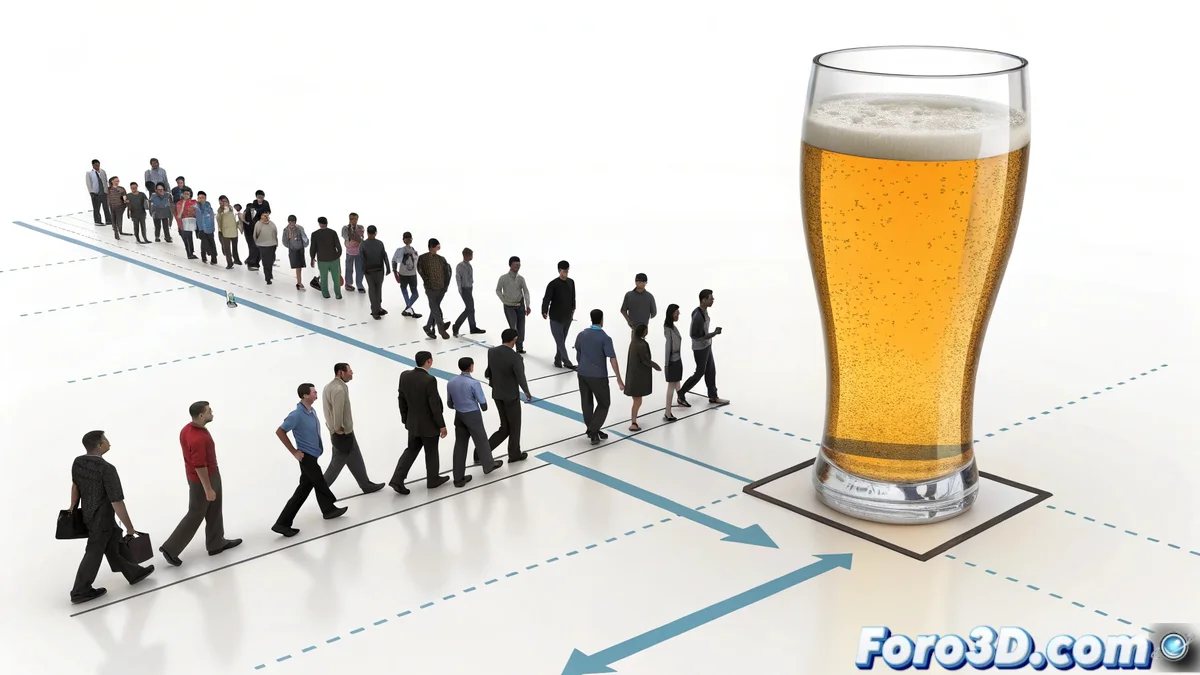
The Art of Mastering 3D Crowds: From Chaos to Perfect Figures
You want to create digital choreography like in those epic commercials! 🕺💃 Let's turn your swarm of delegates into a perfectly synchronized ballet. Here are the keys to achieving it, both with Crowd and with other alternatives.
Taming the Crowd with Crowd
To make your characters stand still after forming figures:
- Create two distinct behaviors:
- One for movement towards the position
- Another for standing still (use the "Stand" behavior)
- Configure the cognitive controllers:
- Use triggers based on position
- Set proximity conditions to the target
- Adjust the transition parameters:
- Smooth the change between behaviors
- Try "Blend" instead of abrupt changes
"A well-animated crowd is like a good soccer team: everyone knows exactly where to be and when"
Professional Alternatives
- Massive (the king of intelligent crowds)
- Golaem Crowd (easier to learn than Massive)
- Miarmy (powerful with good integration in 3ds Max)
- Houdini Crowds (for lovers of absolute control)
Professional Trick for Complex Figures
Create an invisible animated target that:
- Starts as a path spline
- Transforms into exact position points
- Controls both the movement and the final position
For the "glass being drunk" effect, consider animating in layers:
- Crowd forming the figure (crowd simulation)
- Main character (traditional animation)
- Special effects (particles for liquids)
Remember: perfect crowds require patience. But when you achieve it, you'll have a spot worthy of the Super Bowl. Let's get animating! 🎥✨