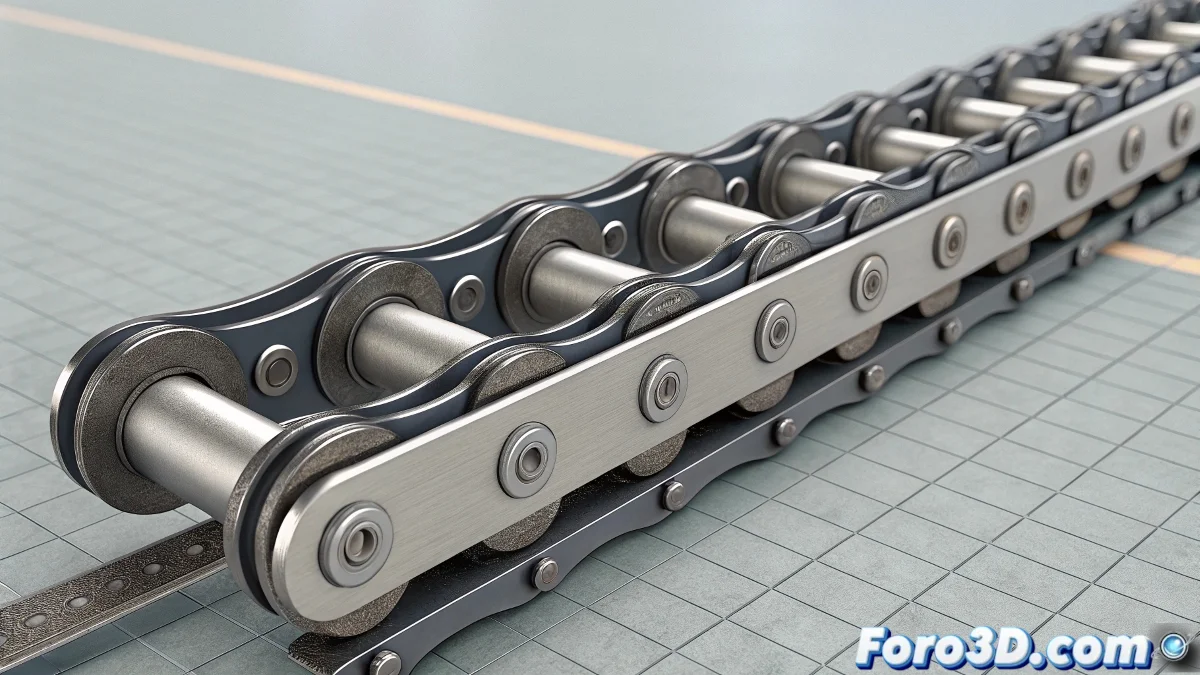
Why Complicate with Physics When a Spline is Enough?
Animating a conveyor belt in 3ds Max might seem like a challenge, but it doesn't have to involve physical simulation or rigs with bones. If what you're looking for is precise animation—like a conveyor belt or an industrial machine—there are cleaner and more predictable solutions.
The Key: Path Deform with Smart Clones
The most stable method is to use Path Deform (WSM). Start by modeling a single link, make instances of it, and then apply the Path Deform modifier so each one follows an animated spline.
- Use Percent in Path Deform to control the position of each link.
- Animate this value with small offsets to simulate continuous movement.
- Use closed splines if you need constant loops (like endless belts).
This not only gives you total control over the pace, but you can also modify the spline at any time to alter the trajectory.
More Control with Wire Parameters or Spacing Tool
If you want to automate the displacement:
- Use Wire Parameters to link the movement of all links to a master controller.
- Alternatively, the Spacing Tool allows you to distribute objects along a spline with orientation control.
- Animating the spline itself is also a valid option if you want more organic effects.
What About Physics? Better Not
Reactor and dynamic simulations might seem like the right choice at first, but they often create more problems than solutions in mechanical contexts. Chains require precision, not chaos: use deterministic tools, not physics.
Conclusion: Precision Over Simulation
The irony is that with so much simulation power, the most professional approach is still to make your chain follow a spline... and that's it. Because sometimes, simple doesn't just work: it works perfectly.
So save the bones and rigid bodies for another day. For conveyor belts, your best friend is still a well-animated spline.