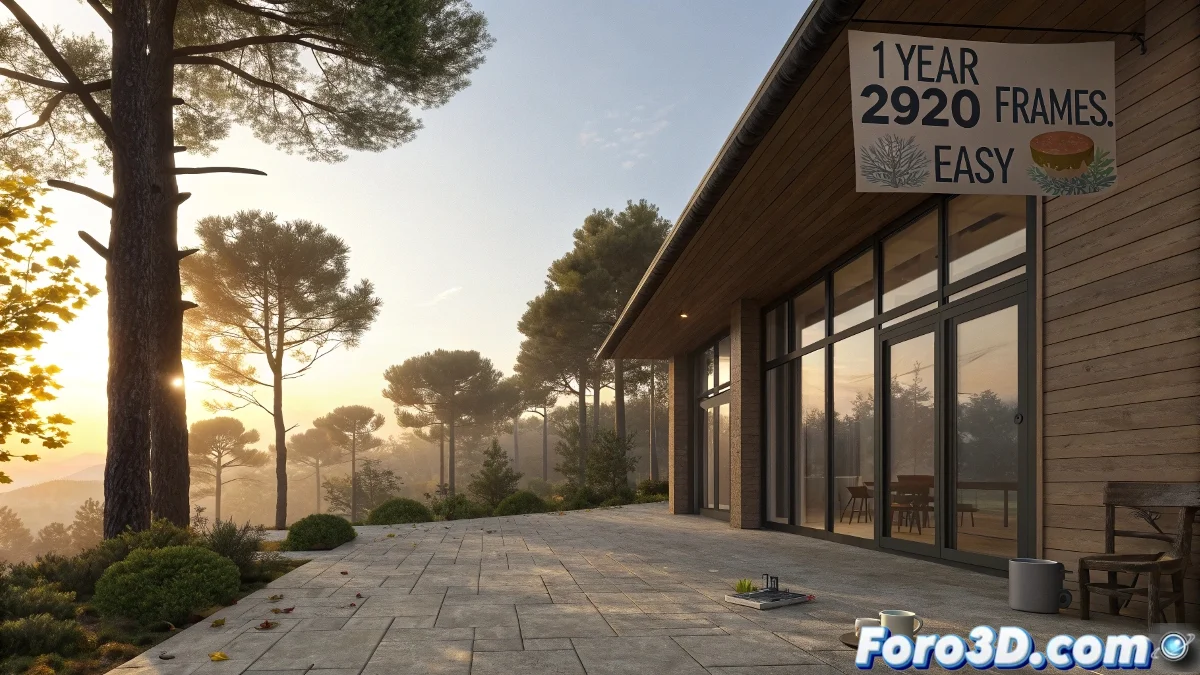
How to Animate a Year of Sunlight in 3-Hour Intervals with VRay Daylight
Simulating a full year of solar lighting in 3-hour intervals is a fascinating project where art and technique come together. It's ideal for architectural lighting studies or environmental effects. While it may seem like a titanic challenge, with the right tools and a bit of automation, it's entirely feasible.
What do we actually need to animate?
To accurately simulate the passage of solar time, it is essential to modify the Time of Day within the Daylight System. However, 3ds Max does not allow you to animate the date directly from the interface, only the time. Fortunately, this can be achieved with a MAXScript that modifies the hour, day, and month simultaneously.
Why in 3 hours and not in days?
A year has 8760 hours. By reducing it to 3-hour intervals, you get approximately 2920 samples. In an animation at 30 fps, this would translate to about 2920 frames, or almost 1 minute and 40 seconds of viewing time. It's a reasonable duration to appreciate the annual progression of light.
How is it done? Here are the key steps:
Follow these steps to set up your scene:
- Create a Daylight System from the Systems menu.
- Make sure it is linked to a VRay Sun and uses a VRay Sky as the environment.
- Disable the Manual Control option for the time to synchronize the lighting with the date.
To automate the process, open the Scripting window (MAXScript > New Script) and use a script like the following:
for f = 0 to 2920 do (
    local hrs = (f  3) mod 24
    local totalDays = floor((f  3) / 24)
    local date = dateTime 2024 1 1 0 0 0 -- Start date
    date += totalDays
    $.daylightParameters.sunlightTime = date + (hrs / 24.0)
    sliderTime = f
)
This script simulates from January 1, 2024, adjusting the hour and day in 3-hour jumps for each frame.
Additional Recommendations
- Enable Global Illumination (GI) in VRay to get the full effect of the changing sun.
- Use a VRayPhysicalCamera to prevent lighting changes from burning out the scene.
- Do low-resolution previews to review the full effect before launching the final render.
Simulating a year in 3ds Max is easy. The real challenge is keeping your PC from melting in the attempt. So, start rendering that animation... and go on vacation! When you return, it will be summer again. ☀️