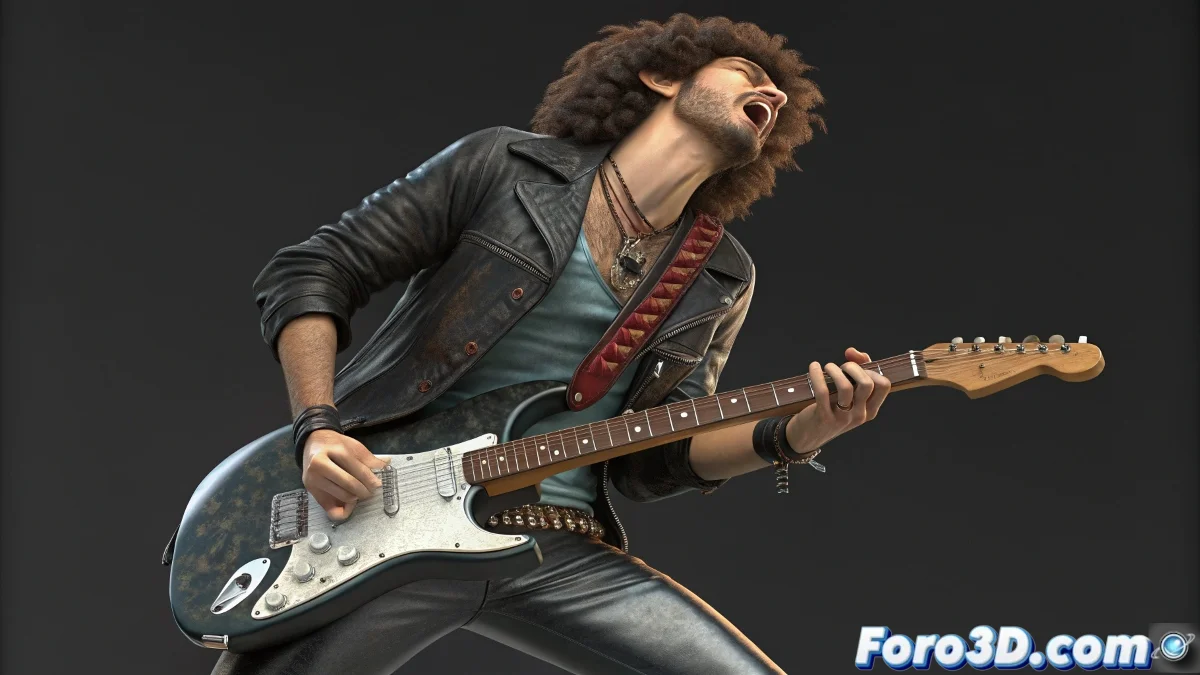
The Challenge of Animating a Guitar Strap
When you want to animate a guitar hanging from a character's shoulder, the strap must move flexibly but with firm anchor points. Ideally, the ends of the strap should be linked to the biped's clavicle (upper part) and the guitar body (lower part), ensuring natural movement.
How to Set It Up
Instead of creating two independent bone chains, the most practical approach is to use a single chain that represents the entire strap. Then:
- Skin Modifier: Apply Skin to the strap mesh and assign the bone chain.
- Upper Anchor: Link the upper end with a Position Constraint to the biped's clavicle.
- Lower Anchor: Link the lower end with a Position Constraint to the guitar body.
- Intermediate Movement: Use an IK Solver or Spline IK Solver to give secondary behavior.
The strap will always have its ends fixed and a natural swing thanks to the intermediate bones.
Why Not Link the Mesh Directly
It is not advisable to link the ends of the mesh to the objects (clavicle or guitar), because it breaks the continuity of the Skin. The correct method is to move the end bones, as the geometry will continue to behave flexibly.
Improving Realism
To achieve a more believable strap, you can add:
- Soft Selection: Adjust the influence of vertices in the weighting.
- Flex Modifier: Simulate the bounce of fabric or leather when moving.
- Auxiliary Controllers: Add control over the swing for more naturalness.
- Weight Adjustments: Refine the deformation to avoid artifacts.
Conclusion
With a single bone chain, Skin, and a well-configured IK system, the guitar strap will behave naturally and realistically in your animations. By reinforcing it with Soft Selection or a Flex Modifier, you can add the final touch that will make it look like a real piece of fabric or leather.