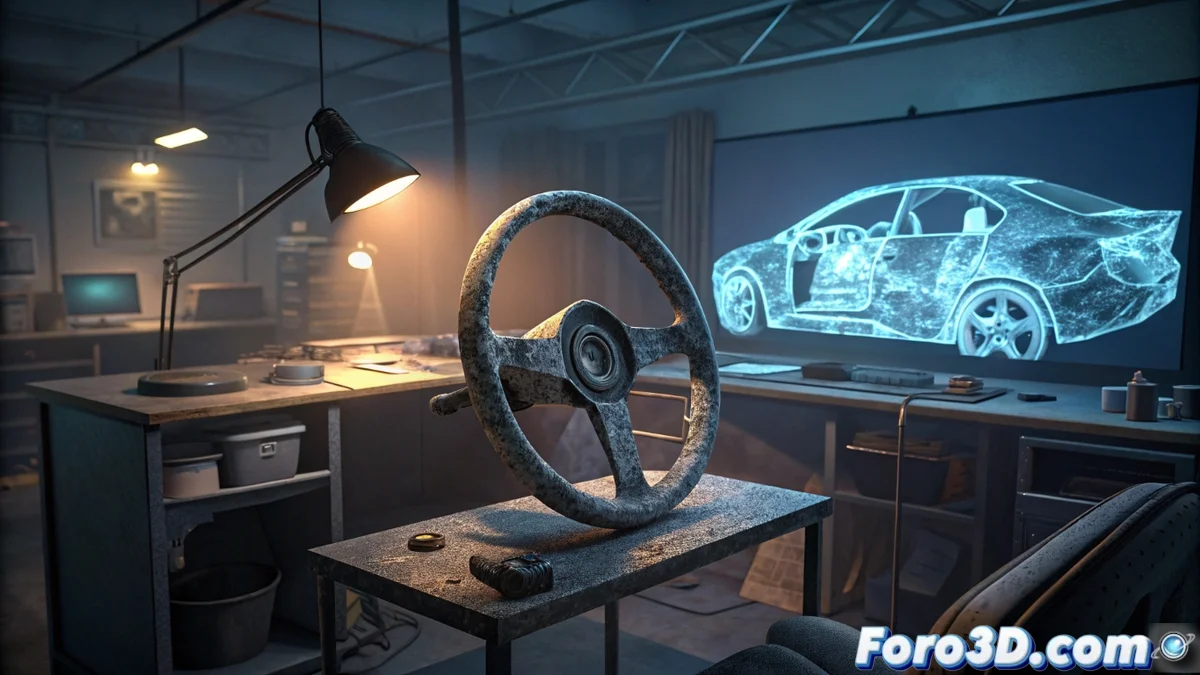
How to Analyze an Airbag After an Accident Using 3D Scanning and Simulation
When a traffic accident occurs, it is often crucial to determine whether safety systems, such as the airbag, functioned as designed. To answer this, experts resort to a forensic technical process that combines 3D capture technology and advanced engineering software. 🔍
Digitize the Impact Scene with Millimeter Precision
The first step is to capture the exact state of the vehicle's interior after the crash. For this, a 3D laser scanner, such as the FARO Freestyle model, is used, which records the position of every element: steering wheel, seat, dashboard, and any deformation. This device generates a three-dimensional point cloud that serves as a faithful and objective digital model, eliminating guesses about how everything ended up. This spatial database is fundamental for the subsequent steps.
Objectives of 3D Capture:- Document the real geometry and obstructions inside the cabin.
- Create a precise spatial reference to set up the physical simulation.
- Preserve evidence digitally before the vehicle is manipulated.
The 3D point cloud is the cornerstone of the analysis; without precise capture, any subsequent simulation lacks validity.
Recreate the Deployment in a Realistic Virtual Environment
With the cabin's 3D model ready, the data is transferred to preprocessing software like HyperMesh. Here, the finite elements mesh is prepared, which is the computational structure that divides the geometry into small parts to calculate the physics. Subsequently, this model is imported into a computational dynamics program (such as Madymo or LS-DYNA), where the airbag inflation simulation is set up and executed. The software calculates how the bag expands within that specific space, interacting with the scanned elements.
Key Phases of the Simulation:- Prepare the computational mesh from the 3D scan.
- Set up the physical parameters of the inflator and airbag fabric.
- Run the calculation to visualize the complete deployment sequence.
Compare Results and Look for Anomalies
The simulation produces an animation or a series of images detailing each phase of inflation. Experts compare this generated pattern with two references: the theoretical pattern defined by the manufacturer for that vehicle model and the real physical evidence in the car (contact marks, tears, positions). Any discrepancy, such as an incorrect final volume, asymmetric contact, or inflation that prematurely collides with an object, is identified as an anomaly. This finding can explain a possible system failure. Sometimes, the most advanced technology simply confirms that an injury did not come from the airbag, but from another aspect of the accident. 💡