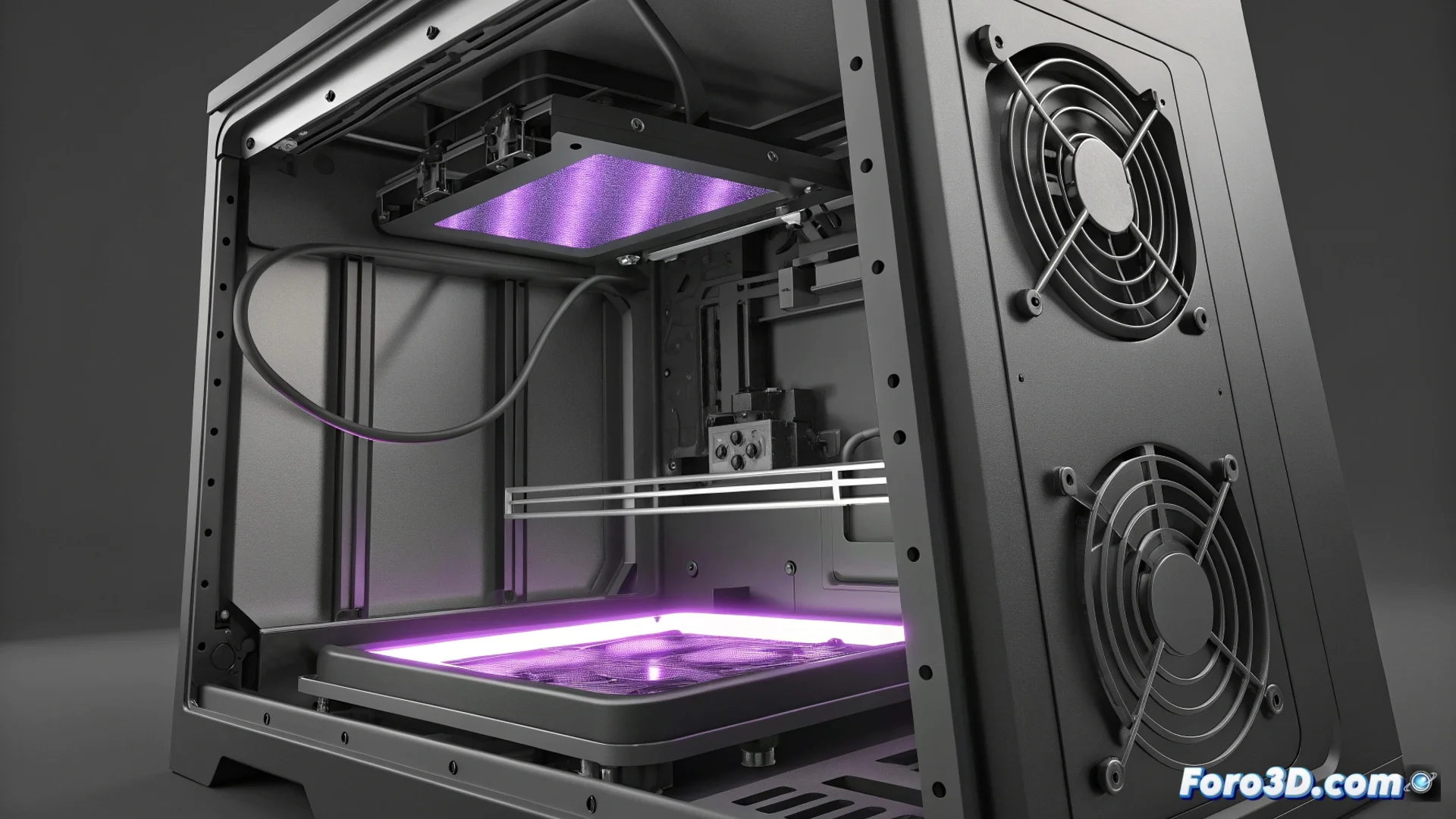
Heat Degrades the LCD Screen of a Resin Printer
Monochrome LCD screens are a key component in resin printers due to their speed and durability. However, their weak point is the heat sensitivity generated by the UV LEDs during the resin curing process. If cooling fails, excess temperature wears down the panel progressively and irreversibly. 🥵
Symptoms Revealing a Heat-Damaged Screen
The failure manifests mainly in two ways. The most visible are dead pixels, permanent black spots that block UV light and ruin prints. The other sign is more gradual: the screen loses light intensity steadily. This forces increasing exposure times for each layer, slowing down the entire job and potentially causing parts not to adhere properly if not corrected.
Key Indicators of Deterioration:- Dead Pixels: Appear as fixed dark spots on the screen during an exposure test.
- Uniform Brightness Loss: UV light is projected with less intensity, requiring upward adjustment of layer parameters.
- Recurrent Print Failures: Parts that do not adhere to the build plate or details that do not cure properly.
It seems paradoxical that a device that uses UV light to cure resin can end up 'cooking' its internal components due to insufficient ventilation.
Actions to Mitigate Damage and Extend Its Lifespan
To prevent heat from degrading the LCD screen, it is essential to maintain an optimal airflow. The main strategy is based on preventing overheating before it causes permanent damage.
Practical Maintenance Measures:- Check and Clean Fans: Ensure they spin without obstructions and are not covered in dust.
- Improve Internal Ventilation: Some users add auxiliary fans or modify the case to allow more air circulation.
- Manage Print Times: Avoid marathon sessions without breaks, allowing the electronics to cool between long jobs.
- Perform Periodic Exposure Tests: Checking the uniformity of the screen's light helps detect performance loss in time.