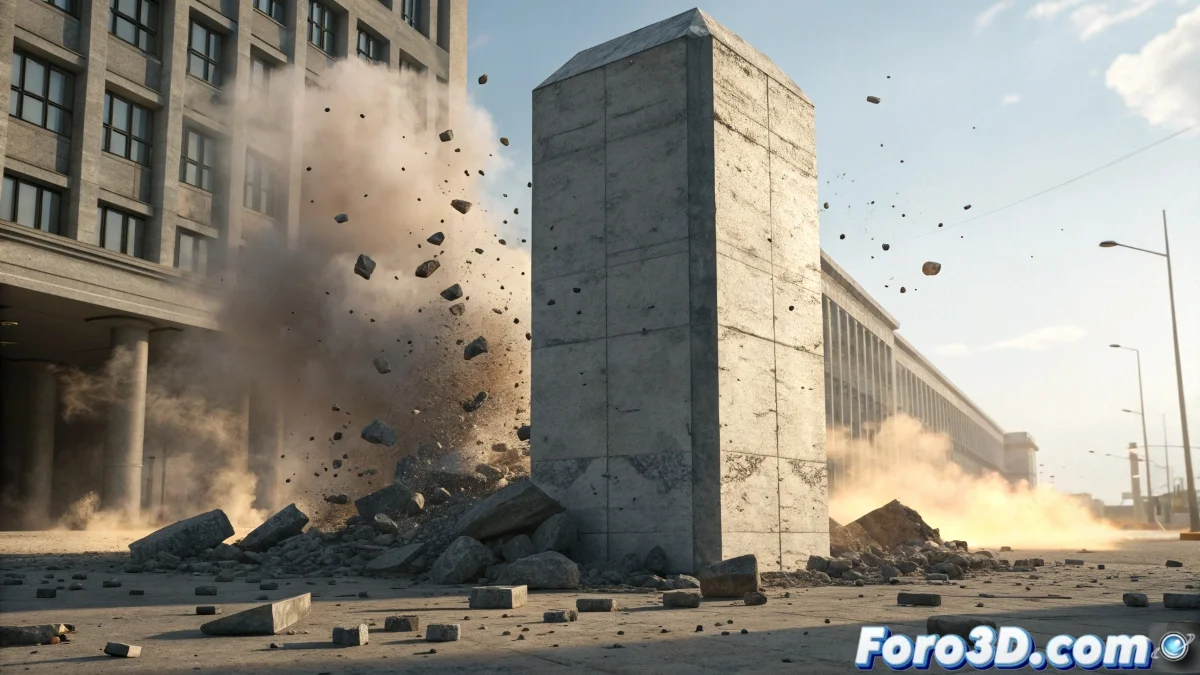
When Particles Refuse to Be Born from Chaos
The challenge of emitting particles from fractured RBD objects in Houdini is one of those problems that separates beginners from advanced users. The frustration is understandable when you've managed to make it work with simple RBD Object, but when switching to fractured objects, everything turns to silence and absent particles. The problem usually lies in the fact that Houdini treats fractured objects as different entities from simple objects, and requires a specific approach for emission.
The fact that you're using dopnumrecords and dopfield shows you're on the right track, but with fractured objects you need to target the correct DOP network structure. It's not that you're doing something wrong, but rather probably targeting the wrong hierarchy level within the simulation.
Correct DOP Network Setup for Fractures
The first critical step is to verify that in your RBD Fractured Object you're using Name or Group to identify the pieces. In the fracture node, make sure it's generating unique names for each fragment or grouping them correctly. Without this identification, the DOP network cannot address each piece individually for particle emission.
In the DOP network, when creating the RBD Fractured Object, check that the Create Connected Piece Data option is enabled. This is essential for Houdini to track and emit from each individual fragment during the simulation.
- Unique Names or Groups in the fracture node
- Create Connected Piece Data enabled in DOP
- RBD Fractured Object instead of RBD Object
- Solver configured for multiple objects
In Houdini, even the smallest fragment deserves its own particle cloud
POP Network Setup for Multiple Emission
Inside your DOP network, add a POP Source but instead of connecting it directly to the RBD, use a Multi-Source Setup. Create a Geometry Wrangle before the POP Source that iterates over all fractured pieces using @ptnum or @primnum depending on your setup.
The critical expression in the POP Source should use dopoption("/obj/auto1/fracture1", $OBJID, "Position", "px") varying $OBJID for each piece. To automate this, use a For Each Loop that loops through all fractured objects or employ dopnumrecords() with the correct path to your fracture.
- POP Source with multi-object configuration
- Geometry Wrangle for iteration over pieces
- Expressions with variable $OBJID
- For Each Loop for automation
Specific Solution with DOP Expressions
The problem with dopnumrecords and dopfield usually lies in the specific DOP network path. Instead of using generic paths, specify exactly: dopnumrecords("/obj/auto1/your_dop_network", "rbdobject"). Then, to access each object, use dopfield("/obj/auto1/your_dop_network", $OBJID, "Position", "tx") where $OBJID goes from 0 to dopnumrecords()-1.
For emission at fracture points, use an Attribute Wrangle at the SOP level that creates an emit attribute on the points where you want particles to be born. Then, in the DOP, reference this attribute with dopfield($OBJID, "emit", "Value").
- Absolute paths in DOP expressions
- $OBJID from 0 to dopnumrecords()-1
- Custom attributes for emission control
- Reference to SOP attributes from DOP
Alternative Method with SOP Solver
If the direct approach in DOPs continues to be problematic, consider using a SOP Solver inside the DOP network. This allows you to work at the SOP level where you have more control, while maintaining integration with the dynamic simulation. In the SOP Solver, you can easily iterate over all fractured pieces using conventional groups.
Inside the SOP Solver, use a For Each Piece loop with @piece attribute to process each fragment individually. Here you can emit particles using standard SOP techniques, which are usually more intuitive than complex DOP expressions.
- SOP Solver for SOP level control
- For Each Piece with @piece attribute
- Standard SOP methods for emission
- Better debugging and visual control
Mastering this technique will open the doors to spectacular destruction effects where each fragment can generate its own particle system, smoke, or any other secondary effect. Because in Houdini, even the most destructive chaos can turn into a perfect particle choreography when you know the right paths 😏