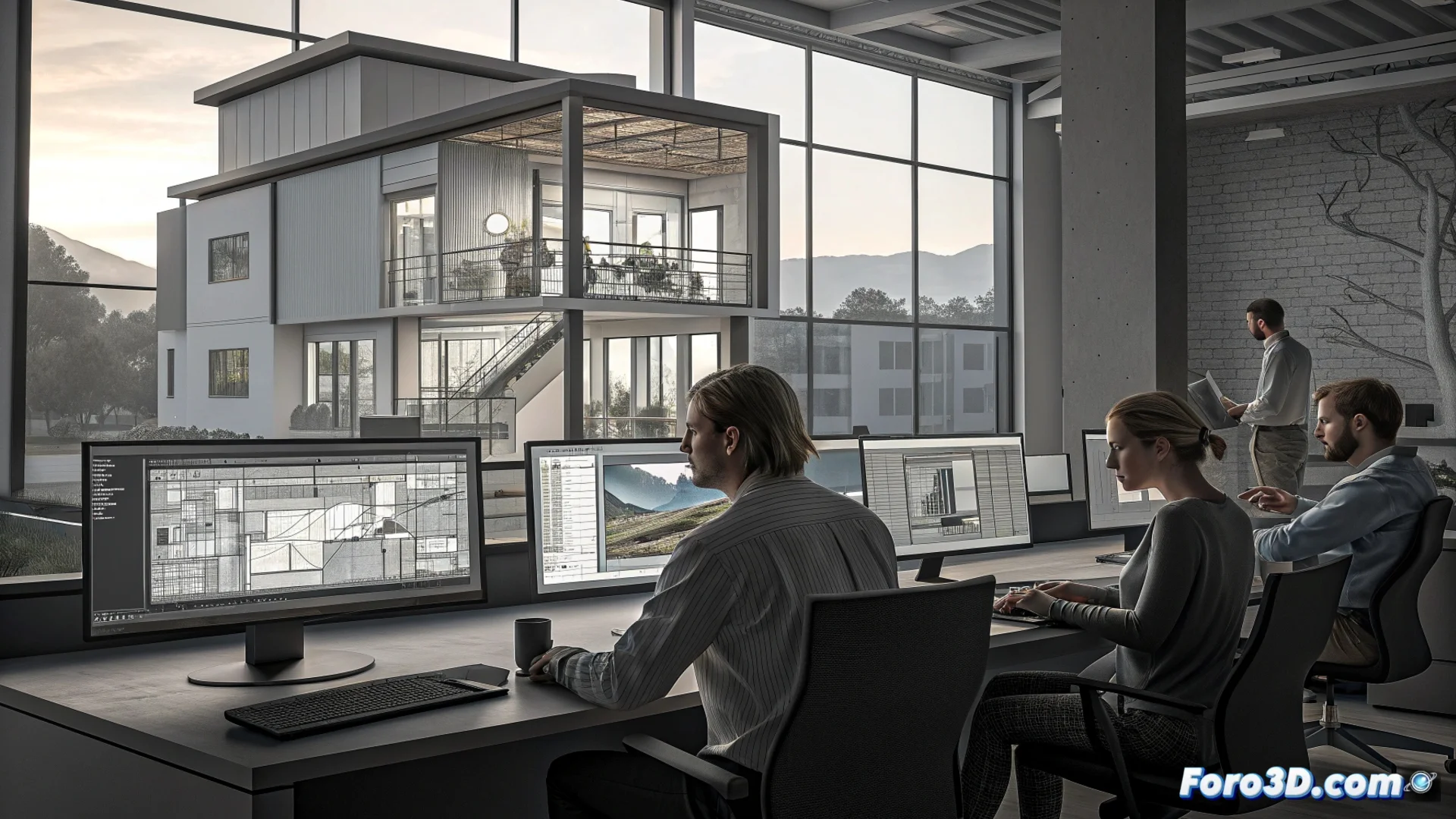
GRAPHISOFT BIMcloud: Real-Time Collaboration with ArchiCAD
GRAPHISOFT created BIMcloud as a dedicated solution for architecture firms to coordinate their work in ArchiCAD. This platform eliminates physical barriers, allowing architects, designers, and other consultants to access and modify the same BIM model simultaneously from any location. 🏗️
A Central Server to Synchronize All Work
The core of BIMcloud is a central server that stores the project's master model. Each professional connects to this server from their local copy of ArchiCAD. When a user modifies an element, the platform processes that change instantly and distributes it automatically to the rest of the team. This workflow ensures everyone always works with the most up-to-date version and avoids classic issues of duplicating and merging files. Communication between the software and the cloud happens in the background, without interruption.
Key Advantages of Centralizing the Model:- Eliminates conflicts from having multiple versions of the same file.
- Ensures every team member perceives others' changes almost instantly.
- Simplifies backups and project management from a single point.
BIMcloud reserves elements when someone modifies them, preventing two people from changing the same object at the same time.
Control Access and Protect Data Integrity
The platform includes robust tools for managing permissions. The project administrator precisely defines which areas of the model each user can view or edit, a crucial aspect when working with external consultants or multidisciplinary teams. The element "reservation" system is fundamental: it locks an object while a user edits it, preventing inconsistencies. Additionally, BIMcloud keeps a version history, allowing reversion to a previous state if necessary.
Essential Management Functions:- Assign viewing and editing permissions by user or by roles.
- Protect model integrity with automatic locks on elements in use.
- Maintain a historical record to recover previous project versions.
The Reality of Simultaneous Collaboration
The promise of working simultaneously is fulfilled in most scenarios. However, collaboration reaches a natural limit when two people need to modify exactly the same component, such as a complex wall. In those cases, the platform manages the conflict orderly, notifying the second user that they must wait for the element to be released. This mechanism, far from being an inconvenience, is what ensures the BIM model maintains its coherence and precision at all times. 🔒