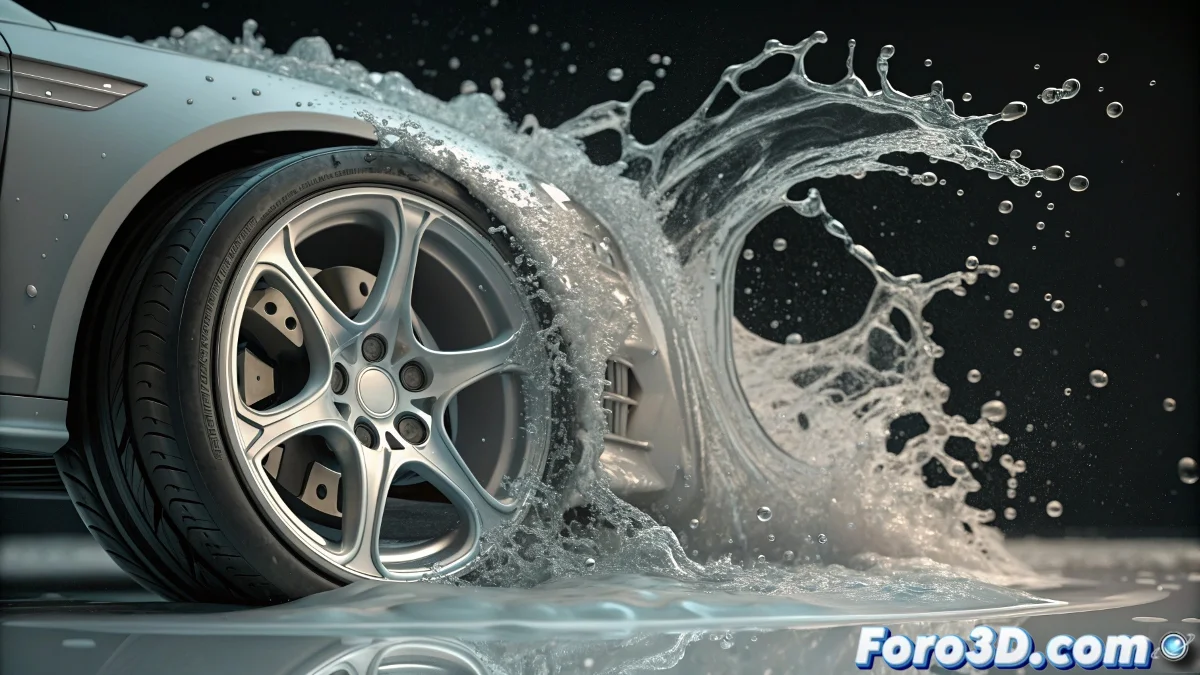
The RealFlow Liquid Ghost
It's one of the most baffling situations for new RealFlow users: you set up an apparently perfect scene with fluids, containers, and gravity, but when simulating, the liquid decides to behave like a specter that passes through everything without batting an eye. The container becomes a mere suggestion that the water elegantly ignores.
This problem usually occurs when essential configurations are missing in the objects that should interact with the fluid. In RealFlow, it's not enough for geometry to exist in the scene; it must be explicitly designated to participate in the simulation.
In the RealFlow world, objects are mere decorations until you give them collision powers
Essential Configuration for Collisions
The secret to making your objects interact with fluids is to turn them into active colliders. This seems obvious, but many old tutorials don't emphasize this critical step enough.
- Select the container object: right-click and choose Add RealFlow Particle Interaction
- Configure as collider: in the properties, ensure it is marked as an active object for collisions
- Adjust mesh resolution: very low values can cause leaks in the simulation
- Verify normals: confirm that the faces point in the correct direction
Simulation Parameters That Make the Difference
Even with colliders correctly configured, certain simulation settings can sabotage interactions. Gravity alone is not enough to create realistic behavior.
Particle systems in RealFlow require additional forces and appropriate solver configurations to respond to colliders. It's like having all the ingredients but forgetting to turn on the oven 😅
- Appropriate gravity force: values between 9.8 and 15 usually work best
- Compatible solvers: some old solvers have issues with certain types of collision
- Simulation substeps: increase for greater precision in collision detection
- Maximum particle velocity: limit to prevent them from passing through objects due to speed
Systematic Solution for Persistent Interactions
When nothing seems to work, it's best to start from scratch with a methodical approach. Creating a simple test scene can help isolate the specific problem.
Testing with basic geometries like cubes and spheres first allows you to rule out issues with complex meshes. Sometimes the problem is in the container's geometry rather than the configuration.
- Create a simple scene with a cube as the container
- Test with different types of fluid emitters
- Verify the scene scale (too large or too small)
- Update to the latest version of RealFlow
After applying these solutions, your fluids should finally obey the laws of physics... or at least the laws of digital physics that RealFlow decides to implement 🌊