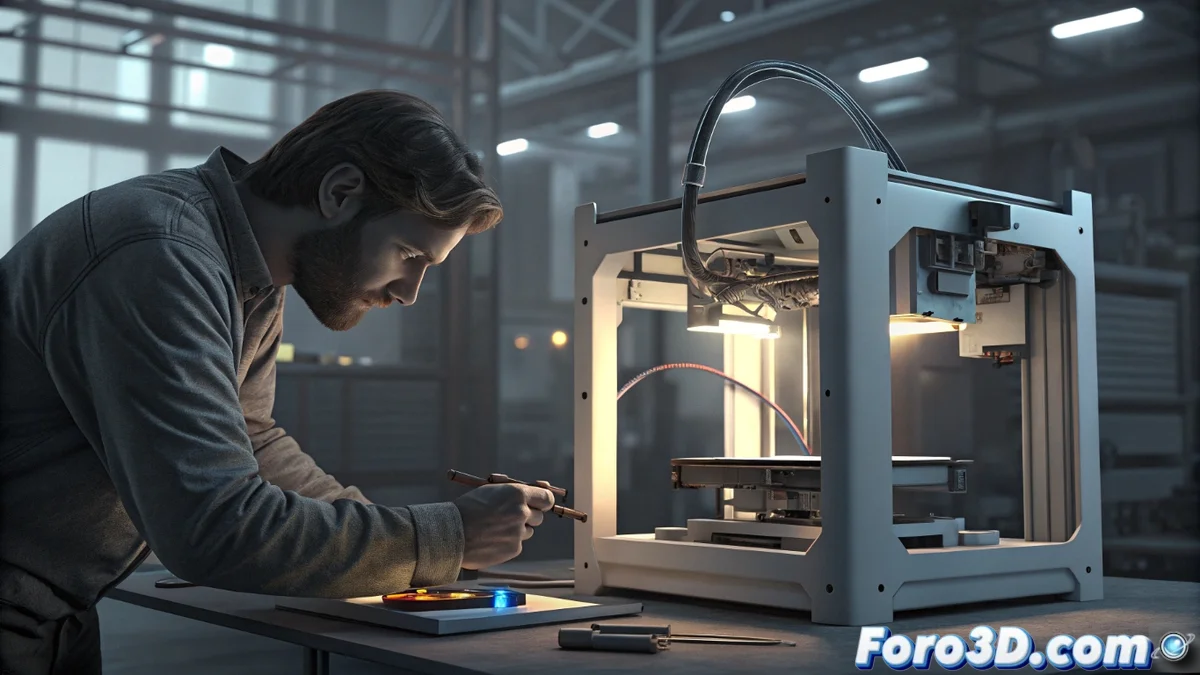
Solving the Touch Screen Failure on the Bamboo Printer
Imagine being in the middle of an exciting 3D printing project when, suddenly, your Bamboo printer's touch screen refuses to obey. This communication problem between the mainboard and the touch hardware is more common than it seems, but it's not the end of the world, as image display continues to work flawlessly. Let's unravel this enigma step by step so you can regain control of your equipment quickly. 😎
Initial Diagnosis of the Issue
Before diving into complex repairs, it's essential to start with the basics. Check the physical connections, such as cables and ports, because a simple poor coupling could be the source of this interruption. Don't forget to perform a full device restart, a measure that often resolves transient faults and restores harmony between components, avoiding unnecessary diagnostics in your 3D printing routine.
Key Steps for Intervention:- Safely disconnect the printer to avoid electrical risks, then thoroughly examine the touch controller for signs of wear or visible damage, which is fundamental for identifying structural problems.
- If you find no obvious damage, proceed to update the firmware using Bamboo's official software, an action that not only restores communication between parts but also prevents repeated issues in printers of this model.
- Make sure to follow a logical order in these steps to minimize disruptions in your workflow, keeping your equipment in optimal condition for future prints.
If your printer behaves like an elusive cat that flees from caresses, a simple restart might be all it needs to remember who's in charge in your 3D creation workshop.
Extra Tips to Optimize Your Printer
Once you've addressed the core of the problem, consider additional options to reinforce your equipment's reliability. For example, if the hardware is in good condition, perform a manual calibration of the screen to fine-tune its sensitivity, or check the user manual for specific error codes that speed up the process and reduce downtime in your printing sessions.
Practical Recommendations:- Consult the manual carefully to decode any error code that appears, saving you hours of frustration and guiding you to precise solutions.
- Incorporate preventive maintenance routines, such as periodic connection checks, to prevent this type of failure from becoming a constant in your 3D printing setup.
- Explore forums and community resources to share similar experiences, enriching your knowledge and adapting strategies that fit your specific Bamboo printer model.
Final Conclusion and Reflections
In summary, dealing with a touch screen controller that stops responding on your Bamboo printer doesn't have to be an insurmountable obstacle. By following these detailed steps, from initial verification to updates and calibrations, you'll be equipped to restore full functionality. Remember that, as in any repair process, patience and care are key, and with a bit of ingenuity, your printer will once again be the faithful companion in your creative projects. 🌟