Fixing the HMS_0C00-0800 Error in Bambu Lab: Pressure Advance Calibration Failed
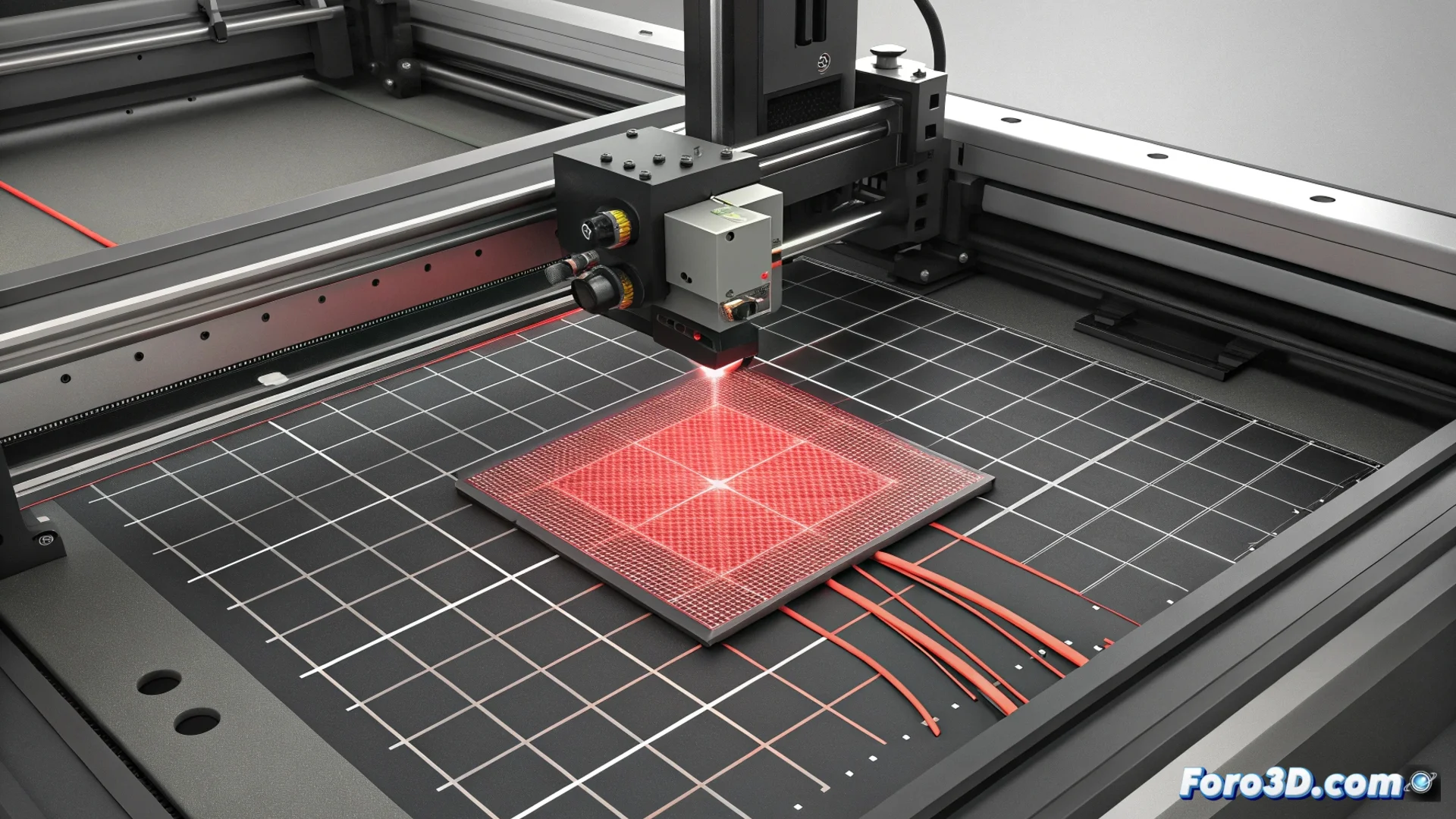
When your Bambu Lab printer displays the code HMS_0C00-0800, it is communicating a critical issue: its Lidar sensor cannot process the test lines it generates to adjust the Pressure Advance (also known as Linear Advance) correctly. This failure prevents the machine from establishing a reliable parameter to manage filament flow during accelerations and decelerations, which typically results in rounded corners, defects in fine details, and overall diminished print quality. 🚨
Diagnosing the Root Cause of the Lidar Failure
The core of the error lies in the scanning system not interpreting the calibration lines as valid. For the Lidar to function, it needs a uniform and reflective test surface. Any interference in this process will cause the calibration to fail systematically, preventing optimization of how the extruder responds to speed changes.
Initial Verification Steps:- Thoroughly clean the head and bed: Ensure there are no filament residues, dust, or grease on the nozzle, purger, or print surface. Even a small remnant can scatter the laser light and falsify the reading.
- Check bed leveling and first layer: The initial test line must be deposited completely evenly. An uneven layer, with under-extrusion or over-extrusion, will generate a pattern that the Lidar will reject.
- Inspect the filament condition: Wet material, inconsistent diameter, or low-quality filament can produce irregular lines that the sensor cannot analyze.
The machine can be demanding with the quality of the test lines, similar to a quality control system that rejects a product for a minimal imperfection in its shape.
Adjustments and Practical Solutions to Overcome the Error
If basic verification does not resolve the issue, it is necessary to intervene in the print parameters and machine settings. The goal is to present the Lidar sensor with the clearest and most consistent line pattern possible.
Strategies to Force a Successful Calibration:- Use dry and reliable filament: Prioritize a material you know and that has been stored in dry conditions. This ensures stable extrusion.
- Manually adjust the base flow: Before running the Pressure Advance test, manually calibrate the flow value (Flow Ratio) for the first layer. This creates a more uniform base for the test lines.
- Reduce the test print speed: Lowering the speed during calibration can help the lines deposit more precisely and be more readable for the sensor.
- Temporarily disable filament detection: In the tray (AMS), try disabling the function that checks the filament. Sometimes, this process can introduce variables that interfere with the main test.
Conclusion and Final Steps
Resolving the HMS_0C00-0800 error requires a methodical approach: from ensuring impeccable hardware and surface conditions to fine-tuning material and speed parameters. By overcoming this obstacle, your Bambu Lab printer will be able to establish an optimal Pressure Advance value, regaining precise control of the filament in fast movements and, consequently, the sharpness and definition of your prints. If the problem persists after these steps, it may indicate a deeper issue with the Lidar sensor hardware. 🔧