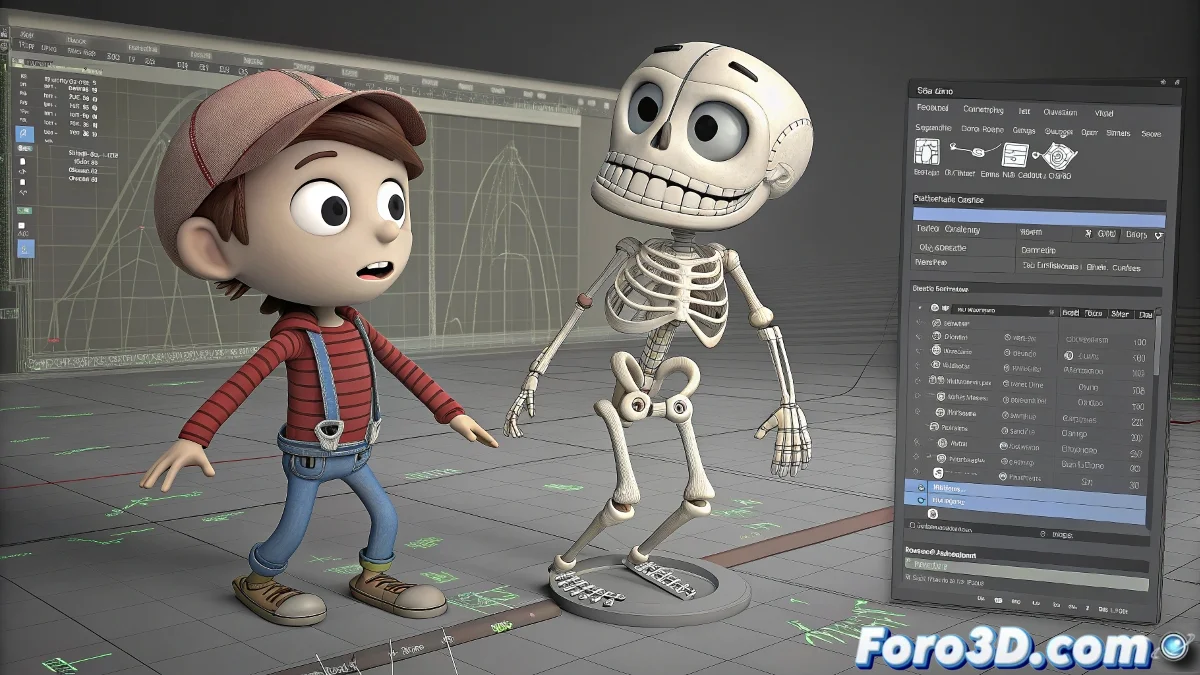
The Chaos of Animating Two Characters in the Same Scene: When One Decides to Deform 🤹♂️
Animating two characters simultaneously should be like a coordinated dance, but it often turns into a spectacle of grotesque deformations. The problem usually lies in cross influences between the rigs, where bones from one character end up controlling parts of the other, creating unintentional 3D monsters.
The 4 Deadly Sins of Multiple Animation
These are the main culprits behind the deformations:
- Shared Skinning: Vertices influenced by bones from both characters
- Overlapping Controllers: Control objects that affect both rigs
- Duplicated Namespace: Bones with identical names causing conflicts
- Mixed Animation Layers: Keyframes that apply to the wrong character
"Animating two characters in a scene is like having two cats in a sack: it seems like a good idea until the scratches start"
Workflow to Avoid the 3D Apocalypse
Follow this strategy to keep peace between your characters:
- Prepare each rig separately with unique names
- Use independent animation layers for each character
- Verify skinning weights with the Paint Weights tool
- Animate in separate scenes and combine at the end
- Test with References/XRefs to maintain isolation
First Aid for Catastrophic Deformations
If you're already in trouble:
- Symptom: Parts of character B move with A
Cure: Check bone influences and delete cross connections - Symptom: Random deformations when moving controls
Cure: Freeze transformations and reset to default values - Symptom: One character affects the other only on certain frames
Cure: Look for ghost keyframes in the Graph Editor
Remember: if all else fails, you can always say it's a transformation scene from a badly cast spell. After all, in the 3D world as in magic, sometimes errors are just unplanned special effects ✨.