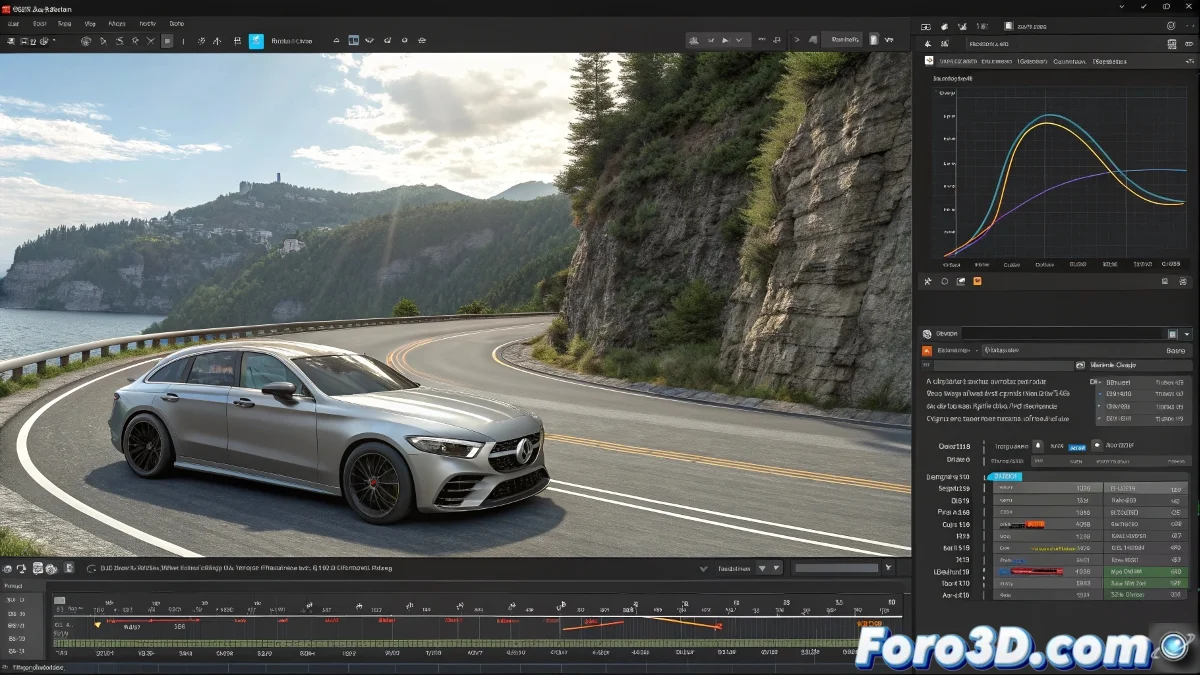
When Your Camera Does Breakdance (And It's Not What You Wanted) 💃
Nothing ruins a spectacular animation more than a camera that moves like it has the hiccups. Those annoying jumps between frames can turn your masterpiece into a turbulent ride. But don't worry, with these adjustments you'll smooth the movement like a pro.
Diagnosis: Why Does My Camera Have Nervous Tics?
The usual culprits are:
- Wrong Interpolation: Linear or stepped keyframes instead of Bezier
- Rebellious Frames: Inconsistent rates between software
- Corrupt Sequences: Lost or misnamed frames
- Misleading Preview: What you see in Max isn't always what you render
Emergency Treatment for Convulsive Animations
Open the Curve Editor and apply this emergency protocol:
- Convert all keyframes to Bezier interpolation
- Smooth the curves by removing unnecessary keyframes
- Adjust the tangents for more organic movements
A perfect animation is like a good espresso: strong, smooth, and without lumps. Jumps are the poorly ground beans in your render.
Foolproof Workflow
Set up this perfect trio:
- In 3ds Max: Verify that Project Settings > Time Configuration matches your render
- In V-Ray: Use Frame Buffer to review frame by frame
- In After Effects: Apply Interpret Footage > Main with the correct rate
Additional Tricks for the Professional Touch
For that extra quality:
- Add motion blur in post-production
- Try the ReelSmart Motion Blur plugin
- Render in separate passes for greater control
Conclusion: Cameras That Glide Like Olympic Skaters ⛸️
With these adjustments, your camera will go from moving like a rusty robot to floating like a feather. And remember: in animation, the difference between amateur and professional is in the details that aren't noticed... until they're missing.
Now go and make that camera move so smoothly that even grandmas will sigh when they see it. But don't overdo it, it's not a romantic novel. 😉