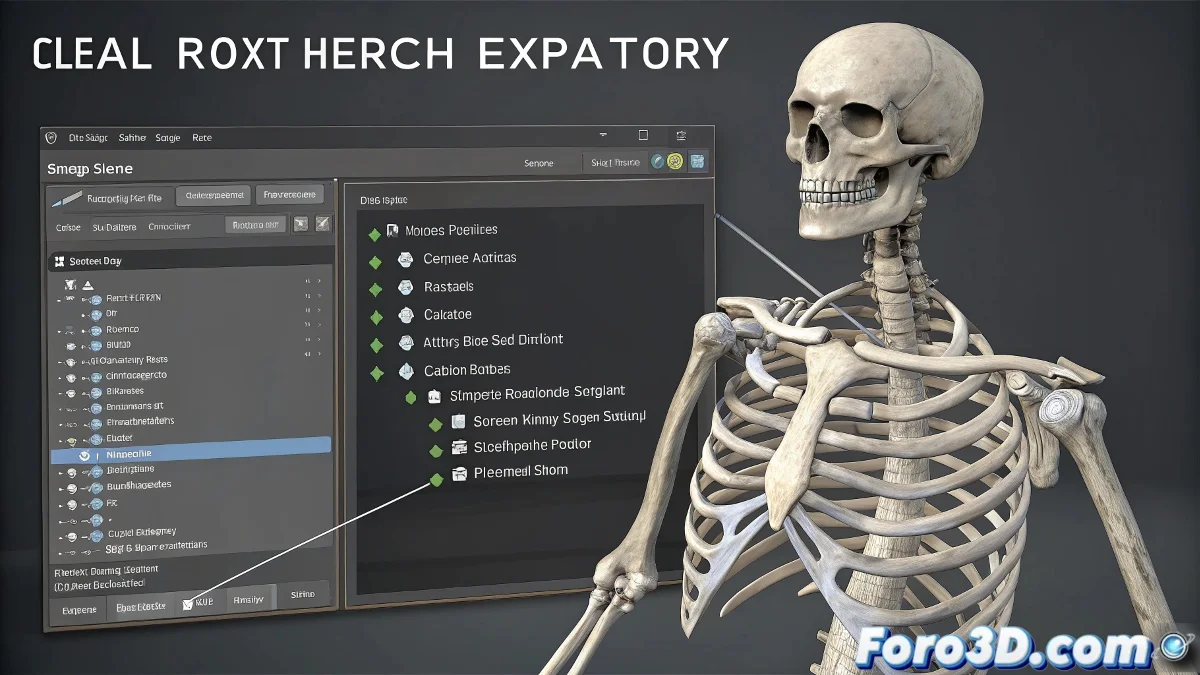
The Chaos of Rebellious Bones When Exporting to Unreal Engine 🦴⚡
When Unreal Engine yells at you about "multiple root bones", it's like your character has developed multiple personalities. This classic error occurs when the FBX contains disconnected bone hierarchies that confuse the engine, even though you only see a unified skeleton in your 3D software.
The Usual Suspects
These are the most common culprits:
- Orphaned Helpers: Forgotten control objects outside the hierarchy
- Decorative Bones: Rig elements that Unreal doesn't need
- Hidden Geometry: Meshes with their own bones that go unnoticed
- Enthusiastic Exporter: FBX settings that include too much
"A good FBX export is like an organized move: everything must go in labeled boxes, nothing loose around"
Step-by-Step Cleanup Process
- Audit your scene:
- Use Select by Hierarchy in 3ds Max
- Look for objects with bone icons that are not connected
- Simplify the rig:
- Remove unnecessary helpers
- Consolidate redundant controls
- Configure the export:
- Check "Selected Objects Only"
- Disable "Include Auxiliary Geometry"
Quick Solutions Table
| Symptom | Solution |
|---|---|
| Facial bones as roots | Connect them to the main skeleton temporarily |
| Loose IK/Pole Vector helpers | Exclude them from the export |
| Multiple characters in scene | Export each rig separately |
Pro tip: Use FBX Review to preview the bone structure before importing to Unreal. And remember: a rig for a game engine should be like a benevolent dictatorship - one single root bone clearly in charge. If your character wants bone democracy, tell it to go for cinema, not realtime 😅.