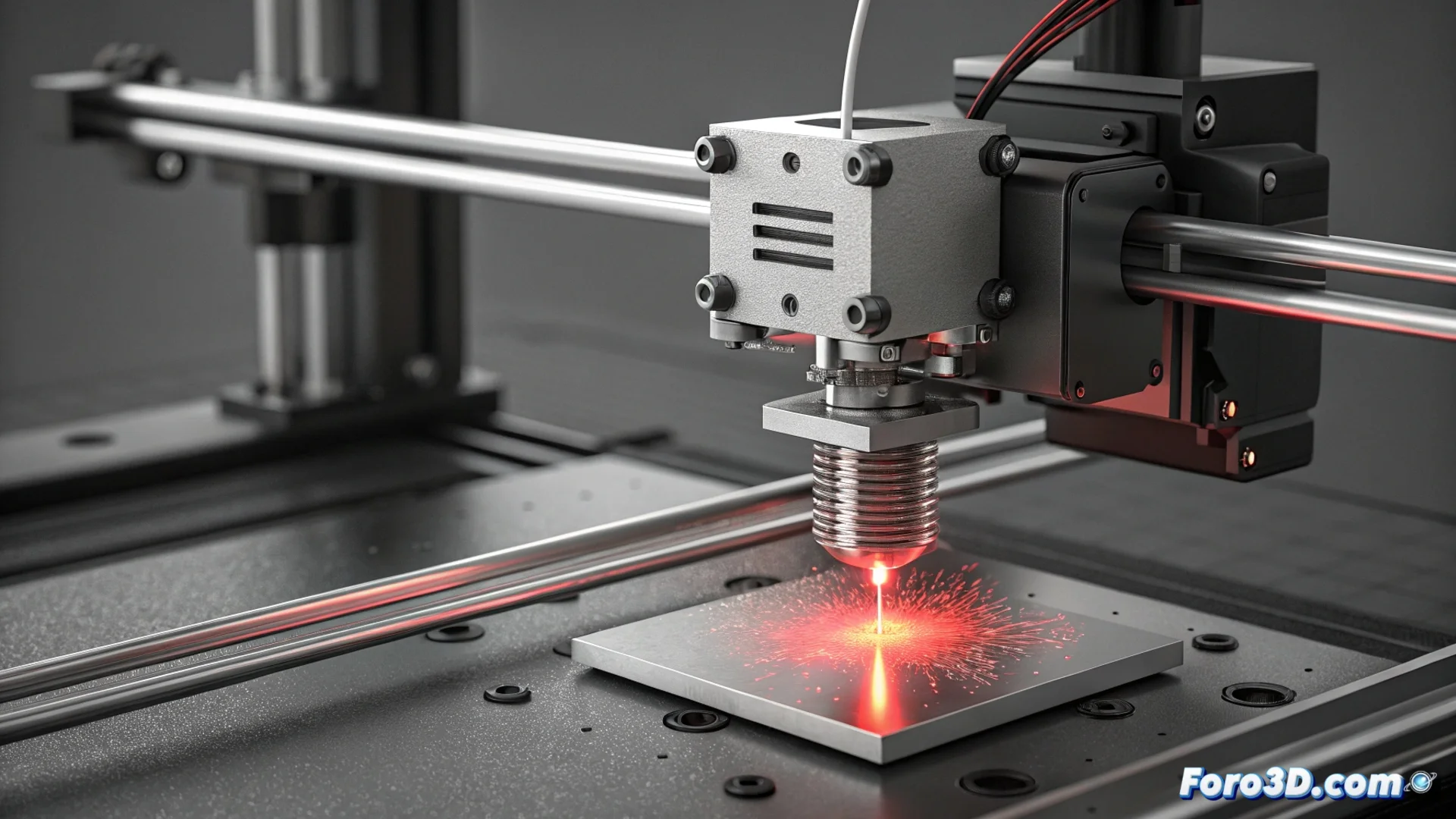
Fixing the HMS_0703-0100 Error in Bambu Lab Due to Incorrect Filament Diameter
When your Bambu Lab printer displays the code HMS_0703-0100, it is reporting a critical issue with the material you are using. The sensor located at the extruder entrance has detected that the filament diameter is outside the range the machine considers safe for printing. Ignoring this alert can lead to immediate failures in your prints. 🚨
What does this error really mean?
This error message acts as a precision guardian. Whether optical or mechanical, the sensor constantly measures the thickness of the incoming plastic. Its function is to ensure uniform feeding. If the filament has thicker or thinner sections than expected, the system blocks it to prevent a clog in the hotend or the extruder pushing an incorrect amount of plastic. The direct consequences are under-extrusion, over-extrusion, or the print stopping completely.
Diagnose and resolve the main cause: the filament
The most common origin of this error is the material itself. Not all spools are manufactured with the same tolerance.
Steps to inspect your filament:- Visually check several meters: Unroll part of the spool and look for bulges, ridges, or obvious thickness changes under good lighting.
- Use a caliper or micrometer: Measure the diameter at least 10 different points along a section. For a nominal 1.75 mm filament, measurements should range between 1.70 mm and 1.80 mm. Greater variations are the likely cause.
- Evaluate overall quality: Check that the material is not moist (crisp), brittle, or showing signs of degradation. Budget filaments often have more diameter irregularities.
A precise diameter sensor is the first quality filter for a successful print; it rejects material that could ruin hours of work.
Maintain the sensor in optimal condition
If you have ruled out filament issues, the next point to check is the sensor itself. Dirt is its main enemy.
Cleaning and verification process:- Turn off and unplug the printer: Always prioritize safety before handling internal components.
- Clean with compressed air: Carefully blow around the sensor slot to remove dust or plastic particles that distort the measurement.
- Check the mechanism (mechanical sensors): If your sensor has a wheel or lever that rubs against the filament, ensure it spins or moves completely smoothly, without sticking. Any resistance generates false readings.
- Look for flexible filament residues: Materials like TPU can leave small fibers or burrs that snag and physically interfere with the sensor.
Adjust tolerance and conclusion
Sometimes, the sensor can be excessively strict with filaments that, although they have slight variations, are usable. Some firmwares or management applications like Bambu Studio allow adjusting tolerance thresholds or temporarily disabling this check for known materials, although it is not recommended for general use. The key is understanding that this error is not a machine whim, but a protection. Resolving it involves ensuring you use consistently quality filament and that the feed path is clean and free of obstructions. Addressing these two areas will restore the reliability of your Bambu Lab printer and the quality of your prints. ✅